Obsidian, Zettlr and The Archive are the first three tools on this shortlist for practicing the Zettelkasten method with linked notes, followed by RemNote, Capacities and Reflect. It is for writers, students and thinkers who want to connect notes to each other and keep them as small, linked pieces. Each item notes what the vendor documents about linking and where its platform scope ends.
The shortlist
Side-by-side comparison
| Tool | Who it is for | Platforms | Pricing |
|---|---|---|---|
 ObsidianDynalist Inc. | Building a personal wiki of linked Markdown notes | Not stated on official pages | Pricing on obsidian.md |
 ZettlrZettlr | Academic writers who want linked notes and citations | Windows, macOS and Linux | Pricing on zettlr.com |
 The ArchiveZettelkasten.de | Mac users who write in plain text and link notes | macOS | Pricing on zettelkasten.de |
 RemNoteRemNote | Students who want linked notes plus flashcards | Mac, Windows and Linux desktop apps, plus iOS and Android | Pricing on remnote.com |
 CapacitiesCapacities | Thinkers who prefer typed, connected objects to files | Mac, Windows, Linux, iOS and Android | Pricing on capacities.io |
 ReflectReflect App | Apple users who want daily notes with backlinks | Mac, iPhone and iPad | Pricing on reflect.app |
Quick verdict by need
- Obsidian if you need building a personal wiki of linked Markdown notes.
- Zettlr if you need academic writers who want linked notes and citations.
- The Archive if you need mac users who write in plain text and link notes.
- RemNote if you need students who want linked notes plus flashcards.
- Capacities if you need thinkers who prefer typed, connected objects to files.
- Reflect if you need apple users who want daily notes with backlinks.
Tool details
#1 · Dynalist Inc.
Obsidian
Building a personal wiki of linked Markdown notes

Obsidian is a flexible note-taking app that stores notes as plain text Markdown files on the user's device. Notes can be linked to each other to build a personal wiki.
Documented strengths
- Notes linked to each other as a personal wiki
- Graph view of relationships between notes
- Plain text Markdown files in open formats
- Plugins, themes and an open API
- Canvas for research and diagramming
Documented limits
The facts we used describe linking and a graph view but do not mention backlinks or a built-in Zettelkasten workflow, so check the vendor documentation. Platforms are not stated on the pages we used.
- Who it is for
- Building a personal wiki of linked Markdown notes
- Platforms
- Not stated on official pages
- Pricing
- See the vendor's own pricing page for current plans and costs. obsidian.md
- Facts checked
- 21 November 2026
Why it is placed here: It sits first because linked notes live in plain Markdown files with a graph view, and plugins and an open API let users shape the setup around their own method.
#2 · Zettlr
Zettlr
Academic writers who want linked notes and citations
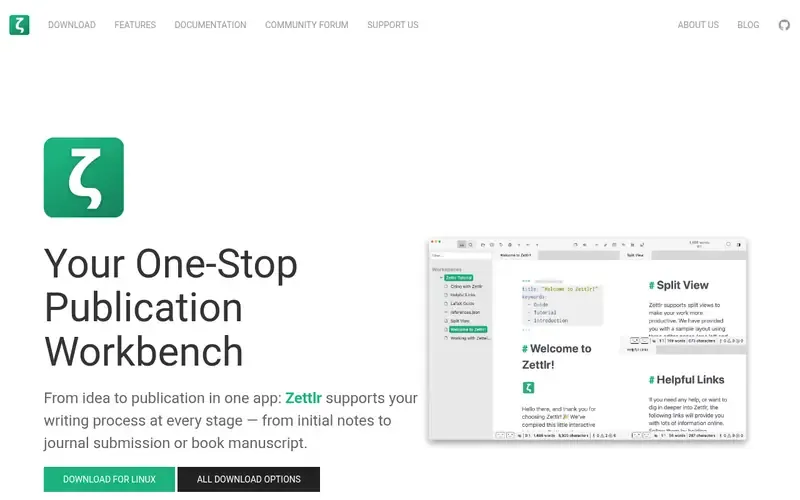
Zettlr is an open source, Markdown-based writing workbench for researchers, journalists and writers, with Zettelkasten and citation support.
Documented strengths
- Zettelkasten-style note-taking
- Note IDs and wiki-style links
- Graph view
- Zotero, JabRef and Juris-M integration
- Pandoc-powered export with templates
Documented limits
Documented for Windows, macOS and Linux only, so users who need mobile apps should check the vendor documentation. Its strengths lean toward papers and citations rather than quick capture.
- Who it is for
- Academic writers who want linked notes and citations
- Platforms
- Windows, macOS and Linux
- Pricing
- See the vendor's own pricing page for current plans and costs. zettlr.com
- Facts checked
- 21 November 2026
Why it is placed here: It is the tool here whose pages explicitly document Zettelkasten-style note-taking, with note IDs, wiki-style links and a graph view; it sits second because it is oriented toward research writing.
#3 · Zettelkasten.de
The Archive
Mac users who write in plain text and link notes
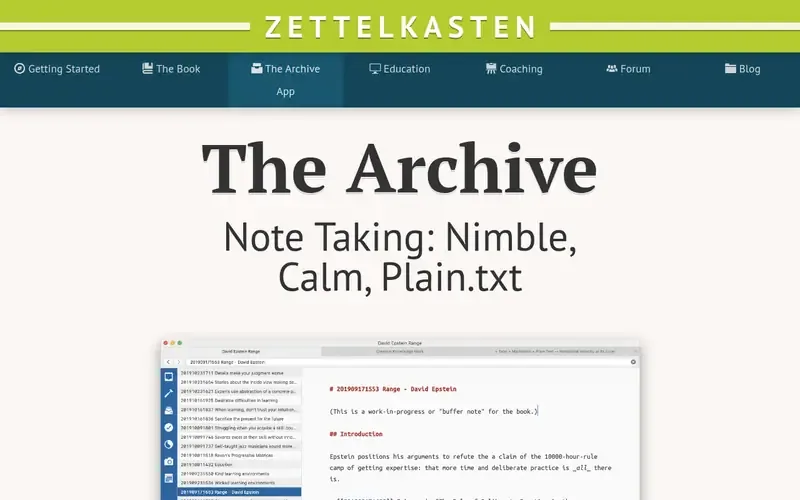
The Archive is a macOS note-taking app built on plain text and Markdown, designed to be calm, simple and fast for creative thinking.
Documented strengths
- Plain text notes with Markdown support
- Tags and links auto-complete as you type
- Hashtags for organizing notes
- Saved searches for switching between subsets of notes
- Typewriter mode and themes
Documented limits
It requires macOS, so Linux, Windows and mobile users cannot use it according to the pages we used. Syncing relies on a cloud storage service the user chooses.
- Who it is for
- Mac users who write in plain text and link notes
- Platforms
- macOS
- Pricing
- See the vendor's own pricing page for current plans and costs. zettelkasten.de
- Facts checked
- 21 November 2026
Why it is placed here: It sits third because it comes from Zettelkasten.de and is built on plain text with auto-completing links and tags, but it is documented for macOS only.
#4 · RemNote
RemNote
Students who want linked notes plus flashcards
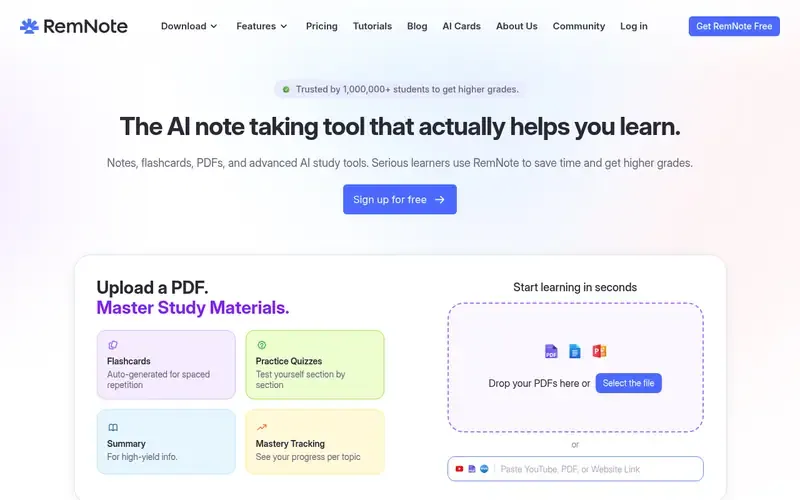
RemNote is a note-taking and knowledge-base app that combines outlining notes, PDF annotation, AI tools and spaced-repetition flashcards for learners.
Documented strengths
- Outlining editor for structuring and connecting ideas
- Spaced-repetition flashcards
- PDF annotation with multiple highlight colors
- Offline editing with automatic merge on sync
- Desktop apps for Mac, Windows and Linux
Documented limits
The pages we used do not mention backlinks or Zettelkasten practice, and the emphasis is on learning and exam preparation. Check the vendor documentation if atomic-note linking is your main need.
- Who it is for
- Students who want linked notes plus flashcards
- Platforms
- Mac, Windows and Linux desktop apps, plus iOS and Android
- Pricing
- See the vendor's own pricing page for current plans and costs. remnote.com
- Facts checked
- 21 November 2026
Why it is placed here: It sits fourth because its outlining editor lets users structure and connect ideas, but its design centers on study and flashcards more than on a Zettelkasten workflow.
#5 · Capacities
Capacities
Thinkers who prefer typed, connected objects to files

Capacities is a note-taking and knowledge management app that organizes ideas as connected objects instead of files and folders.
Documented strengths
- Backlinks showing every connection to an item
- Related Content surfaces unlinked mentions
- Daily note as an inbox
- Custom object types with properties
- Graph view of the knowledge network
Documented limits
Notes are organized as objects rather than plain files, so users who want a folder of Markdown files should check the vendor documentation. It documents full export to standard formats.
- Who it is for
- Thinkers who prefer typed, connected objects to files
- Platforms
- Mac, Windows, Linux, iOS and Android
- Pricing
- See the vendor's own pricing page for current plans and costs. capacities.io
- Facts checked
- 21 November 2026
Why it is placed here: It sits fifth because backlinks, automatic unlinked mentions and a graph view are documented, but its object-based model differs from the file-based notes most Zettelkasten setups use.
#6 · Reflect App
Reflect
Apple users who want daily notes with backlinks
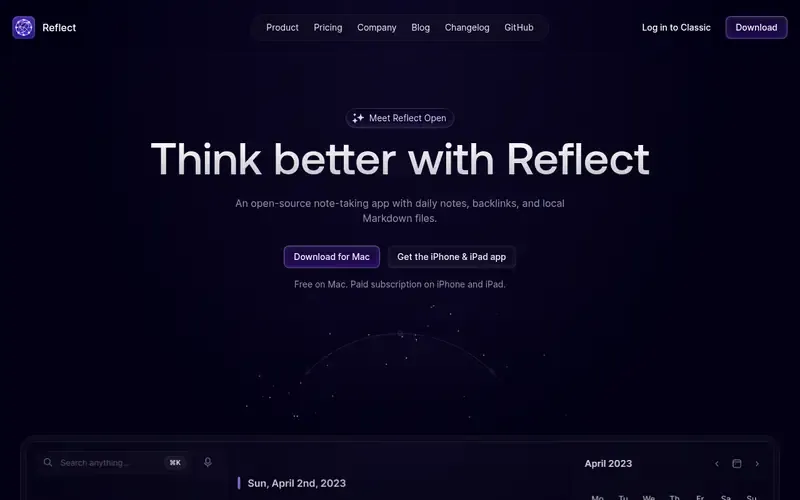
Reflect is an open-source note-taking app with daily notes, backlinks and local Markdown files, synced through iCloud Drive or Git.
Documented strengths
- Daily notes and backlinks
- Notes linked into a graph
- Local Markdown files in a folder the user chooses
- Sync through iCloud Drive or Git
- Optional AI using the user's own API key
Documented limits
Documented for Mac, iPhone and iPad only, so Linux and Windows users cannot use it according to the pages we used. AI features are optional, and notes marked private are excluded from AI.
- Who it is for
- Apple users who want daily notes with backlinks
- Platforms
- Mac, iPhone and iPad
- Pricing
- See the vendor's own pricing page for current plans and costs. reflect.app
- Facts checked
- 21 November 2026
Why it is placed here: It sits last because backlinks and local Markdown files suit linked notes, but it is documented for Apple devices only.
Sources
- Obsidian: obsidian.md, obsidian.md/about, obsidian.md/security (21 Nov 2026)
- Zettlr: zettlr.com, zettlr.com/about, zettlr.com/features (21 Nov 2026)
- The Archive: zettelkasten.de/the-archive, zettelkasten.de/overview, zettelkasten.de/overview (21 Nov 2026)
- RemNote: remnote.com, remnote.com/about, remnote.com/feature/annotate-pdf (21 Nov 2026)
- Capacities: capacities.io, capacities.io/product, capacities.io/about/team (21 Nov 2026)
- Reflect: reflect.app (21 Nov 2026)
Related guides
How we compiled this
We looked at how each tool fits a linked-notes workflow: documented linking features such as wiki-style links, backlinks and graph views, how notes are stored, and which platforms the vendor lists. Only Zettlr explicitly documents Zettelkasten-style note-taking, and The Archive comes from Zettelkasten.de. For the rest we describe linking features as the vendor states them and do not claim a Zettelkasten workflow the pages do not mention.
The order reflects editorial fit for building a Zettelkasten, and each item explains in words why it sits where it does. It does not mean any tool is better overall. Facts come from official vendor pages, and the list is built from documentation rather than product trials, so check the vendor documentation for any detail that decides your choice, such as a platform or a specific linking feature.
Order used: Ordered by native support for atomic notes, backlinks and the Zettelkasten workflow, closest fit first.
Common questions
Which tools here document Zettelkasten-style note-taking?
Zettlr explicitly documents Zettelkasten-style note-taking, with note IDs, wiki-style links and a graph view. The Archive comes from Zettelkasten.de, and the other tools describe linking features without naming the method.
Which of these tools support backlinks?
Capacities and Reflect both document backlinks. Obsidian and Zettlr document links between notes and a graph view, and RemNote describes an outlining editor for connecting ideas.
Which tools keep notes as plain Markdown or text files?
Obsidian saves plain text Markdown files, The Archive stores notes as plain text with Markdown support, and Reflect uses local Markdown files. Zettlr is Markdown-based and keeps files on the user's computer.
Do I need a Mac to build a Zettelkasten with these tools?
No. The Archive is documented for macOS only and Reflect for Mac, iPhone and iPad. Zettlr, Capacities and RemNote document Linux desktop apps, and Obsidian's platforms are not stated on the pages we used.
The editorial order is unpaid. A vendor can buy one labelled featured slot per guide, but it gets the same fact check as everyone else and cannot alter or remove a competitor's entry. Guidehurst is independent. Product names and logos belong to their respective owners.