For HR and operations teams who want new hires to find processes and answers on their own, Guru, Slite and Notion are the first tools to look at, followed by Tettra, Confluence and Nuclino. Guru comes first because it documents verified, cited answers delivered where people already work, such as Slack and Microsoft Teams. This shortlist is for teams choosing a searchable home for onboarding content.
The shortlist
Side-by-side comparison
| Tool | Who it is for | Platforms | Pricing |
|---|---|---|---|
 GuruGuru Technologies | Larger teams that need verified, cited answers where employees already work | Slack, Microsoft Teams and a browser extension | Pricing on getguru.com |
 SliteSlite | Teams that want a dedicated knowledge base with AI search and owner-approved updates | Slite app, Slack and the browser; production data hosted on Google Cloud Platform in the EU (Belgium) | Pricing on slite.com |
 NotionNotion Labs | Teams that want onboarding content, databases and automation in one workspace | Not stated on official pages | Pricing on notion.com |
 TettraTettra | Teams that want new hires to get answers to repeat questions in Slack | Tettra and Slack | Pricing on tettra.com |
 ConfluenceAtlassian | Organizations already using Atlassian tools that want a shared knowledge base | Not stated on official pages | Pricing on atlassian.com |
 NuclinoNuclino | Teams that want a lightweight, multi-view workspace for documents and projects | Browser, desktop and mobile apps | Pricing on nuclino.com |
Quick verdict by need
- Guru if you need larger teams that need verified, cited answers where employees already work.
- Slite if you need teams that want a dedicated knowledge base with AI search and owner-approved updates.
- Notion if you need teams that want onboarding content, databases and automation in one workspace.
- Tettra if you need teams that want new hires to get answers to repeat questions in Slack.
- Confluence if you need organizations already using Atlassian tools that want a shared knowledge base.
- Nuclino if you need teams that want a lightweight, multi-view workspace for documents and projects.
Tool details
#1 · Guru Technologies
Guru
Larger teams that need verified, cited answers where employees already work
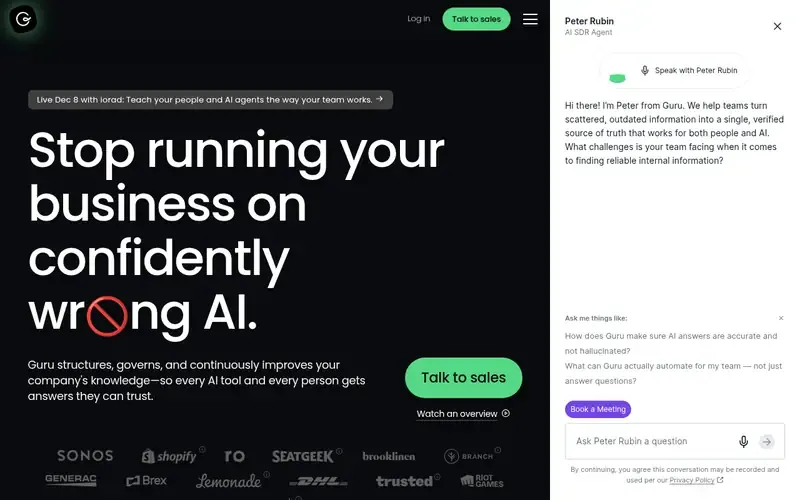
Guru is a governed enterprise knowledge layer that structures, verifies and delivers company knowledge to people and AI tools. It connects enterprise apps, databases and file systems into one knowledge layer.
Documented strengths
- Every AI answer cites its sources
- Most verification is automated, with escalation to experts when needed
- Cited answers in Slack and search in Microsoft Teams
- Browser extension that surfaces knowledge based on the page being viewed
- Role-based access controls over who can view, edit and manage content
Documented limits
Documented as an enterprise knowledge layer; HR teams that want a simple page-based wiki should check how much of the governance tooling they need. Sources keep their original access controls at ingestion, so permission setup in connected systems matters.
- Who it is for
- Larger teams that need verified, cited answers where employees already work
- Platforms
- Slack, Microsoft Teams and a browser extension
- Pricing
- See the vendor's own pricing page for current plans and costs. getguru.com
- Facts checked
- 21 November 2026
Why it is placed here: It sits first because new hires get cited answers in Slack and Microsoft Teams, and most verification is automated, which keeps onboarding content trustworthy.
#2 · Slite
Slite
Teams that want a dedicated knowledge base with AI search and owner-approved updates
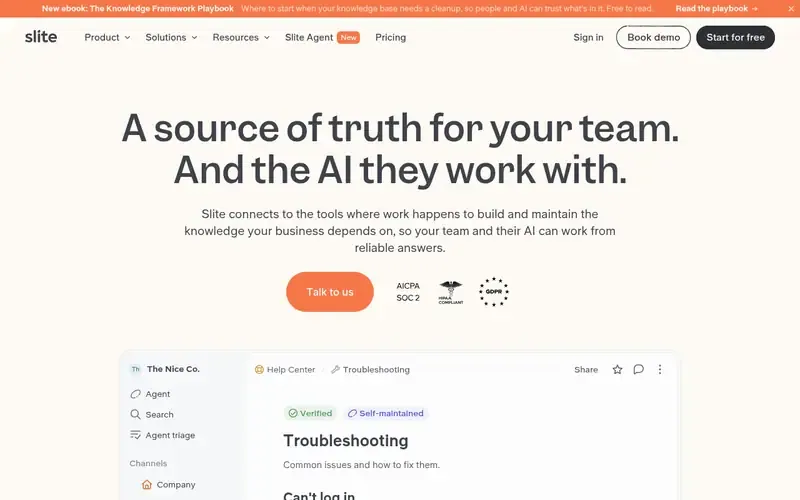
Slite is an AI knowledge base that connects to work tools to build and maintain business knowledge for teams and their AI.
Documented strengths
- AI search answers with citations in Slite, Slack and the browser
- Slite Agent drafts updates to outdated docs for approval
- Docs can be verified so teams know what is relevant
- Audit logs, version history and draft states
- Reader-only seats, SSO, SCIM and role-based permissions
Documented limits
Documented as a knowledge base for teams; it is not described as an HR or onboarding-specific product. HIPAA support including a BAA is offered to enterprise-tier customers.
- Who it is for
- Teams that want a dedicated knowledge base with AI search and owner-approved updates
- Platforms
- Slite app, Slack and the browser; production data hosted on Google Cloud Platform in the EU (Belgium)
- Pricing
- See the vendor's own pricing page for current plans and costs. slite.com
- Facts checked
- 21 November 2026
Why it is placed here: It follows Guru because it documents cited AI search in Slite, Slack and the browser, plus an agent that finds outdated docs and drafts updates for owners to approve.
#3 · Notion Labs
Notion
Teams that want onboarding content, databases and automation in one workspace
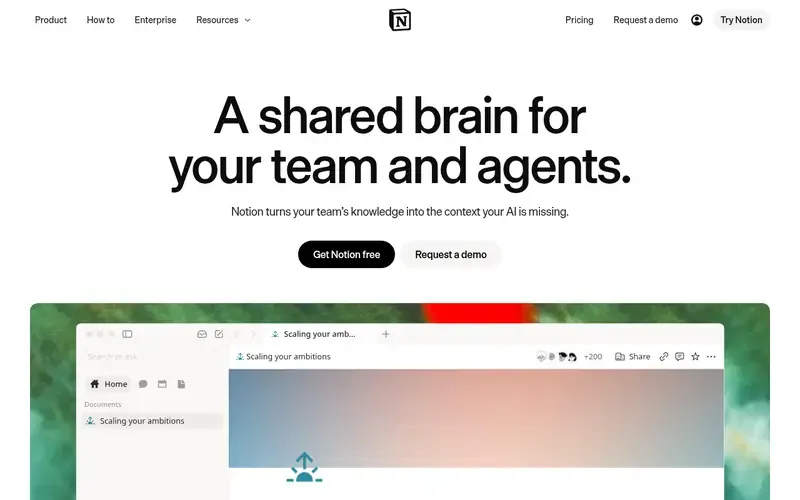
Notion is an AI workspace where teams build Custom Agents, search across their apps and automate work in one connected system. Users can customize their own workspace from building blocks.
Documented strengths
- Enterprise Search across connected apps such as Slack, Google Drive and GitHub
- Databases with subtasks, dependencies and custom properties
- Custom Agents that run recurring work on a trigger or schedule
- AI Meeting Notes that transcribe and summarize meetings
- SAML SSO and SCIM provisioning for Enterprise
Documented limits
Documented as an all-in-one workspace, so teams that want only a focused knowledge base should check how much structure they would have to set up themselves. Data residency in a specified region is offered to Enterprise customers.
- Who it is for
- Teams that want onboarding content, databases and automation in one workspace
- Platforms
- Not stated on official pages
- Pricing
- See the vendor's own pricing page for current plans and costs. notion.com
- Facts checked
- 21 November 2026
Why it is placed here: It sits third because customizable pages and databases suit structured onboarding content, though it is a broader workspace than a dedicated knowledge base.
#4 · Tettra
Tettra
Teams that want new hires to get answers to repeat questions in Slack
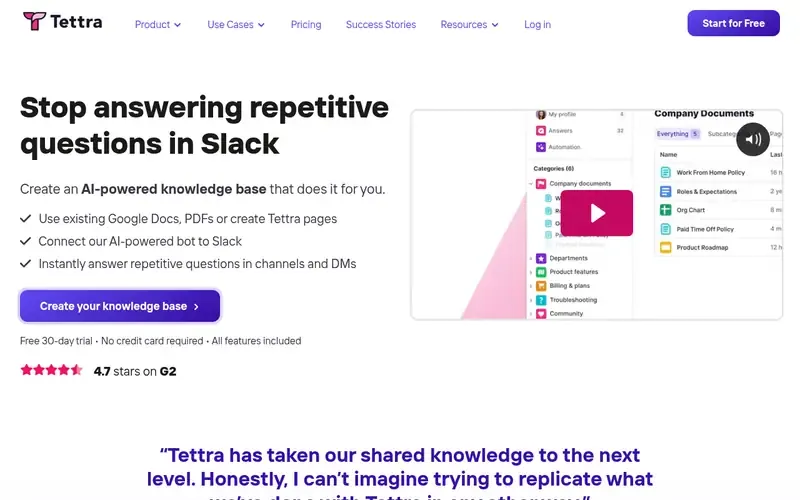
Tettra is an AI-powered knowledge base and knowledge management product that curates company information and answers teams' repetitive questions.
Documented strengths
- AI bot Kai answers questions asked in Tettra or Slack
- Unanswered questions are routed to the right person
- Subject matter experts verify page accuracy on a set schedule
- Knowledge bases built from Google Docs, PDFs or new pages
- Read-only and guest users, plus private categories
Documented limits
Documented as a knowledge base focused on curating content and answering questions. Teams that need project or task management alongside it should check the vendor documentation.
- Who it is for
- Teams that want new hires to get answers to repeat questions in Slack
- Platforms
- Tettra and Slack
- Pricing
- See the vendor's own pricing page for current plans and costs. tettra.com
- Facts checked
- 21 November 2026
Why it is placed here: It sits fourth because its Slack-connected bot answers the repeat questions new hires ask and routes unanswered ones to the right person.
#5 · Atlassian
Confluence
Organizations already using Atlassian tools that want a shared knowledge base
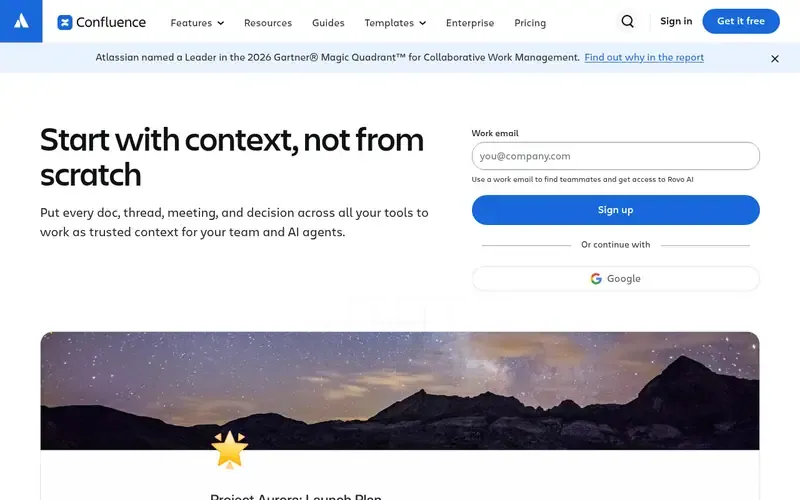
Confluence is Atlassian's AI-powered team workspace for creating, organizing and sharing knowledge. Atlassian positions it as an organization's single source of truth.
Documented strengths
- Rovo searches connected knowledge to give answers
- Status markers and automation flag stale pages
- Page history can be viewed, compared and reverted
- Permissions for users, groups or anonymous users
- Integration with Jira and embedded Loom recordings
Documented limits
Documented as a broad team workspace with whiteboards and databases, so onboarding-specific structure is something teams set up themselves. Enterprise includes SSO, SCIM and Active Directory Sync.
- Who it is for
- Organizations already using Atlassian tools that want a shared knowledge base
- Platforms
- Not stated on official pages
- Pricing
- See the vendor's own pricing page for current plans and costs. atlassian.com
- Facts checked
- 21 November 2026
Why it is placed here: It sits fifth because its page editing, permissions and stale-page flagging suit onboarding content, especially for teams already working with Jira.
#6 · Nuclino
Nuclino
Teams that want a lightweight, multi-view workspace for documents and projects
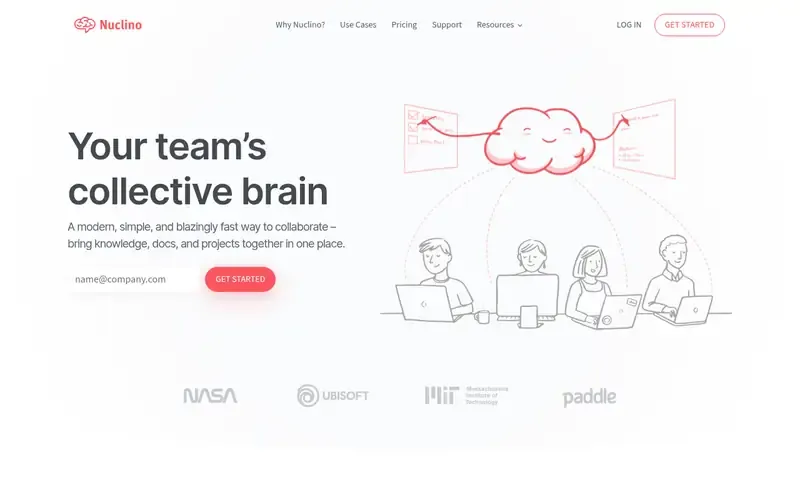
Nuclino is a collaborative workspace that brings a team's knowledge, docs and projects together in one place. It is meant to replace several collaboration tools with one.
Documented strengths
- List, board, table and graph views
- Fast search with flexible filters
- Sidekick AI assistant that drafts and summarizes
- External AI tools can connect through MCP
- SAML-based single sign-on
Documented limits
The official pages document search and the Sidekick assistant, but they do not describe answer delivery in chat tools or scheduled content verification. Teams that need those features should check the vendor documentation.
- Who it is for
- Teams that want a lightweight, multi-view workspace for documents and projects
- Platforms
- Browser, desktop and mobile apps
- Pricing
- See the vendor's own pricing page for current plans and costs. nuclino.com
- Facts checked
- 21 November 2026
Why it is placed here: It sits last because its list, board, table and graph views and fast search organize onboarding documents well, though its answer features are less documented than those of the tools above.
Sources
- Guru: getguru.com, getguru.com/about, getguru.com/features (21 Nov 2026)
- Slite: slite.com, slite.com/about, slite.com/features (21 Nov 2026)
- Notion: notion.com, notion.com/about, notion.com/security (21 Nov 2026)
- Tettra: tettra.com, tettra.com/product, tettra.com/article/what-is-knowledge-management (21 Nov 2026)
- Confluence: atlassian.com/software/confluence, atlassian.com/software/confluence/features, atlassian.com/software/confluence/templates/categories/product-management (21 Nov 2026)
- Nuclino: nuclino.com, nuclino.com/about, nuclino.com/product (21 Nov 2026)
Related guides
- Top 5 outliner tools for structured thinking and drafting
- Top 6 AI-powered personal knowledge tools for connecting ideas with smart search
- Top 6 minimalist note-taking tools for distraction-free writing
- Top 6 note-taking tools for building a Zettelkasten with linked notes
- More in Note-taking and knowledge bases
How we compiled this
We looked at how well each tool supports structured onboarding content and quick answers for new hires. We also considered the documented capabilities for keeping content accurate, searching and answering questions, and controlling access, along with the platform and deployment details the vendor publishes. Where a tool is documented as a broader workspace rather than a dedicated knowledge base, we say so in its scope notes.
All facts come from official vendor pages and were checked on the dates we recorded them. The order reflects editorial fit for onboarding, explained in words for each tool, and no tool is claimed to be better overall. The list is built from documentation, not from product trials, so teams should confirm details with each vendor before choosing.
Order used: Ordered by how well each tool supports structured onboarding content and quick answers for new hires.
Common questions
What should a knowledge base for onboarding include?
Based on the tools here, look for search that returns answers, a way to keep pages accurate, and access controls. Guru, Slite and Tettra document verification, and Tettra lets subject matter experts verify page accuracy on a set schedule.
Which tools deliver answers inside Slack?
Guru delivers cited answers in Slack, and Slite provides AI search answers in Slack. Tettra's AI bot Kai answers questions asked in Tettra or Slack.
How do these tools keep onboarding content from going stale?
Confluence uses status markers and automation to flag stale pages. Slite Agent finds outdated docs and drafts updates for owners to approve, and Tettra flags unowned, stale and public content for cleanup.
Which tools can restrict who sees certain content?
Guru uses role-based access controls, and its sources keep their original access controls at ingestion. Confluence sets permissions for users, groups or anonymous users, and Tettra supports private categories and read-only or guest users.
Can new hires search across other apps from one place?
Notion documents Enterprise Search across connected apps such as Slack, Google Drive and GitHub. Guru connects enterprise apps, databases and file systems into one knowledge layer, and Confluence uses Rovo to search connected knowledge.
The editorial order is unpaid. A vendor can buy one labelled featured slot per guide, but it gets the same fact check as everyone else and cannot alter or remove a competitor's entry. Guidehurst is independent. Product names and logos belong to their respective owners.