Workflowy, Dynalist and OmniOutliner head this shortlist of tools for organizing ideas, plans and drafts as nested, collapsible bullet hierarchies. It is written for writers, planners and anyone who thinks in outlines, and it moves from dedicated outliners to a writing-focused editor at the end.
The shortlist
Side-by-side comparison
| Tool | Who it is for | Platforms | Pricing |
|---|---|---|---|
 WorkflowyWorkFlowy | People who want one outline for everything | Web, desktop and mobile | Pricing on workflowy.com |
 DynalistDynalist Inc. | Outlines that link across a large workspace | Windows, macOS, Linux, Android and iOS | Pricing on dynalist.io |
 OmniOutlinerThe Omni Group | Apple users who want a full-featured outliner | Mac, iPad, iPhone and Apple Vision Pro | Pricing on omnigroup.com |
 Bike OutlinerHog Bay Software | Mac users with large outlines and drafting needs | Mac | Pricing on hogbaysoftware.com |
 iA WriterInformation Architects | Turning an outline into a clean draft | iPhone, iPad, Mac and Windows | Pricing on ia.net |
Quick verdict by need
- Workflowy if you need people who want one outline for everything.
- Dynalist if you need outlines that link across a large workspace.
- OmniOutliner if you need apple users who want a full-featured outliner.
- Bike Outliner if you need mac users with large outlines and drafting needs.
- iA Writer if you need turning an outline into a clean draft.
Tool details
#1 · WorkFlowy
Workflowy
People who want one outline for everything
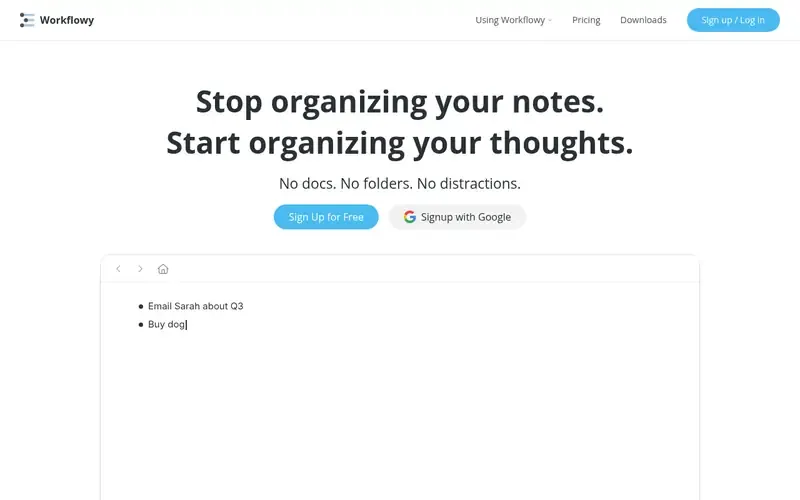
Workflowy is a note-taking and organizing tool built around a single, infinite bulleted list that holds notes, tasks, ideas and plans. It does not use docs or folders.
Documented strengths
- Single infinite document with no folders or separate files
- Enter adds an item; Tab nests it under the one above
- Notes, tasks, ideas and plans in the same place
- Syncs across web, desktop and mobile
- Teams option for working with others
Documented limits
Documented as a single-list tool without docs or folders, so people who prefer separate files per project should weigh that structure. Export formats are not stated in the facts we checked; see the vendor documentation.
- Who it is for
- People who want one outline for everything
- Platforms
- Web, desktop and mobile
- Pricing
- See the vendor's own pricing page for current plans and costs. workflowy.com
- Facts checked
- 21 November 2026
Why it is placed here: It sits first because the outline is the whole product: everything lives in one nested bullet list, which is the most direct match for thinking in hierarchies.
#2 · Dynalist Inc.
Dynalist
Outlines that link across a large workspace
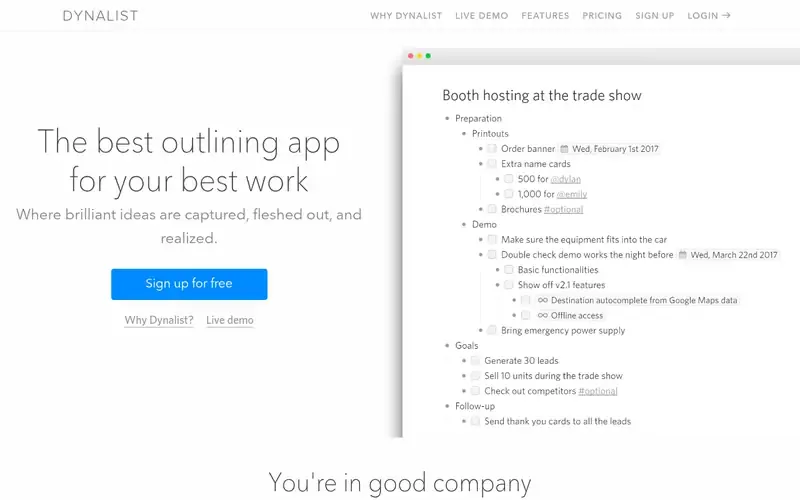
Dynalist is an outlining app for capturing, organizing and developing ideas and tasks in nested lists. It adds linking, task awareness and export options around the outline.
Documented strengths
- Items can be nested without limit
- Typing [[ links to anywhere in the workspace, with auto-complete
- Ideas can be sent under any item without cut-and-paste
- Export to OPML, plain text or formatted text
- Version history, offline access and uploads of files up to 50 MB
Documented limits
Documented as a list-based outliner with text formatting and task features; teams that need heavy document layout or print-ready output should check the vendor documentation.
- Who it is for
- Outlines that link across a large workspace
- Platforms
- Windows, macOS, Linux, Android and iOS
- Pricing
- See the vendor's own pricing page for current plans and costs. dynalist.io
- Facts checked
- 21 November 2026
Why it is placed here: It follows Workflowy because it is also built around nested lists, with extra tools for linking, moving items and exporting that suit longer planning and drafting work.
#3 · The Omni Group
OmniOutliner
Apple users who want a full-featured outliner

OmniOutliner is outlining software from The Omni Group for organizing and structuring information on Apple devices. The vendor positions it for professionals, writers, students, attorneys and software developers.
Documented strengths
- Unlimited hierarchy levels with expandable and collapsible sections
- Drag-and-drop reordering and nesting of rows
- Status checkboxes that turn an outline into a checklist
- Saved filters based on text, checkbox status, column values and more
- Imports OPML, plain text and RTF; exports to CSV, HTML, OPML, Word, PowerPoint and Excel
Documented limits
Documented for Mac, iPad, iPhone and Apple Vision Pro, with sync through iCloud Drive. Teams that work on Windows, Linux or Android should check the vendor documentation.
- Who it is for
- Apple users who want a full-featured outliner
- Platforms
- Mac, iPad, iPhone and Apple Vision Pro
- Pricing
- See the vendor's own pricing page for current plans and costs. omnigroup.com
- Facts checked
- 21 November 2026
Why it is placed here: It is a dedicated outliner with deep structure features, placed after the two list-first tools because it is documented for Apple platforms only.
#4 · Hog Bay Software
Bike Outliner
Mac users with large outlines and drafting needs
Bike is an outliner designed for the Mac and described by its vendor as unusually fast. It is used to think, write, organize, make lists, take notes and create documents.
Documented strengths
- Built for speed on big projects
- Row types including headings, ordered lists and task lists
- Rich text editor with live word counts in the status bar
- Full screen, typewriter and focus modes
- Native .bike format is HTML; .opml and .txt are also supported
Documented limits
Documented as a Mac-only app, so it does not cover Windows or Linux users. Teams that need real-time collaboration should check the vendor documentation.
- Who it is for
- Mac users with large outlines and drafting needs
- Platforms
- Mac
- Pricing
- See the vendor's own pricing page for current plans and costs. hogbaysoftware.com
- Facts checked
- 22 November 2026
Why it is placed here: It is a dedicated outliner that leans toward writing, so it comes after the tools centered purely on structure and before the Markdown editor.
#5 · Information Architects
iA Writer
Turning an outline into a clean draft
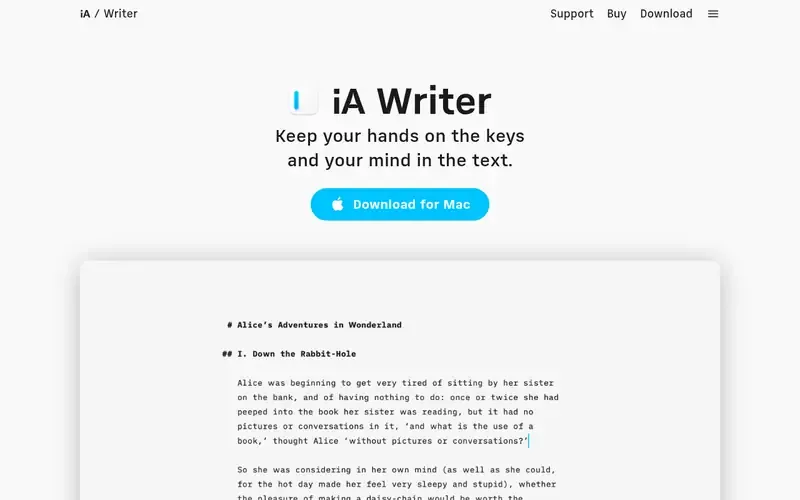
iA Writer is a focused Markdown editor for distraction-free plain text writing. It is not an outliner, but it suits the drafting stage once an outline is ready.
Documented strengths
- Plain text writing in Markdown with a Preview mode
- Focus Mode highlights the current sentence or paragraph
- Style Check flags clichés, fillers and clutter, and runs on the device
- Distinguishes typed text from pasted text, including AI-generated text
- Copy as HTML or export to PDF or Word
Documented limits
The vendor describes it as deliberately having fewer features, and the facts we checked do not document nested, collapsible outlines. Teams that need that should check the vendor documentation.
- Who it is for
- Turning an outline into a clean draft
- Platforms
- iPhone, iPad, Mac and Windows
- Pricing
- See the vendor's own pricing page for current plans and costs. ia.net
- Facts checked
- 21 November 2026
Why it is placed here: It comes last because outlining is not its core function; it fits the writing step that follows an outline.
Sources
- Workflowy: workflowy.com, community.workflowy.com/t/get-started/1650 (21 Nov 2026)
- Dynalist: dynalist.io, dynalist.io/why, dynalist.io/about (21 Nov 2026)
- OmniOutliner: omnigroup.com/omnioutliner, omnigroup.com/about, omnigroup.com/omnioutliner/features/pro (21 Nov 2026)
- Bike Outliner: hogbaysoftware.com/bike, support.hogbaysoftware.com (22 Nov 2026)
- iA Writer: ia.net/writer (21 Nov 2026)
Related guides
- Top 6 AI-powered personal knowledge tools for connecting ideas with smart search
- Top 6 knowledge base tools for onboarding new employees
- Top 6 minimalist note-taking tools for distraction-free writing
- Top 6 note-taking tools for building a Zettelkasten with linked notes
- More in Note-taking and knowledge bases
How we compiled this
We looked at three things: how well each tool fits outline-based thinking and drafting, which outlining and writing capabilities the vendor documents, and which platforms the vendor says it supports. Features such as nesting depth, linking, collapsible sections, import and export formats, and distraction-free writing modes carried the most weight, because they decide how an outline holds up as it grows from a few bullets into a full draft.
All facts come from official vendor pages and are recorded with check dates. The order reflects editorial fit for this use case, explained in the "Why here" line for each tool: dedicated outliners come first and the writing-focused editor comes last. The list is built from documentation, not product trials, so where a limit is noted it describes the scope of what the vendor documents, and you should confirm details on the vendor's site before committing.
Order used: Ordered by how central outlining is to the product, with dedicated outliners first and writing-focused tools last.
Common questions
What is an outliner app?
An outliner organizes content as nested bullets that you can expand and collapse. Workflowy, Dynalist, OmniOutliner and Bike are all documented around this model.
Which outliners work on Windows?
Dynalist lists Windows among its supported platforms, and iA Writer is available on Windows too, though it is a Markdown editor. Workflowy syncs across web, desktop and mobile. OmniOutliner and Bike are documented for Apple platforms.
Can I move an outline between apps?
Several tools document OPML support. Dynalist exports to OPML, OmniOutliner imports and exports OPML, and Bike supports .opml files.
Which outliner is suited to writing long drafts?
Bike combines outliner structure with a text editor, including word counts and focus modes. OmniOutliner offers Distraction Free and Typewriter modes. iA Writer is a plain-text Markdown editor for the drafting stage.
Do these tools work offline?
Dynalist documents offline access. OmniOutliner stores documents locally and syncs through iCloud Drive. For the others, check the vendor documentation.
The editorial order is unpaid. A vendor can buy one labelled featured slot per guide, but it gets the same fact check as everyone else and cannot alter or remove a competitor's entry. Guidehurst is independent. Product names and logos belong to their respective owners.