Reflect, Capacities and Heptabase are the first three tools on this shortlist for surfacing connections between notes with AI search and backlinks. The list is for researchers, writers and creators building a second brain who want notes that link to each other and that AI can search or read. The order runs from tools where AI-assisted search and linking are most central to tools where they sit alongside other strengths such as privacy, whiteboards or flashcards.
The shortlist
Side-by-side comparison
| Tool | Who it is for | Platforms | Pricing |
|---|---|---|---|
 ReflectReflect App | Writers who want backlinked Markdown notes with optional AI | Mac, iPhone and iPad | Pricing on reflect.app |
 CapacitiesCapacities | Researchers who want typed objects, backlinks and AI chat over linked notes | Mac, Windows, Linux, iOS and Android | Pricing on capacities.io |
 HeptabaseHeptabase | Visual thinkers working through sources and PDFs | Mobile app; other platforms not stated on official pages | Pricing on heptabase.com |
 AnytypeAnytype | Privacy-focused users who want self-owned, offline-capable notes | Not stated on official pages | Pricing on anytype.io |
 AFFiNETOEVERYTHING | Creators who want docs and whiteboards in one local-first workspace | Not stated on official pages | Pricing on affine.pro |
 RemNoteRemNote | Learners who want notes, PDFs and flashcards together | Mac, Windows, Linux, iOS and Android | Pricing on remnote.com |
Quick verdict by need
- Reflect if you need writers who want backlinked Markdown notes with optional AI.
- Capacities if you need researchers who want typed objects, backlinks and AI chat over linked notes.
- Heptabase if you need visual thinkers working through sources and PDFs.
- Anytype if you need privacy-focused users who want self-owned, offline-capable notes.
- AFFiNE if you need creators who want docs and whiteboards in one local-first workspace.
- RemNote if you need learners who want notes, PDFs and flashcards together.
Tool details
#1 · Reflect App
Reflect
Writers who want backlinked Markdown notes with optional AI
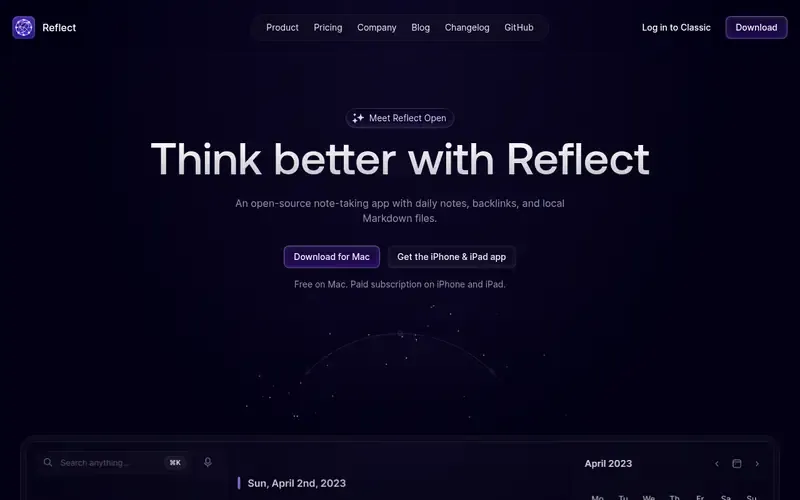
Reflect is an open-source note-taking app with daily notes, backlinks and local Markdown files. Notes are linked into a graph through backlinks and stored in a folder you choose.
Documented strengths
- Daily notes and backlinks that link notes into a graph
- Local Markdown files in a folder you choose, synced via iCloud Drive or Git
- Optional AI to find answers, summarize text and improve writing, using your own API key
- Notes marked private are excluded from AI
- Web clips and audio memos, with the source link saved alongside clips
Documented limits
Documented for Mac, iPhone and iPad, so teams on Windows, Linux or Android should check the vendor documentation. AI features need your own API key with a provider you choose.
- Who it is for
- Writers who want backlinked Markdown notes with optional AI
- Platforms
- Mac, iPhone and iPad
- Pricing
- See the vendor's own pricing page for current plans and costs. reflect.app
- Facts checked
- 21 November 2026
Why it is placed here: It comes first because backlinks and an optional AI layer for finding answers and summarizing text sit at the center of the product, on top of plain local files.
#2 · Capacities
Capacities
Researchers who want typed objects, backlinks and AI chat over linked notes
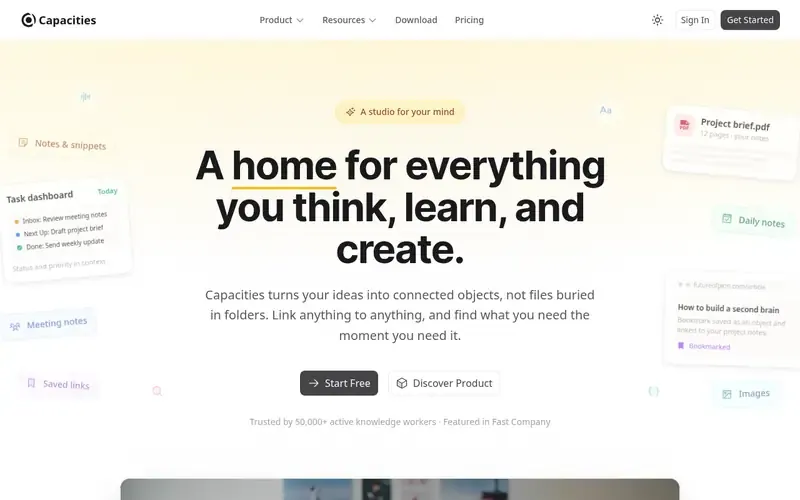
Capacities is a note-taking and knowledge management app that organizes ideas as connected objects rather than files and folders. It is aimed at writers, researchers and others who think for a living.
Documented strengths
- Backlinks show every connection to an item at a glance
- Related Content scans notes and surfaces unlinked mentions automatically
- Built-in AI chat reads linked notes and suggests changes you approve
- ChatGPT and Claude can connect to a Capacities space to read from it and add to it
- Graph view of the whole knowledge network, plus custom object types
Documented limits
The object-based model asks you to define your own object types and templates, which suits structured collections more than loose note piles. Teams that need a particular AI workflow should check the vendor documentation.
- Who it is for
- Researchers who want typed objects, backlinks and AI chat over linked notes
- Platforms
- Mac, Windows, Linux, iOS and Android
- Pricing
- See the vendor's own pricing page for current plans and costs. capacities.io
- Facts checked
- 21 November 2026
Why it is placed here: It follows Reflect because it pairs backlinks and automatic surfacing of unlinked mentions with a built-in AI chat and connections to ChatGPT and Claude.
#3 · Heptabase
Heptabase
Visual thinkers working through sources and PDFs
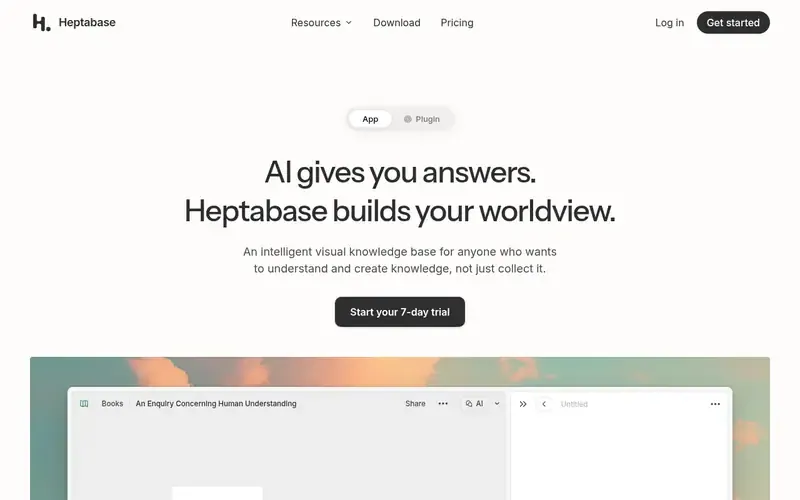
Heptabase is a visual knowledge base for people who want to understand and create knowledge rather than just collect it. Whiteboards, cards and backlinks sit together in one workspace.
Documented strengths
- Whiteboards that break sources into cards by hand or with AI
- Backlinks between ideas
- MCP server with 65 tools, plus a plugin for AI tools
- Works with Claude Code, ChatGPT, Codex and Grok Bot
- PDF highlighting and annotation, and saved, tagged web sources
Documented limits
The facts describe a mobile app but do not state other platforms or offline behavior, so check the vendor documentation. Its note editing is described as basic, with todo, bullet and number lists.
- Who it is for
- Visual thinkers working through sources and PDFs
- Platforms
- Mobile app; other platforms not stated on official pages
- Pricing
- See the vendor's own pricing page for current plans and costs. heptabase.com
- Facts checked
- 21 November 2026
Why it is placed here: It sits third because AI helps break sources into cards and connects to external AI tools through an MCP server, but the visual whiteboard is the main way ideas are connected.
#4 · Anytype
Anytype
Privacy-focused users who want self-owned, offline-capable notes
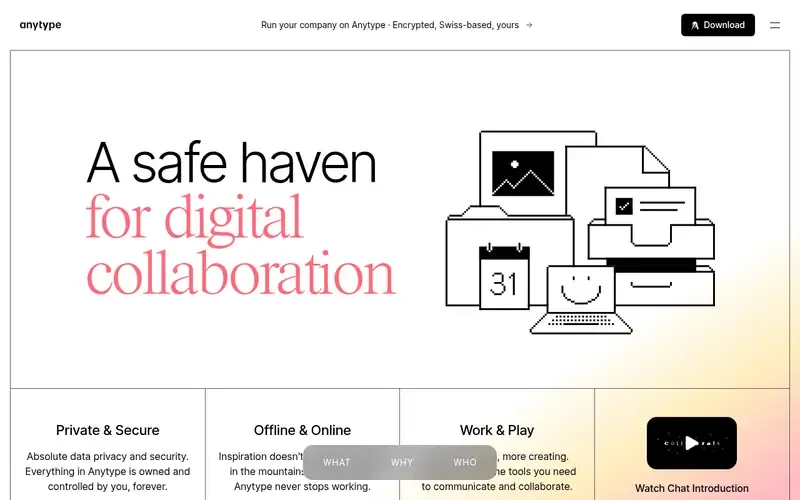
Anytype is a local-first, end-to-end encrypted workspace for notes, tasks, databases and chats that you fully own. Data lives on your device before any server.
Documented strengths
- Local-first storage with offline use, sync across your own devices, or self-hosting
- End-to-end encryption; even Anytype's team cannot see what you work on
- Separate spaces for work and personal life, kept isolated
- Tab bar with pinned tabs and tabs that can be dragged into their own windows
- Powered by AnySync, an open-source, offline-first protocol
Documented limits
The facts we checked do not describe AI search or backlinks. Researchers who need those should check the vendor documentation.
- Who it is for
- Privacy-focused users who want self-owned, offline-capable notes
- Platforms
- Not stated on official pages
- Pricing
- See the vendor's own pricing page for current plans and costs. anytype.io
- Facts checked
- 21 November 2026
Why it is placed here: It sits fourth because the documentation centers on private, self-owned data and organization in spaces and Objects, not on AI search or backlinks.
#5 · TOEVERYTHING
AFFiNE
Creators who want docs and whiteboards in one local-first workspace
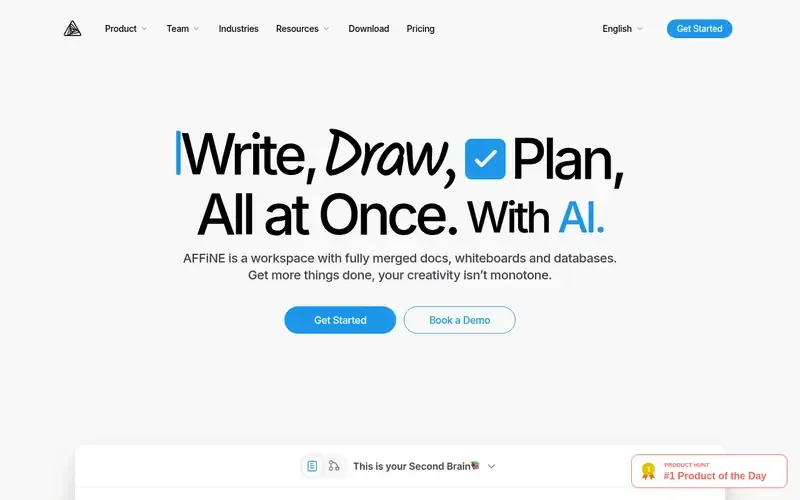
AFFiNE is open-source, local-first knowledge base software that combines docs, whiteboards, databases and optional AI in one workspace. It is aimed at individual creators and at teams.
Documented strengths
- Docs, whiteboards, databases and optional AI in one workspace
- Content built from blocks
- Whiteboard ideas can be framed into slides
- Templates including Cornell notes, a digital planner and a storyboard
- Open-source code you can inspect and run locally
Documented limits
The facts we checked do not document backlinks or AI search specifically. Teams that need them should check the vendor documentation.
- Who it is for
- Creators who want docs and whiteboards in one local-first workspace
- Platforms
- Not stated on official pages
- Pricing
- See the vendor's own pricing page for current plans and costs. affine.pro
- Facts checked
- 21 November 2026
Why it is placed here: It sits fifth because AI is optional and the emphasis is on one workspace of block-based docs and whiteboards, with no backlink or AI search features in the facts.
#6 · RemNote
RemNote
Learners who want notes, PDFs and flashcards together
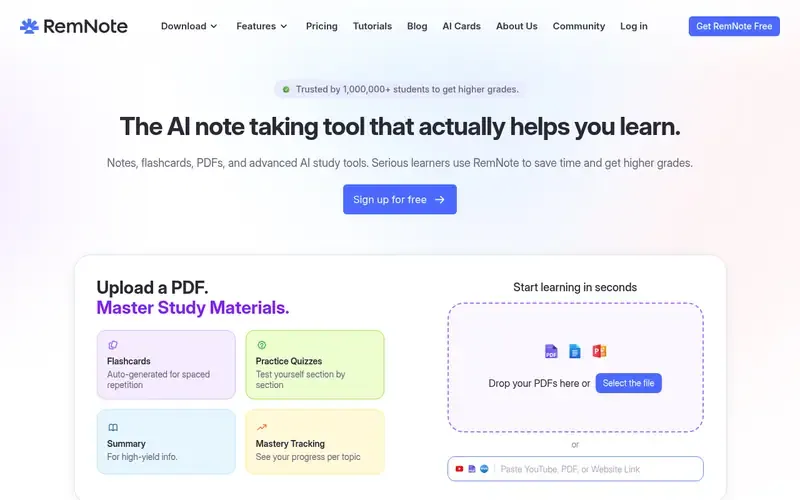
RemNote is a note-taking and knowledge-base app that combines outlining notes, PDF annotation, AI tools and spaced-repetition flashcards. It is aimed at students and serious learners.
Documented strengths
- Outlining editor to structure and connect ideas
- AI generates flashcards from notes, PDFs or lecture transcripts
- Ask AI questions about a PDF and get answers with inline page citations
- Spaced-repetition scheduling and exam-date study plans
- Offline desktop and mobile apps with automatic merging of offline edits
Documented limits
The facts document an outlining editor for connecting ideas but do not mention a backlink graph. Researchers who want that should check the vendor documentation.
- Who it is for
- Learners who want notes, PDFs and flashcards together
- Platforms
- Mac, Windows, Linux, iOS and Android
- Pricing
- See the vendor's own pricing page for current plans and costs. remnote.com
- Facts checked
- 21 November 2026
Why it is placed here: It sits last because its AI is built around studying, such as flashcards and PDF questions, while the outliner connects ideas, so it fits learners more than general idea-linking.
Sources
- Reflect: reflect.app (21 Nov 2026)
- Capacities: capacities.io, capacities.io/product, capacities.io/about/team (21 Nov 2026)
- Heptabase: heptabase.com (21 Nov 2026)
- Anytype: anytype.io, doc.anytype.io/anytype, doc.anytype.io/anytype/features/tabs (21 Nov 2026)
- AFFiNE: affine.pro, affine.pro/about-us (21 Nov 2026)
- RemNote: remnote.com, remnote.com/about, remnote.com/feature/annotate-pdf (21 Nov 2026)
Related guides
How we compiled this
We looked at how well each tool fits the job of connecting ideas: documented backlinks, documented AI features for searching, summarizing or reading notes, and documented ways to capture material and link it to what you already have. We also checked what each vendor states about platforms and deployment, such as offline use, local storage, self-hosting and mobile apps, because a second brain has to be available wherever you work.
All facts come from official vendor pages, with the check date recorded for each. The order reflects editorial fit for this specific use case, explained in the "why here" line for each tool; it is not a statement that one tool is better overall. The list is built from vendor documentation rather than product trials, so where a capability is not documented we say so and suggest you check the vendor's own pages. We left out Mem because the vendor states it is shutting down on January 15, 2027, which makes it a poor base for a long-lived knowledge collection.
Order used: Ordered by how central AI-assisted search and linking are to the product, most central first.
Common questions
Which of these tools has AI search over your notes?
Reflect offers optional AI to find answers and summarize text. Capacities has a built-in AI chat that reads linked notes. Heptabase connects to external AI tools through an MCP server, and RemNote's AI answers questions about PDFs with page citations.
Which tools support backlinks?
Reflect, Capacities and Heptabase document backlinks between notes. Capacities also surfaces unlinked mentions automatically through Related Content.
Can I keep my notes private while using AI?
Reflect lets you mark notes private to exclude them from AI, and its AI uses your own API key with requests going directly to your provider. Anytype is local-first and end-to-end encrypted, and the vendor says its team cannot see what you work on.
Is Mem still an option for a second brain?
The vendor states that Mem is shutting down on January 15, 2027, and that notes become read-only on December 18, 2026. Notes can still be read and exported until shutdown, so we did not include it in this shortlist.
The editorial order is unpaid. A vendor can buy one labelled featured slot per guide, but it gets the same fact check as everyone else and cannot alter or remove a competitor's entry. Guidehurst is independent. Product names and logos belong to their respective owners.