Simplenote, Bear and Standard Notes lead this shortlist of note-taking apps for fast, simple notes without feature clutter. It is written for people who want a quiet place to write, whether they work on one platform or several, and who care about reliable sync and a clean editing experience. Drafts, UpNote and Notable follow, each suited to a slightly different way of working.
The shortlist
Side-by-side comparison
| Tool | Who it is for | Platforms | Pricing |
|---|---|---|---|
 SimplenoteAutomattic | Quick plain notes on any device | iOS, Android, Mac, Windows, Linux and the browser | Pricing on simplenote.com |
 BearShiny Frog | Markdown writers on Mac, iPhone and iPad | Mac, iPhone and iPad | Pricing on bear.app |
 Standard NotesStandard Notes | Private, encrypted notes across many devices | Cross-platform on unlimited devices, including mobile | Pricing on standardnotes.com |
 DraftsAgile Tortoise | Instant capture on Apple devices | iPhone, iPad, Mac and Apple Watch | Pricing on getdrafts.com |
 UpNoteUpNote | Focused writing across desktop and mobile | Mac, Windows, Linux, iOS and Android | Pricing on getupnote.com |
 NotableFabio Spampinato | Desktop Markdown notes kept as files | Desktop only; an official web app is in development | Pricing on notable.app |
Quick verdict by need
- Simplenote if you need quick plain notes on any device.
- Bear if you need markdown writers on Mac, iPhone and iPad.
- Standard Notes if you need private, encrypted notes across many devices.
- Drafts if you need instant capture on Apple devices.
- UpNote if you need focused writing across desktop and mobile.
- Notable if you need desktop Markdown notes kept as files.
Tool details
#1 · Automattic
Simplenote
Quick plain notes on any device
simplenote.comSimplenote, from Automattic, is a light, clean note-taking app that syncs notes across devices and supports tags, Markdown and sharing.
Documented strengths
- Automatic, real-time sync across devices
- Tags and instant search
- Markdown writing, previewing and publishing
- Backup with every change, so past versions can be viewed
- Notes can be shared or published online
Documented limits
The official page describes a deliberately light app. Anyone who needs capabilities beyond notes, tags, Markdown and sharing should check the vendor documentation.
- Who it is for
- Quick plain notes on any device
- Platforms
- iOS, Android, Mac, Windows, Linux and the browser
- Pricing
- See the vendor's own pricing page for current plans and costs. simplenote.com
- Facts checked
- 21 November 2026
Why it is placed here: It opens the list because its documented feature set stays small (tags, search, Markdown) while real-time sync and version history are built in, which matches fast, simple notes.
#2 · Shiny Frog
Bear
Markdown writers on Mac, iPhone and iPad
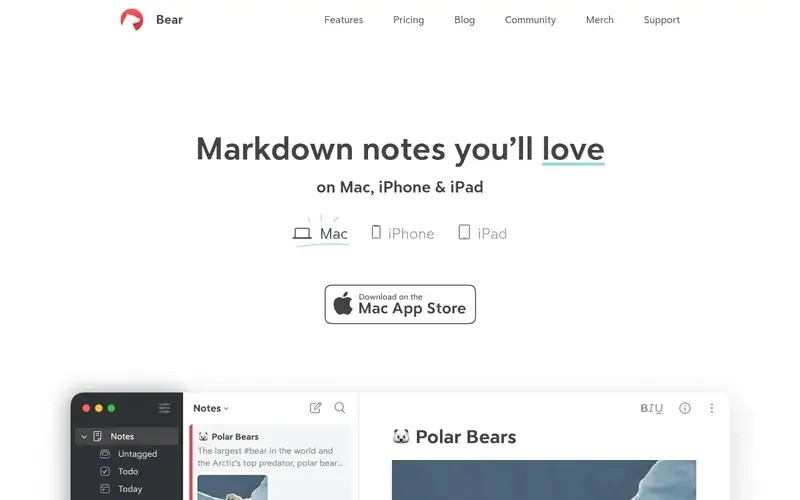
Bear is a Markdown note-taking app from Shiny Frog for capturing, writing and organizing notes on Apple devices.
Documented strengths
- Native apps that work online and offline, with automatic sync across devices
- Flexible tags, with icons from a set of over 250 and pinning
- Headings and foldable sections for structure
- Themes for the writing environment
- Export to many file formats and optional note encryption
Documented limits
Bear is documented for Mac, iPhone and iPad only. People on Windows, Linux or Android should look at the cross-platform apps in this list.
- Who it is for
- Markdown writers on Mac, iPhone and iPad
- Platforms
- Mac, iPhone and iPad
- Pricing
- See the vendor's own pricing page for current plans and costs. bear.app
- Facts checked
- 21 November 2026
Why it is placed here: It sits second because it pairs Markdown writing with themes, flexible tags and native apps that work online and offline, though it is documented for Apple hardware only.
#3 · Standard Notes
Standard Notes
Private, encrypted notes across many devices
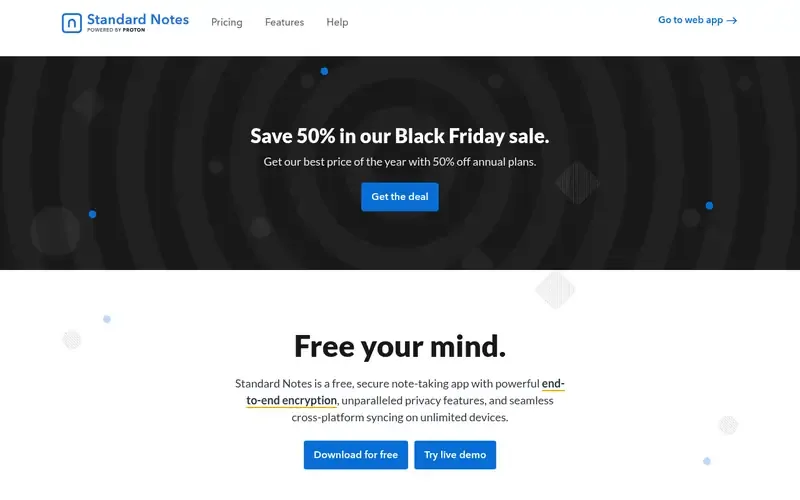
Standard Notes is a secure note-taking app that protects notes and files with audited end-to-end encryption and syncs them across devices.
Documented strengths
- Audited end-to-end encryption, with decryption keys held only by the user
- Sync on unlimited devices, with an offline copy always kept
- Note types including plain text, rich text, markdown, tasks and spreadsheets
- Long-term revision history
- One-click export of all data as a single text file
Documented limits
The documented focus includes encryption, backups and several note types, which goes beyond a bare notepad. Readers who want the lightest possible setup should check the vendor documentation for how much of it they can leave unused.
- Who it is for
- Private, encrypted notes across many devices
- Platforms
- Cross-platform on unlimited devices, including mobile
- Pricing
- See the vendor's own pricing page for current plans and costs. standardnotes.com
- Facts checked
- 21 November 2026
Why it is placed here: It comes third because its emphasis is privacy and data durability, including a plain text note type, which suits writers who want simple notes that stay private.
#4 · Agile Tortoise
Drafts
Instant capture on Apple devices
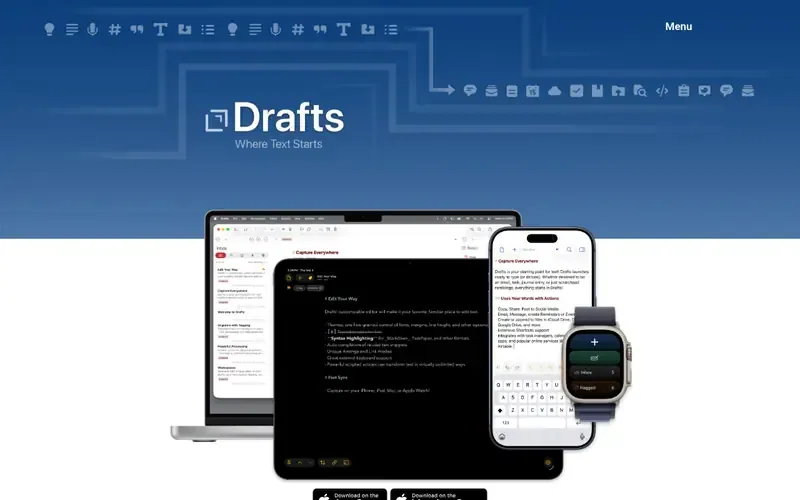
Drafts is a quick-capture text and notes app from Agile Tortoise that lets you write first and decide what to do with the text later.
Documented strengths
- Opens to a blank page with the keyboard ready
- Capture first, with no need to pick folders or names
- Inbox for new entries, with tagging, flagging and archiving
- Actions that connect Drafts with many apps and services
- Apple Shortcuts integration with more than 50 actions
Documented limits
Drafts is documented for Apple platforms only. AppleScript and shell script steps are Mac-only, so other platforms should check the vendor documentation.
- Who it is for
- Instant capture on Apple devices
- Platforms
- iPhone, iPad, Mac and Apple Watch
- Pricing
- See the vendor's own pricing page for current plans and costs. getdrafts.com
- Facts checked
- 21 November 2026
Why it is placed here: It sits fourth because it fits the fastest part of the use case, capture, opening to a blank page with the keyboard ready, while its wider automation tools are optional extras.
#5 · UpNote
UpNote
Focused writing across desktop and mobile
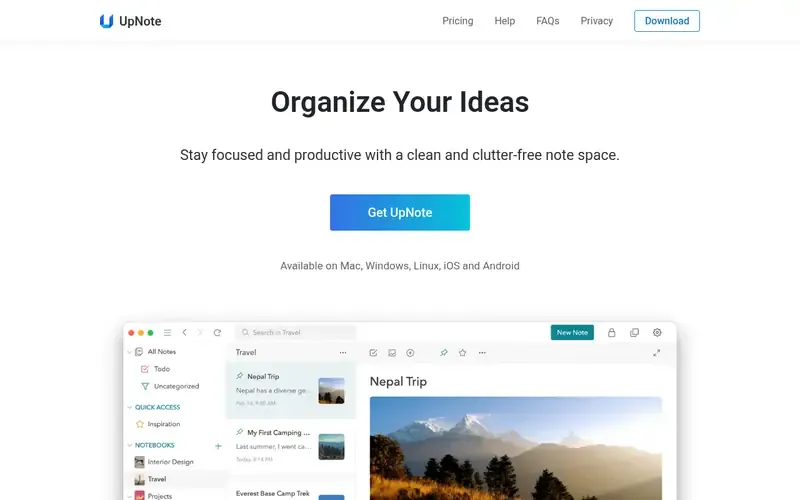
UpNote is a cross-platform notes app for writing and organizing notes with a clean, clutter-free interface.
Documented strengths
- Focus mode that hides notes, notebooks and menus
- Rich text and Markdown editing
- Sync across devices, with offline access and automatic backup
- Hashtags, nested notebooks, pinning and Spaces
- Export to Text, PDF, HTML or Markdown
Documented limits
The official page lists a broad organization toolkit (notebooks, Spaces, templates, internal links). Readers who want the barest interface should check the vendor documentation for how to use it minimally.
- Who it is for
- Focused writing across desktop and mobile
- Platforms
- Mac, Windows, Linux, iOS and Android
- Pricing
- See the vendor's own pricing page for current plans and costs. getupnote.com
- Facts checked
- 21 November 2026
Why it is placed here: Its Focus mode hides notes, notebooks and menus for distraction-free writing, and it covers five platforms, so it sits here as the cross-platform option with the most direct focus feature.
#6 · Fabio Spampinato
Notable
Desktop Markdown notes kept as files
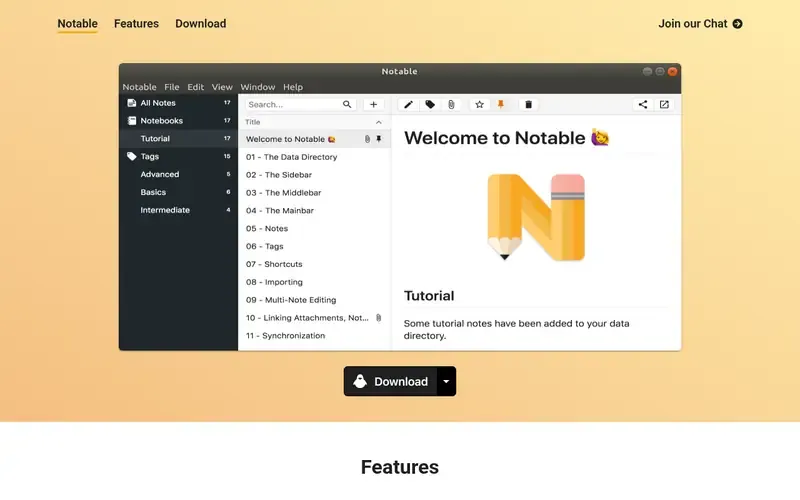
Notable is a Markdown-based desktop note-taking app that stores notes and attachments as plain files on disk.
Documented strengths
- Zen mode for minimal editing and reading
- Notes and attachments stored on disk, so they can be synced with Dropbox or versioned with Git
- Markdown editor from VS Code, with KaTeX and Mermaid support
- Split editor that shows how a note will render
- Fuzzy-matching search and links between notes
Documented limits
Notable is currently desktop-only, and an official web app is in development. Sync is up to you, since notes live as files on disk.
- Who it is for
- Desktop Markdown notes kept as files
- Platforms
- Desktop only; an official web app is in development
- Pricing
- See the vendor's own pricing page for current plans and costs. notable.app
- Facts checked
- 21 November 2026
Why it is placed here: It closes the list because its Zen mode and file-based storage suit minimalist writers on the desktop, but it is documented as desktop-only.
Sources
- Simplenote: simplenote.com (21 Nov 2026)
- Bear: bear.app, bear.app/faq/x-callback-url-scheme-documentation (21 Nov 2026)
- Standard Notes: standardnotes.com, standardnotes.com/features, standardnotes.com/why-encrypted (21 Nov 2026)
- Drafts: getdrafts.com, docs.getdrafts.com, docs.getdrafts.com/docs/actions/platform-notes (21 Nov 2026)
- UpNote: getupnote.com (21 Nov 2026)
- Notable: notable.app (21 Nov 2026)
Related guides
- Top 5 outliner tools for structured thinking and drafting
- Top 6 AI-powered personal knowledge tools for connecting ideas with smart search
- Top 6 knowledge base tools for onboarding new employees
- Top 6 note-taking tools for building a Zettelkasten with linked notes
- More in Note-taking and knowledge bases
How we compiled this
We looked at three things: how well each app fits fast, simple note-taking without clutter; which capabilities the vendor documents; and which platforms and deployment options the official pages describe. Every fact in this article comes from an official vendor page, and we record the date each page was checked. If a point is not stated on those pages, we say so rather than fill the gap.
The order reflects editorial fit for this use case, explained in words in each entry: how well an app balances simplicity with polish and reliable sync. It does not say one tool is better overall, and an app lower down may suit you better if your platform or priorities differ. This list is built from vendor documentation, not from using the products, so check each vendor's site for current details before you commit.
Order used: Ordered by how well each app balances simplicity with polish and reliable sync, best balance first.
Common questions
What is the simplest note-taking app for distraction-free writing?
Simplenote describes itself as light and clean, with tags, Markdown and automatic sync. UpNote has a Focus mode that hides notes, notebooks and menus, and Notable has a Zen mode. Which is simplest depends on whether you want the app to stay minimal or switch into a focused view.
Which minimalist note apps work on Windows and Linux?
Simplenote and UpNote are both documented for Windows and Linux, along with Mac, iOS and Android. Notable is desktop-only. Bear and Drafts are documented for Apple platforms only.
Can I use a minimalist notes app for private writing?
Standard Notes is documented with audited end-to-end encryption, where only the user holds the decryption keys. Bear can encrypt notes for extra protection, and UpNote can be locked with a passcode on mobile and desktop.
Which app is best for capturing a note quickly?
Drafts is built around quick capture on Apple devices: it opens to a blank page with the keyboard ready, and you can sort the text out later. Simplenote also keeps things quick, with instant search and real-time sync.
Can I keep my notes as plain files?
Notable stores notes and attachments directly on your disk, so they can be synced with Dropbox, versioned with Git or edited in other editors. UpNote can export notes to Text, PDF, HTML or Markdown, and Bear exports to many file formats.
The editorial order is unpaid. A vendor can buy one labelled featured slot per guide, but it gets the same fact check as everyone else and cannot alter or remove a competitor's entry. Guidehurst is independent. Product names and logos belong to their respective owners.