Plan to Eat, Paprika Recipe Manager and Mela lead this shortlist, followed by Copy Me That, Honeydew and Eat This Much. It is for home cooks and busy families who want to save recipes from the web, plan the week's meals and turn them into a grocery list. The first apps combine the most complete planning and shopping-list workflow, and the later ones are stronger as recipe collections or work differently.
The shortlist
Side-by-side comparison
| Tool | Who it is for | Platforms | Pricing |
|---|---|---|---|
 Plan to EatPlan to Eat | Families who plan the week ahead and want the shopping list built from the calendar | All devices under one account for the user and family; specific platforms not itemized on official pages | Pricing on plantoeat.com |
 Paprika Recipe ManagerHindsight Labs | Households that use a mix of Apple, Android and Windows devices | iPhone, iPad, Mac, Android and Windows | Pricing on paprikaapp.com |
 MelaSilvio Rizzi | iPhone, iPad and Mac users who want recipes to sync through iCloud | iOS and macOS, with iCloud sync | Pricing on mela.recipes |
 Copy Me ThatCopy Me That | Families who want a browser clipper plus shopping lists that merge and sort themselves | Any browser, plus Android and iOS apps | Pricing on copymethat.com |
 Honeydew Recipe ManagerHoneydew | Households that share a meal plan and grocery list between family members | iOS and Android | Pricing on honeydewcook.com |
 Eat This MuchEat This Much | People who want meals generated around calorie and diet goals | Not stated on official pages | Pricing on eatthismuch.com |
Quick verdict by need
- Plan to Eat if you need families who plan the week ahead and want the shopping list built from the calendar.
- Paprika Recipe Manager if you need households that use a mix of Apple, Android and Windows devices.
- Mela if you need iPhone, iPad and Mac users who want recipes to sync through iCloud.
- Copy Me That if you need families who want a browser clipper plus shopping lists that merge and sort themselves.
- Honeydew Recipe Manager if you need households that share a meal plan and grocery list between family members.
- Eat This Much if you need people who want meals generated around calorie and diet goals.
Tool details
#1 · Plan to Eat
Plan to Eat
Families who plan the week ahead and want the shopping list built from the calendar
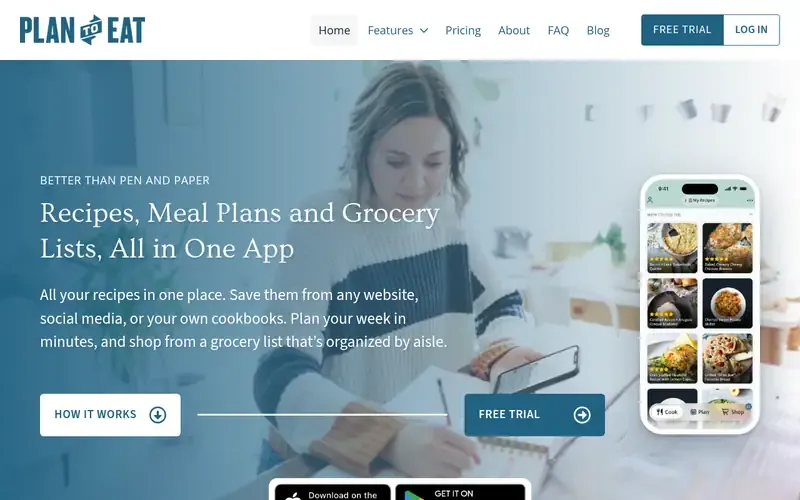
Plan to Eat is a meal planner and recipe organizer that saves recipes from websites, plans meals on a calendar, and builds grocery lists automatically.
Documented strengths
- Recipe Clipper gathers recipes into a digital recipe book
- Meal planning calendar with reusable plans, menus and notes
- Shopping list fills automatically from calendar recipes, organized by aisle
- Freezer feature tracks batch cooked frozen recipes
- Recipes can always be exported
Documented limits
Documented as a planner and organizer, not a cooking-mode app, so teams that want step-by-step cooking features should check the vendor documentation. Supported device platforms are not itemized beyond use on all devices under one account.
- Who it is for
- Families who plan the week ahead and want the shopping list built from the calendar
- Platforms
- All devices under one account for the user and family; specific platforms not itemized on official pages
- Pricing
- See the vendor's own pricing page for current plans and costs. plantoeat.com
- Facts checked
- 21 November 2026
Why it is placed here: It sits first because the whole workflow of clipping, calendar planning and aisle-organized shopping lists is its core purpose, aimed at families who plan ahead.
#2 · Hindsight Labs
Paprika Recipe Manager
Households that use a mix of Apple, Android and Windows devices
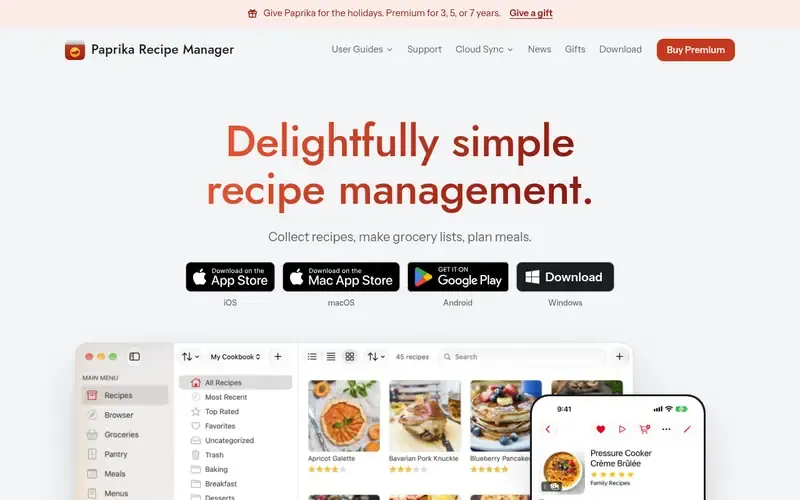
Paprika Recipe Manager is an app for collecting recipes, making grocery lists and planning meals on iPhone, iPad, Mac, Android and Windows.
Documented strengths
- Meal planning in day, week and month views, with a whole week addable to the grocery list
- Grocery lists combine matching items and organize by aisle or recipe
- Cooking mode with spoken steps and voice control for ingredients and timers
- Pantry tracking with expiry dates and barcode scanning
- Nutrition calculated from recipe ingredients using USDA data
Documented limits
Some capture features, such as saving from social media posts and cookbook pages, are marked as premium on the vendor's pages, and ingredient substitutions need Apple Intelligence on iOS or macOS. Check the vendor documentation for exactly which features apply to you.
- Who it is for
- Households that use a mix of Apple, Android and Windows devices
- Platforms
- iPhone, iPad, Mac, Android and Windows
- Pricing
- See the vendor's own pricing page for current plans and costs. paprikaapp.com
- Facts checked
- 21 November 2026
Why it is placed here: It follows Plan to Eat because it covers collecting, planning and shopping across the widest range of devices, with cooking-time tools added.
#3 · Silvio Rizzi
Mela
iPhone, iPad and Mac users who want recipes to sync through iCloud
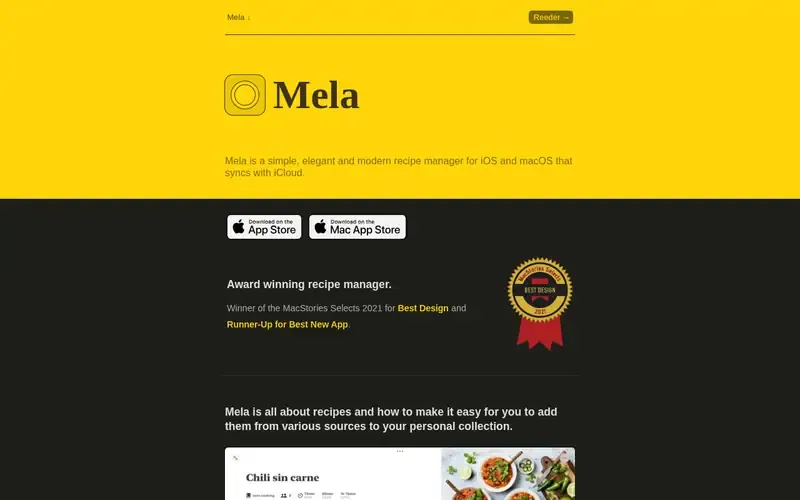
Mela is a recipe manager for iOS and macOS that syncs with iCloud and lets users collect recipes from websites, feeds and scanned books.
Documented strengths
- In-app browser shows a live recipe preview when it detects a recipe
- Sharing extension to add or view recipes from outside the app
- Recipes from books scanned using text recognition
- Meal plans stored in Calendar and the groceries list stored in Reminders
- Cook mode with full-screen steps, ingredient check-off and timers
Documented limits
Documented for iOS and macOS only, so households with Android or Windows devices should look elsewhere. Planning and shopping run through Apple's Calendar and Reminders apps, so there is no separate planner interface documented.
- Who it is for
- iPhone, iPad and Mac users who want recipes to sync through iCloud
- Platforms
- iOS and macOS, with iCloud sync
- Pricing
- See the vendor's own pricing page for current plans and costs. mela.recipes
- Facts checked
- 21 November 2026
Why it is placed here: It sits third because it is a polished recipe collector for Apple users, and it hands meal plans and groceries to the Calendar and Reminders apps.
#4 · Copy Me That
Copy Me That
Families who want a browser clipper plus shopping lists that merge and sort themselves
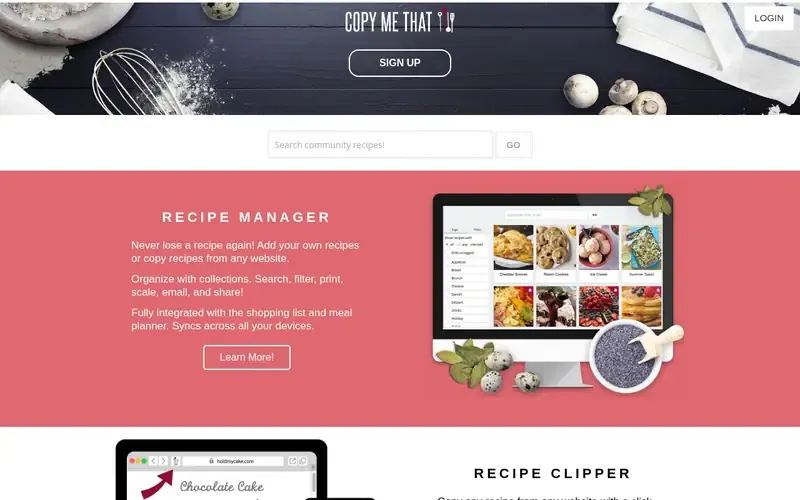
Copy Me That is a recipe manager and web clipper with an integrated shopping list and meal planner, available in browsers and on Android and iOS.
Documented strengths
- Browser button or app clips a full copy of a recipe, with a link to the original page
- Collections, search, filters, scaling, printing, emailing and sharing
- Meal plan dates can be turned into a shopping list
- Shopping list sorts into aisle categories, with smart merge for near-matching items
- Multiple lists and a master or pantry list for staples
Documented limits
Documented as a clipper with a built-in planner; teams that want nutrition tools or voice cooking features should check the vendor documentation, as these are not listed.
- Who it is for
- Families who want a browser clipper plus shopping lists that merge and sort themselves
- Platforms
- Any browser, plus Android and iOS apps
- Pricing
- See the vendor's own pricing page for current plans and costs. copymethat.com
- Facts checked
- 21 November 2026
Why it is placed here: It comes fourth because its strongest documented feature is clipping a full copy of a recipe from any site, with the planner and shopping list built on top.
#5 · Honeydew
Honeydew Recipe Manager
Households that share a meal plan and grocery list between family members
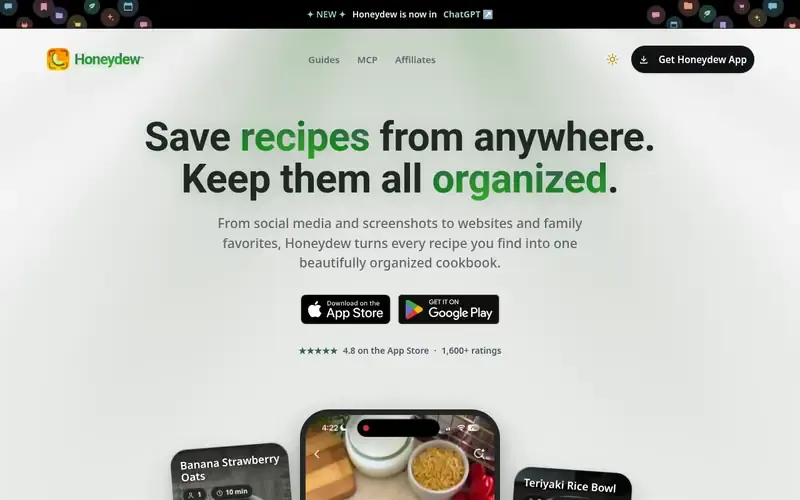
Honeydew is a recipe capture and meal planning app that saves recipes from websites, social media and photos and generates grocery lists, available on iOS and Android.
Documented strengths
- Imports from social posts, websites, screenshots and cookbook photos
- Grocery lists combine ingredients and organize them by aisle
- Drag-and-drop calendar planning by week or month
- Household sharing for up to 6 family members, with real-time list updates
- AI substitutions based on dietary restrictions, allergies or what is on hand
Documented limits
Importing from photos, screenshots or social media is tied to a specific tier on the vendor's pages, so check the vendor documentation. It is documented for iOS and Android only.
- Who it is for
- Households that share a meal plan and grocery list between family members
- Platforms
- iOS and Android
- Pricing
- See the vendor's own pricing page for current plans and costs. honeydewcook.com
- Facts checked
- 21 November 2026
Why it is placed here: It sits fifth because it adds household sharing and AI-assisted features to the capture-plan-shop workflow, but it is documented for iOS and Android only.
#6 · Eat This Much
Eat This Much
People who want meals generated around calorie and diet goals
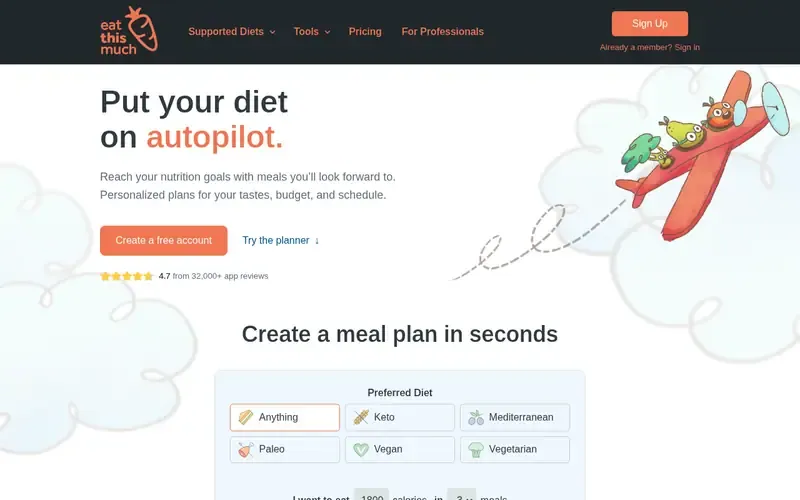
Eat This Much is an automatic meal planner that creates personalized meal plans and grocery lists around a person's dietary goals, preferences, budget and schedule.
Documented strengths
- Personalized meal plans based on preferences, budget and schedule
- Calorie calculator and weekly plans
- Customizable eating styles such as vegan and paleo
- Virtual pantry that the planner prioritizes
- Grocery delivery through Instacart or AmazonFresh integrations
Documented limits
The official pages we checked do not describe saving recipes from websites, so people who want a web clipper should check the vendor documentation. The vendor states it is not a substitute for professional medical advice.
- Who it is for
- People who want meals generated around calorie and diet goals
- Platforms
- Not stated on official pages
- Pricing
- See the vendor's own pricing page for current plans and costs. eatthismuch.com
- Facts checked
- 21 November 2026
Why it is placed here: It sits last because it generates plans from goals instead of collecting recipes the cook already likes, so it suits a different job than saving recipes from the web.
Sources
- Plan to Eat: plantoeat.com, plantoeat.com/about, plantoeat.com/about/story (21 Nov 2026)
- Paprika Recipe Manager: paprikaapp.com (21 Nov 2026)
- Mela: mela.recipes (21 Nov 2026)
- Copy Me That: copymethat.com/?cntry=BD, copymethat.com/features/meal-planner/?cntry=BD, copymethat.com/features/shopping-list/?cntry=BD (21 Nov 2026)
- Honeydew Recipe Manager: honeydewcook.com (21 Nov 2026)
- Eat This Much: eatthismuch.com, eatthismuch.com/about (21 Nov 2026)
Related guides
How we compiled this
We looked at how well each app fits the job of saving recipes from websites, planning meals and producing a grocery list; which capabilities the vendor documents; and which devices and platforms it supports. The order reflects editorial fit for this use case, explained in words. Apps with a documented planner and shopping-list workflow come first, then apps that lean more on recipe collection, then an automatic planner built around dietary goals.
All facts come from the vendors' official pages, each checked on the date recorded in our research notes. The list is built from documentation, not product trials, so it describes what vendors say their apps do and not how they feel to use day to day. Pricing is not covered here; see each vendor's pricing page, and check which features are included in the version you choose.
Order used: Ordered by strength of meal planning and shopping-list workflow, then pure recipe collection apps.
Common questions
Which recipe app builds a grocery list from my meal plan automatically?
Plan to Eat fills the shopping list automatically from recipes on the calendar. Copy Me That turns meal plan dates into a shopping list, and Honeydew combines ingredients from chosen recipes into aisle-organized lists.
Which apps work on Android and Windows?
Paprika is available on iPhone, iPad, Mac, Android and Windows. Copy Me That works in any browser and on Android and iOS, and Honeydew supports iOS and Android. Mela is for iOS and macOS only.
Can I save recipes from any website?
Plan to Eat, Copy Me That and Honeydew each document saving recipes from any website. Mela's in-app browser previews a recipe when it detects one on the page.
Which apps help with cooking, not just planning?
Paprika has a cooking mode with spoken steps and voice-controlled timers, and Mela has a full-screen cook mode with timers. Copy Me That has a cooking view that can keep the screen awake.
Which app is best for sharing recipes with family?
Honeydew supports household sharing for up to 6 family members with real-time list updates. Paprika lets family members share a subscription and share cookbooks with other Paprika users, and Plan to Eat covers the user and family under one account.
The editorial order is unpaid. A vendor can buy one labelled featured slot per guide, but it gets the same fact check as everyone else and cannot alter or remove a competitor's entry. Guidehurst is independent. Product names and logos belong to their respective owners.