Joplin, Obsidian and Notesnook are the closest fits on this shortlist for taking notes on a Linux desktop, followed by Standard Notes, Zettlr, SiYuan and Simplenote. It is written for Linux and open-source-minded users who care about open formats, local storage and working without a connection. Where an official page does not name Linux or describe offline use, we say so in the item.
The shortlist
Side-by-side comparison
| Tool | Who it is for | Platforms | Pricing |
|---|---|---|---|
 JoplinJoplin Project | Open-source users who want a choice of sync services and plugins | Windows, macOS, Linux, Android, iOS, plus a terminal app | Pricing on joplinapp.org |
 ObsidianDynalist Inc. | Local-first notes in plain Markdown files | Not stated on official pages | Pricing on obsidian.md |
 NotesnookStreetwriters | Privacy-conscious users who want an open source, encrypted app | Windows, macOS, Linux, Android, iOS and the web | Pricing on notesnook.com |
 Standard NotesStandard Notes | Encrypted notes with long revision history | Not stated on official pages | Pricing on standardnotes.com |
 ZettlrZettlr | Researchers and writers who need citations and export | Windows, macOS and Linux | Pricing on zettlr.com |
 SiYuanSiYuan | Block-based personal knowledge management that works offline | Not stated on official pages | Pricing on b3log.org |
 SimplenoteAutomattic | Simple notes that sync across devices | iOS, Android, Mac, Windows, Linux and the browser | Pricing on simplenote.com |
Quick verdict by need
- Joplin if you need open-source users who want a choice of sync services and plugins.
- Obsidian if you need local-first notes in plain Markdown files.
- Notesnook if you need privacy-conscious users who want an open source, encrypted app.
- Standard Notes if you need encrypted notes with long revision history.
- Zettlr if you need researchers and writers who need citations and export.
- SiYuan if you need block-based personal knowledge management that works offline.
Tool details
#1 · Joplin Project
Joplin
Open-source users who want a choice of sync services and plugins
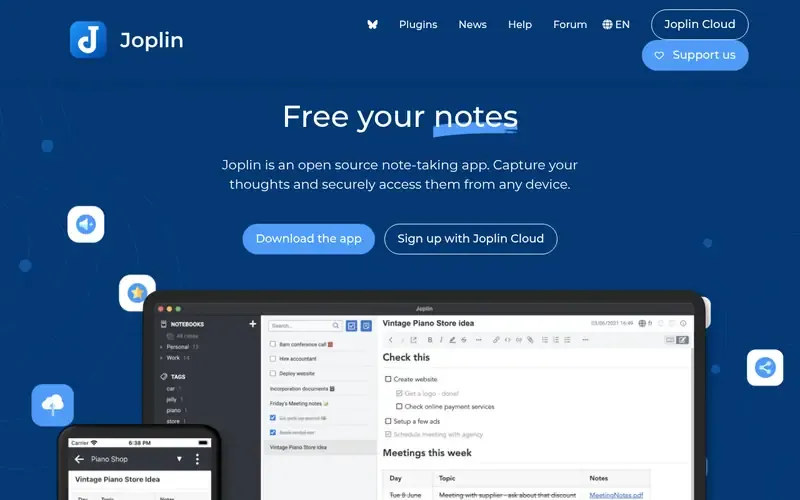
Joplin is an open source note-taking application for capturing notes and accessing them securely from any device. Notes are stored in an open format.
Documented strengths
- Rich Text or Markdown editors
- Sync through Joplin Cloud, Dropbox and OneDrive
- End-to-end encryption
- Extension API for plugins and scripts
- Web clipper for Chrome and Firefox
Documented limits
The vendor pages we used do not describe offline behavior, so users who depend on offline access should check the vendor documentation. Joplin Cloud sharing and publishing are documented as part of that service.
- Who it is for
- Open-source users who want a choice of sync services and plugins
- Platforms
- Windows, macOS, Linux, Android, iOS, plus a terminal app
- Pricing
- See the vendor's own pricing page for current plans and costs. joplinapp.org
- Facts checked
- 21 November 2026
Why it is placed here: It sits first because Linux appears on its documented platform list next to a terminal app, and its open source code and open note format suit open-source-minded desktop users.
#2 · Dynalist Inc.
Obsidian
Local-first notes in plain Markdown files

Obsidian is a flexible note-taking app that stores notes privately as plain text Markdown files on the user's device. Notes can be linked to build a personal wiki.
Documented strengths
- Local storage that works offline
- Plain text Markdown files in open formats
- Plugins and themes
- Graph view of linked notes
- Optional Obsidian Sync with end-to-end encryption
Documented limits
The facts we used do not name Linux among its platforms, so Linux users should confirm availability in the vendor documentation. Sync and Publish are separate documented services.
- Who it is for
- Local-first notes in plain Markdown files
- Platforms
- Not stated on official pages
- Pricing
- See the vendor's own pricing page for current plans and costs. obsidian.md
- Facts checked
- 21 November 2026
Why it is placed here: It comes next because notes are local Markdown files that work offline, with no account required and no telemetry, which matches what many Linux desktop users look for.
#3 · Streetwriters
Notesnook
Privacy-conscious users who want an open source, encrypted app
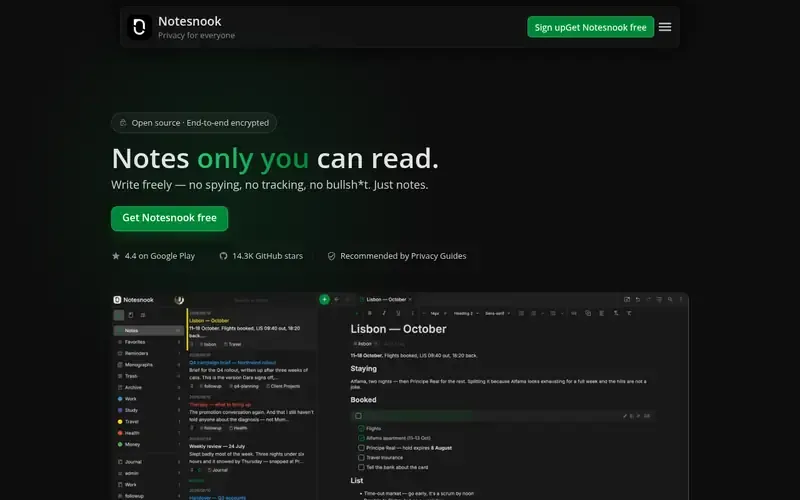
Notesnook is an open source, end-to-end encrypted note-taking app focused on privacy and ease of use. It positions itself as a replacement for tools like Evernote and Notion.
Documented strengths
- Notes encrypted on device with XChaCha20-Poly1305 and Argon2
- Apps and sync server are open source
- Backlinks between notes
- Web clipper without popups and trackers
- Extra password for a vault of private notes
Documented limits
Offline behavior is not described on the pages we used, so check the vendor documentation if that matters. User data is documented as stored on servers in Germany.
- Who it is for
- Privacy-conscious users who want an open source, encrypted app
- Platforms
- Windows, macOS, Linux, Android, iOS and the web
- Pricing
- See the vendor's own pricing page for current plans and costs. notesnook.com
- Facts checked
- 21 November 2026
Why it is placed here: It sits here because Linux is on its documented platform list and all of its apps and its sync server are open source, which fits this audience; offline use is not described.
#4 · Standard Notes
Standard Notes
Encrypted notes with long revision history

Standard Notes is a secure notes app that protects notes and files with audited end-to-end encryption and syncs them across devices.
Documented strengths
- Offline copy of data is always kept
- Audited end-to-end encryption
- Note types including plain text, markdown, tasks and spreadsheets
- Revision history from the start
- Export of all data as a single text file
Documented limits
The pages we used describe cross-platform syncing but do not list Linux by name, so Linux users should check the vendor documentation.
- Who it is for
- Encrypted notes with long revision history
- Platforms
- Not stated on official pages
- Pricing
- See the vendor's own pricing page for current plans and costs. standardnotes.com
- Facts checked
- 21 November 2026
Why it is placed here: It sits here for its documented offline copy of data, open and independently audited code, and several purpose-built note types, though Linux is not named in the facts.
#5 · Zettlr
Zettlr
Researchers and writers who need citations and export
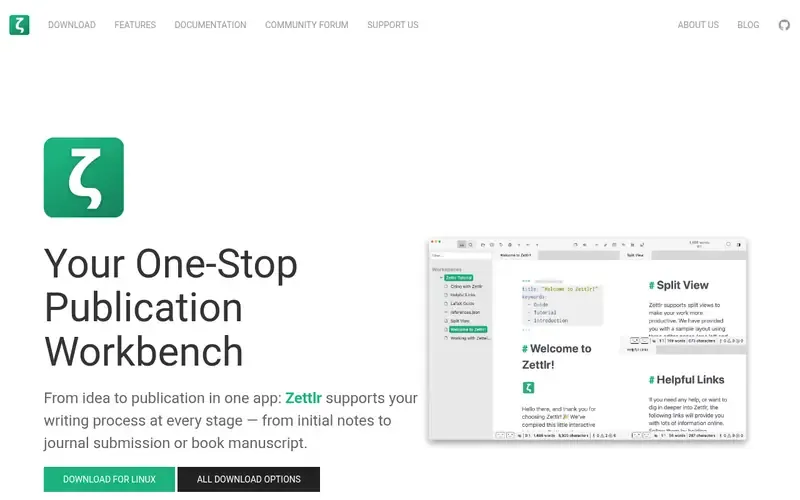
Zettlr is an open source, Markdown-based writing workbench for researchers, journalists and writers, with Zettelkasten and citation support.
Documented strengths
- Integration with Zotero, JabRef and Juris-M
- Over 9,000 citation styles
- Pandoc-powered export profiles
- Note IDs, wiki-style links and graph view
- LaTeX math and Mermaid charts
Documented limits
Documented for Windows, macOS and Linux only, so users who need mobile apps should check the vendor documentation. It is aimed at academic and long-form writing more than at lightweight capture.
- Who it is for
- Researchers and writers who need citations and export
- Platforms
- Windows, macOS and Linux
- Pricing
- See the vendor's own pricing page for current plans and costs. zettlr.com
- Facts checked
- 21 November 2026
Why it is placed here: Linux is a documented platform and files stay on the user's computer with no forced cloud sync, but it is built around research and writing rather than quick general capture.
#6 · SiYuan
SiYuan
Block-based personal knowledge management that works offline
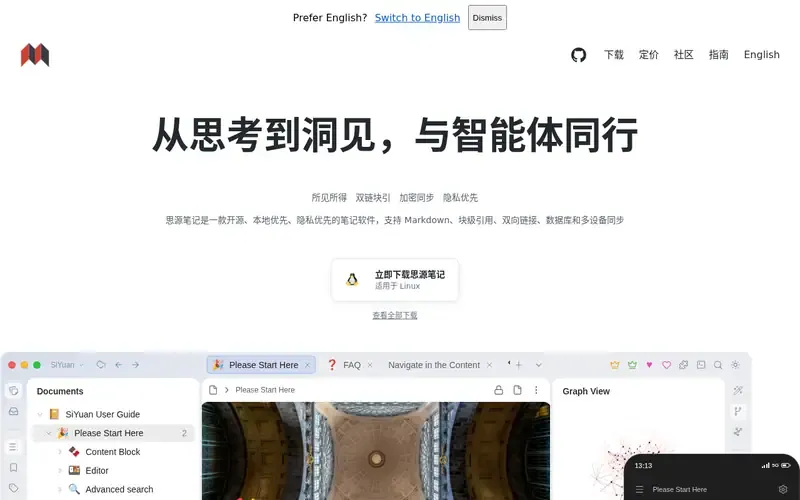
SiYuan is an open-source, local-first, privacy-first personal knowledge management app built on block-level editing, bidirectional links and databases.
Documented strengths
- Local-first storage that works without network access
- Block references and bidirectional links
- Databases linked through relations
- End-to-end encrypted, incremental sync
- Docker deployment with a lock-screen password
Documented limits
Linux is not named in the facts we used, so check the vendor documentation. The block-based structure and built-in AI features go beyond simple note capture.
- Who it is for
- Block-based personal knowledge management that works offline
- Platforms
- Not stated on official pages
- Pricing
- See the vendor's own pricing page for current plans and costs. b3log.org
- Facts checked
- 21 November 2026
Why it is placed here: It sits here because data is stored on the user's own device and works without network access, but its block-based model is a larger step than a plain notes app and Linux is not named in the facts.
#7 · Automattic
Simplenote
Simple notes that sync across devices
simplenote.comSimplenote is a light, clean note-taking app that syncs notes across devices and supports tags, Markdown and sharing.
Documented strengths
- Automatic real-time sync across devices
- Tags and instant search
- Markdown for writing, previewing and publishing
- Past versions viewable through backups
- Notes can be shared or published online
Documented limits
The feature set is deliberately light, and the pages we used do not describe offline behavior. Users who need linking, plugins or local files should check the other tools here.
- Who it is for
- Simple notes that sync across devices
- Platforms
- iOS, Android, Mac, Windows, Linux and the browser
- Pricing
- See the vendor's own pricing page for current plans and costs. simplenote.com
- Facts checked
- 21 November 2026
Why it is placed here: It closes the list because Linux is documented as a download and the app is simple to pick up, but the pages focus on sync and simplicity and do not describe offline use.
Sources
- Joplin: joplinapp.org (21 Nov 2026)
- Obsidian: obsidian.md, obsidian.md/about, obsidian.md/security (21 Nov 2026)
- Notesnook: notesnook.com, notesnook.com/about (21 Nov 2026)
- Standard Notes: standardnotes.com, standardnotes.com/features, standardnotes.com/why-encrypted (21 Nov 2026)
- Zettlr: zettlr.com, zettlr.com/about, zettlr.com/features (21 Nov 2026)
- SiYuan: b3log.org/siyuan (21 Nov 2026)
- Simplenote: simplenote.com (21 Nov 2026)
Related guides
How we compiled this
We looked at three things: fit with the use case of taking notes on a Linux desktop, the capabilities each vendor documents, and what the vendor's platform and deployment pages say. For this audience that meant looking for a listed Linux app, local or open file formats, documented offline access, open-source code and encryption. We did not add anything the vendor pages do not state, so a missing detail means the page is silent on it, not that the feature is absent.
The order reflects editorial fit for Linux desktop use. Tools whose documentation points to local storage, open formats or a listed Linux app come first, and each item explains in a sentence why it sits where it does. It does not mean any tool is better overall. Every fact comes from official vendor pages, and the list is built from that documentation rather than from product trials, so teams with a hard requirement should confirm it in the vendor's own documentation.
Order used: Ordered by quality of native Linux support and offline use, closest fit first.
Common questions
Which note-taking apps list Linux support?
Joplin, Notesnook, Zettlr and Simplenote all name Linux on their official pages. Obsidian, Standard Notes and SiYuan do not name Linux in the facts we used, so confirm availability with the vendor.
Which Linux note apps keep notes as local files?
Obsidian saves notes as plain text Markdown files on the user's device, and Zettlr keeps files on the user's computer. SiYuan stores data on the user's own device, and Joplin stores notes in an open format.
Which note-taking tools use end-to-end encryption?
Joplin, Notesnook and Standard Notes document end-to-end encryption. Obsidian Sync and SiYuan's multi-device sync are also described as end-to-end encrypted.
Can I take notes offline on Linux with these tools?
Obsidian, Standard Notes, SiYuan and Zettlr document local storage or an offline copy of data. Joplin, Notesnook and Simplenote do not describe offline behavior on the pages we used, so check their documentation.
The editorial order is unpaid. A vendor can buy one labelled featured slot per guide, but it gets the same fact check as everyone else and cannot alter or remove a competitor's entry. Guidehurst is independent. Product names and logos belong to their respective owners.