Zapier, Make and Microsoft Power Automate are the first three tools on this shortlist for small business owners and ops managers who want to automate lead handling, notifications and data sync without hiring a developer. Zapier and Make come first because they pair no-code building with large libraries of ready-made app connections. The list then moves through tools that fit narrower setups, such as Microsoft-centred offices, Zoho users, simple trigger-and-action needs and teams that want to self-host.
The shortlist
Side-by-side comparison
| Tool | Who it is for | Platforms | Pricing |
|---|---|---|---|
 ZapierZapier Inc. | Non-technical owners who need the widest range of ready-made app connections | Not stated on official pages | Pricing on zapier.com |
 MakeCelonis (Make) | Owners who want to see and control each step of a workflow visually | Cloud platform; does not depend on self-hosting | Pricing on make.com |
 Microsoft Power AutomateMicrosoft | Small businesses that already run on Microsoft 365 | Hosted infrastructure that scales automatically; RPA can run attended or unattended | Pricing on microsoft.com |
 Zoho FlowZoho Corporation | Businesses that already use Zoho apps and want them synced with other tools | Runs on Zoho's own cloud infrastructure with 24/7 monitoring; on-prem agent for on-premises systems | Pricing on zoho.com |
 IFTTTIFTTT Inc. | Owners who want simple trigger-and-action automations on web or mobile | Web, iOS and Android apps; smart home and IoT devices | Pricing on ifttt.com |
 ActivepiecesActivepieces | Teams that want open-source software or control over where their data runs | Vendor cloud (runs in Frankfurt), self-hosted with Docker or Kubernetes, or air-gapped | Pricing on activepieces.com |
Quick verdict by need
- Zapier if you need non-technical owners who need the widest range of ready-made app connections.
- Make if you need owners who want to see and control each step of a workflow visually.
- Microsoft Power Automate if you need small businesses that already run on Microsoft 365.
- Zoho Flow if you need businesses that already use Zoho apps and want them synced with other tools.
- IFTTT if you need owners who want simple trigger-and-action automations on web or mobile.
- Activepieces if you need teams that want open-source software or control over where their data runs.
Tool details
#1 · Zapier Inc.
Zapier
Non-technical owners who need the widest range of ready-made app connections
Zapier is an AI orchestration platform for building automated workflows and agents across thousands of apps. A Zap is a workflow that runs across apps without being prompted each time.
Documented strengths
- 9,000+ app integrations
- Natural-language building, with Zapier suggesting where to use AI
- AI manager agent on each Zap that detects and fixes issues
- Access controls at the app, action and connection level
- Zapier MCP connects workflows to Claude, ChatGPT, Cursor and other AI tools
Documented limits
Documented for business teams, IT, HR and enterprises as well as first-time founders, so the platform is broader than a simple lead-alert setup. Small teams should check the vendor documentation for the governance features they actually need.
- Who it is for
- Non-technical owners who need the widest range of ready-made app connections
- Platforms
- Not stated on official pages
- Pricing
- See the vendor's own pricing page for current plans and costs. zapier.com
- Facts checked
- 21 November 2026
Why it is placed here: It sits first because its connection library is the largest in this list, at 9,000+ apps, and it lets users build in natural language.
#2 · Celonis (Make)
Make
Owners who want to see and control each step of a workflow visually
Make is a visual AI automation platform where workflows and agents are built and monitored in one place. It offers 3,500+ out-of-the-box app connections and supports custom integrations for anything with an API.
Documented strengths
- 3,500+ out-of-the-box app connections
- Build by prompt, drag-and-drop or from AI chat tools
- Maia AI assistant drafts a first version of an automation from a description
- Error handlers, automatic retries, exception routing and execution history
- Role-based access, audit logs and analytics
Documented limits
Make is aimed at both business teams and developers, and custom code is available in JavaScript or Python. Non-technical teams should check the vendor documentation to see how much of their workflow can stay in the visual builder.
- Who it is for
- Owners who want to see and control each step of a workflow visually
- Platforms
- Cloud platform; does not depend on self-hosting
- Pricing
- See the vendor's own pricing page for current plans and costs. make.com
- Facts checked
- 21 November 2026
Why it is placed here: It follows Zapier because it also offers a large connection library and several ways to build, including prompt, drag-and-drop and AI chat tools.
#3 · Microsoft
Microsoft Power Automate
Small businesses that already run on Microsoft 365
Microsoft Power Automate automates processes across apps, systems and websites using AI, digital process automation and robotic process automation. It offers over 1,000 API connectors plus custom connectors.
Documented strengths
- Native integration with Microsoft 365 apps
- Over 1,000 API connectors plus custom connectors
- Copilot to create and edit automation in natural language
- Approval processes that users can create and share
- Start from scratch, a template or an agent
Documented limits
The vendor describes its audience as enterprises and organizations scaling automation, so it is documented more for larger rollouts than for solo owners. Small teams should check the vendor documentation for fit.
- Who it is for
- Small businesses that already run on Microsoft 365
- Platforms
- Hosted infrastructure that scales automatically; RPA can run attended or unattended
- Pricing
- See the vendor's own pricing page for current plans and costs. microsoft.com
- Facts checked
- 21 November 2026
Why it is placed here: It sits third because it is strongest for offices already on Microsoft 365, where native integration reduces setup, though its connector count is smaller than the first two.
#4 · Zoho Corporation
Zoho Flow
Businesses that already use Zoho apps and want them synced with other tools
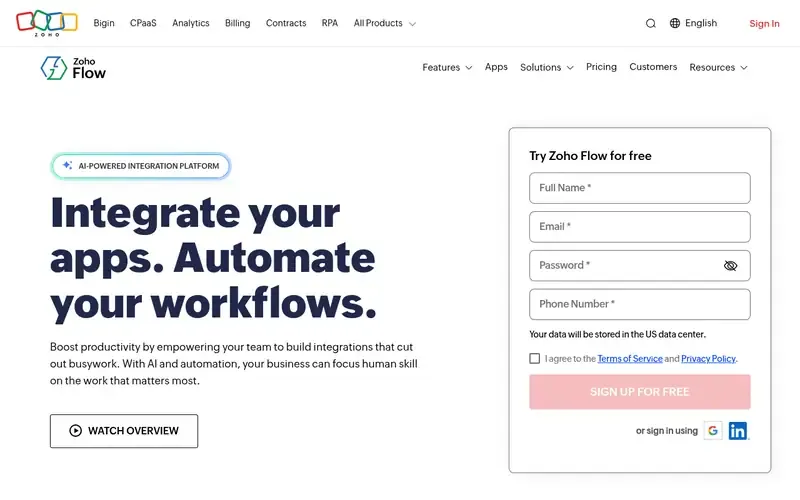
Zoho Flow is an AI-powered, no-code integration and workflow platform that connects cloud and on-prem apps. Workflows can be generated from plain-English descriptions by Zia and refined in a drag-and-drop builder.
Documented strengths
- 1,000+ cloud and on-prem apps, including Zoho and third-party apps
- Plain-English workflow generation by Zia
- No-code features, logic elements and custom functions
- Troubleshooting features to restart or rerun workflows
- On-prem agent for secure access to on-premises systems
Documented limits
Custom functions are written in Deluge, Zoho's scripting language, so advanced logic may need some scripting. Teams outside the Zoho ecosystem should check the vendor documentation for their specific apps.
- Who it is for
- Businesses that already use Zoho apps and want them synced with other tools
- Platforms
- Runs on Zoho's own cloud infrastructure with 24/7 monitoring; on-prem agent for on-premises systems
- Pricing
- See the vendor's own pricing page for current plans and costs. zoho.com
- Facts checked
- 21 November 2026
Why it is placed here: It sits fourth because it is the natural choice for businesses already using Zoho apps, with a smaller connection library than the tools above.
#5 · IFTTT Inc.
IFTTT
Owners who want simple trigger-and-action automations on web or mobile
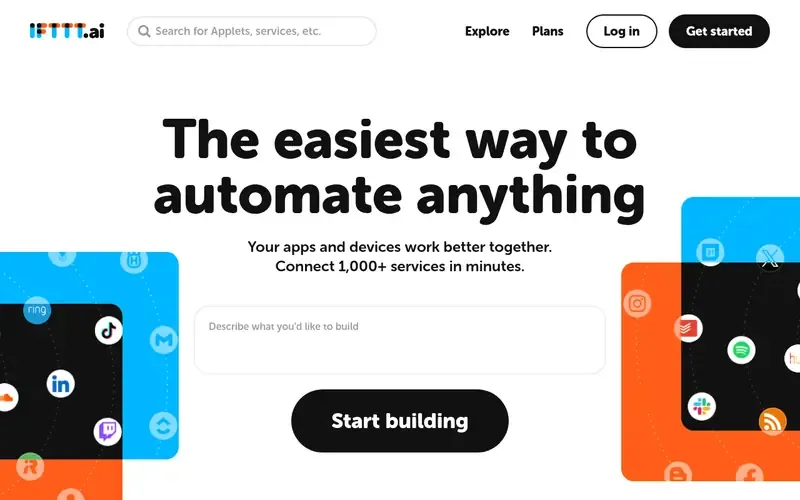
IFTTT is a no-code automation service that links apps and devices through trigger-and-action automations called Applets. It also offers AI and agent features.
Documented strengths
- Applets built from a trigger and an action
- Library of over a thousand services, including Google, Slack, Telegram and Discord
- Automations created from a simple prompt with an agent
- Delays, queries and filters to refine timing and conditions
- iOS and Android mobile apps
Documented limits
Documented mainly for trigger-and-action Applets and consumer-style uses such as smart home and web-page change alerts. Teams that need multi-step business logic should check the vendor documentation.
- Who it is for
- Owners who want simple trigger-and-action automations on web or mobile
- Platforms
- Web, iOS and Android apps; smart home and IoT devices
- Pricing
- See the vendor's own pricing page for current plans and costs. ifttt.com
- Facts checked
- 21 November 2026
Why it is placed here: It sits fifth because the trigger-and-action model is simple to start with and the vendor names small business owners as an audience, but it is documented around simpler automations than the tools above.
#6 · Activepieces
Activepieces
Teams that want open-source software or control over where their data runs
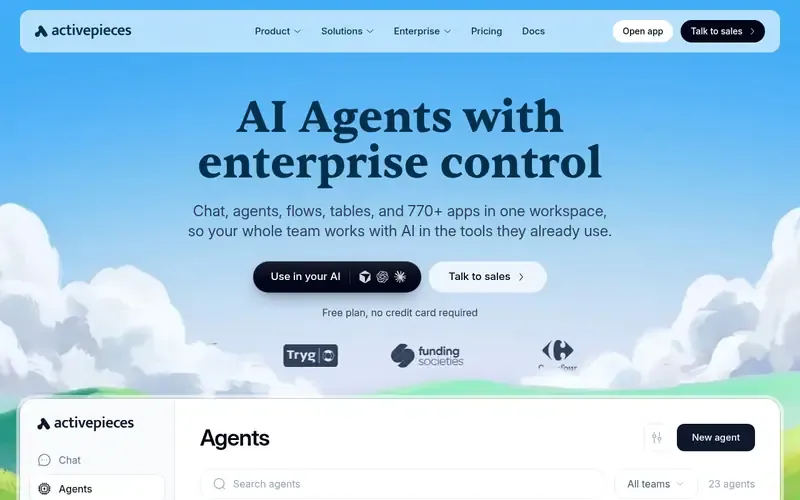
Activepieces is an open-source workspace that combines chat, AI agents, flows, tables and 770+ apps. Users describe a job in plain words and an agent carries it out across their tools.
Documented strengths
- 770+ apps in a single workspace with chat, agents, flows and tables
- Flow builder with branching, retries, subflows, error handling and human approvals
- Runs on the vendor cloud, on customer servers or fully air-gapped
- HTTP piece that can call any REST or GraphQL endpoint
- Single sign-on with Okta or Entra, role-based permissions and audit trail
Documented limits
Inline code in flows is written in TypeScript, and self-hosting is documented with Docker or Kubernetes, which are technical tasks. Non-technical teams should check the vendor documentation on the hosted cloud option.
- Who it is for
- Teams that want open-source software or control over where their data runs
- Platforms
- Vendor cloud (runs in Frankfurt), self-hosted with Docker or Kubernetes, or air-gapped
- Pricing
- See the vendor's own pricing page for current plans and costs. activepieces.com
- Facts checked
- 21 November 2026
Why it is placed here: It sits last because it has the smallest connection library here, at 770+ apps, and its self-hosting and air-gapped options matter most to teams with strict data requirements.
Sources
- Zapier: zapier.com, zapier.com/solutions/hr, zapier.com/solutions/it (21 Nov 2026)
- Make: make.com, make.com/about, make.com/product (21 Nov 2026)
- Microsoft Power Automate: microsoft.com/en-us/power-platform/products/power-automate, microsoft.com/en-us/about (21 Nov 2026)
- Zoho Flow: zoho.com/flow, zoho.com/flow/features/ai.html (21 Nov 2026)
- IFTTT: ifttt.ai, ifttt.ai/about, ifttt.ai/explore/what-is-workflow-automation (21 Nov 2026)
- Activepieces: activepieces.com, activepieces.com/security, activepieces.com/product/chat (21 Nov 2026)
Related guides
How we compiled this
We looked at three things: fit with the use case (connecting everyday business apps, sending notifications and keeping data in sync without writing code), documented capabilities such as natural-language building, error handling and monitoring, and the deployment and platform details each vendor publishes. Tools whose documentation points to a need for developer involvement for routine setups were placed lower or described with that boundary in the limits.
All facts come from official vendor pages, each with a check date. The order reflects editorial fit for this specific use case, mainly how easy setup looks for a non-developer and how broad the ready-made app connections are. It does not say any tool is better overall. The list is built from documentation, not from product trials, so teams should confirm details on the vendor's site before committing.
Order used: Ordered by ease of setup and breadth of ready-made app connections for non-developers.
Common questions
Can I automate lead handling without a developer?
Zapier, Make, Zoho Flow and IFTTT all document no-code building, and Zapier, Make and Zoho Flow also let you start from a plain-language description. Check each vendor's documentation to confirm your specific apps are supported.
Which tool connects to the most apps?
Zapier states over 9,000 integrations and Make lists 3,500+ out-of-the-box app connections. Power Automate offers over 1,000 API connectors, Zoho Flow integrates 1,000+ apps, Activepieces lists 770+ apps, and IFTTT has a library of over a thousand services.
What if my business already uses Microsoft 365 or Zoho?
Microsoft Power Automate integrates natively with Microsoft 365 apps. Zoho Flow connects Zoho apps with third-party apps, so it suits Zoho users.
Can I host my automation tool on my own servers?
Activepieces documents self-hosting with Docker or Kubernetes, and a fully air-gapped option. Zoho Flow documents an on-prem agent for reaching on-premises systems. Make states that it does not depend on self-hosting.
Can these tools work with AI assistants like Claude or ChatGPT?
Zapier MCP connects workflows to Claude, ChatGPT, Cursor and other AI tools, and IFTTT offers an MCP server and can connect ChatGPT, Claude and Gemini into workflows. Activepieces exposes flows through an MCP server so tools like Claude and Cursor can run them.
The editorial order is unpaid. A vendor can buy one labelled featured slot per guide, but it gets the same fact check as everyone else and cannot alter or remove a competitor's entry. Guidehurst is independent. Product names and logos belong to their respective owners.