If your business runs on Microsoft 365 or Zoho, start with Microsoft Power Automate and Zoho Flow, then look at Make as the first general-purpose connector. This shortlist is for small and midsize businesses standardized on one of those stacks that want to automate repetitive work between apps. Zapier and Workato follow as broader options for teams whose processes reach beyond a single vendor's apps.
The shortlist
Side-by-side comparison
| Tool | Who it is for | Platforms | Pricing |
|---|---|---|---|
 Microsoft Power AutomateMicrosoft | Teams standardized on Microsoft 365 | Hosted infrastructure that scales automatically; covers cloud and on-premises apps, data and services | Pricing on microsoft.com |
 Zoho FlowZoho Corporation | Teams standardized on Zoho apps | Zoho's own cloud infrastructure with 24/7 monitoring; on-prem agent for on-premises systems | Pricing on zoho.com |
 MakeCelonis (Make) | Visual workflow building across many apps | Vendor-run platform that does not depend on self-hosting; Enterprise runs in a separately managed AWS environment | Pricing on make.com |
 ZapierZapier Inc. | Business teams building their own automations with IT oversight | Not stated on official pages | Pricing on zapier.com |
 WorkatoWorkato Inc. | Organizations needing centralized governance over automation and AI agents | Elastic runtime with no infrastructure for the customer to manage | Pricing on workato.com |
Quick verdict by need
- Microsoft Power Automate if you need teams standardized on Microsoft 365.
- Zoho Flow if you need teams standardized on Zoho apps.
- Make if you need visual workflow building across many apps.
- Zapier if you need business teams building their own automations with IT oversight.
- Workato if you need organizations needing centralized governance over automation and AI agents.
Tool details
#1 · Microsoft
Microsoft Power Automate
Teams standardized on Microsoft 365
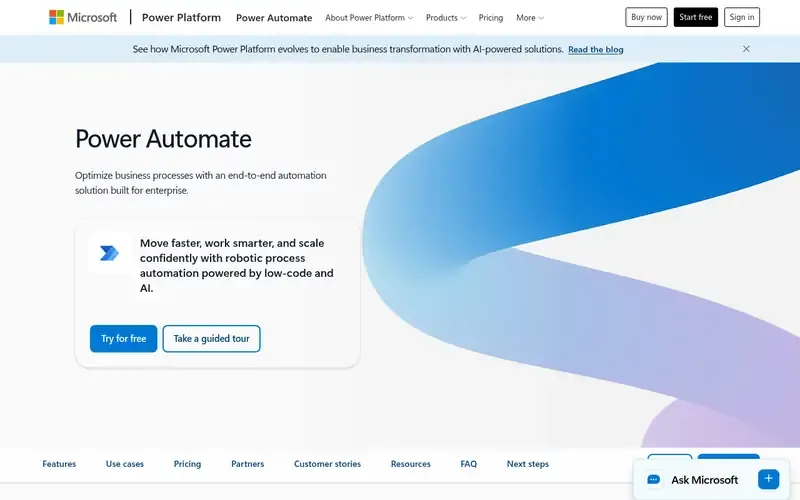
Microsoft Power Automate automates workflows and business processes across apps, systems and websites using AI, digital process automation and robotic process automation. It integrates natively with Microsoft 365 apps.
Documented strengths
- Native integration with Microsoft 365 apps
- Over 1,000 API connectors plus custom connectors
- Copilot for creating and editing automation in natural language
- RPA for legacy systems through user-interface actions, attended or unattended
- Managed Environments and data loss prevention
Documented limits
The vendor describes its audience as enterprises and organizations scaling automation, so smaller teams should check that the scope suits them. Zoho-specific connectors are not described on the official pages we used.
- Who it is for
- Teams standardized on Microsoft 365
- Platforms
- Hosted infrastructure that scales automatically; covers cloud and on-premises apps, data and services
- Pricing
- See the vendor's own pricing page for current plans and costs. microsoft.com
- Facts checked
- 21 November 2026
Why it is placed here: It comes first because the vendor documents native integration with Microsoft 365 apps, which is the deepest Microsoft fit on this list.
#2 · Zoho Corporation
Zoho Flow
Teams standardized on Zoho apps
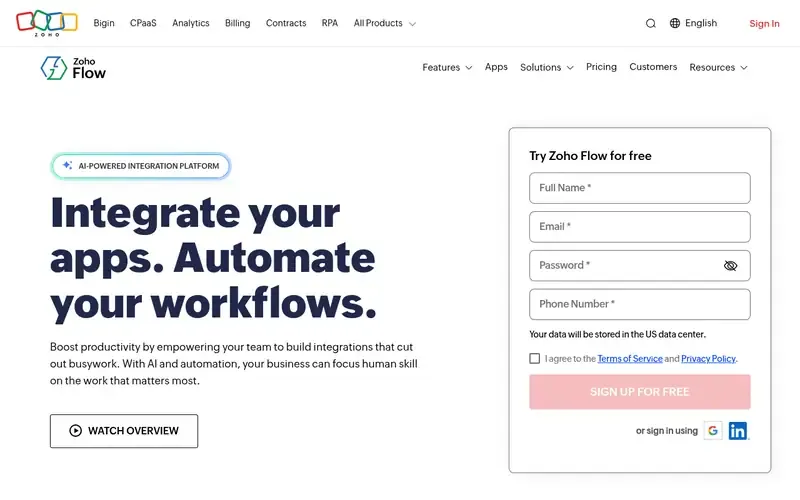
Zoho Flow is an AI-powered, no-code integration and workflow automation platform that connects cloud and on-prem apps. It is described as a hybrid iPaaS.
Documented strengths
- 1,000+ cloud and on-prem apps, including Zoho apps
- Plain-English workflow generation by Zia, refined in a drag-and-drop builder
- Custom functions written in Deluge, Zoho's scripting language
- On-prem agent for secure access to on-premises systems
- Restart or rerun workflows for troubleshooting
Documented limits
The official pages emphasize Zoho and third-party app integration; Microsoft 365 coverage is not specified in the facts we used, so Microsoft-heavy teams should check the vendor's integration catalog.
- Who it is for
- Teams standardized on Zoho apps
- Platforms
- Zoho's own cloud infrastructure with 24/7 monitoring; on-prem agent for on-premises systems
- Pricing
- See the vendor's own pricing page for current plans and costs. zoho.com
- Facts checked
- 21 November 2026
Why it is placed here: It sits second because it is the Zoho-side counterpart: its documented integrations explicitly include Zoho apps, alongside third-party apps and ERP systems.
#3 · Celonis (Make)
Make
Visual workflow building across many apps
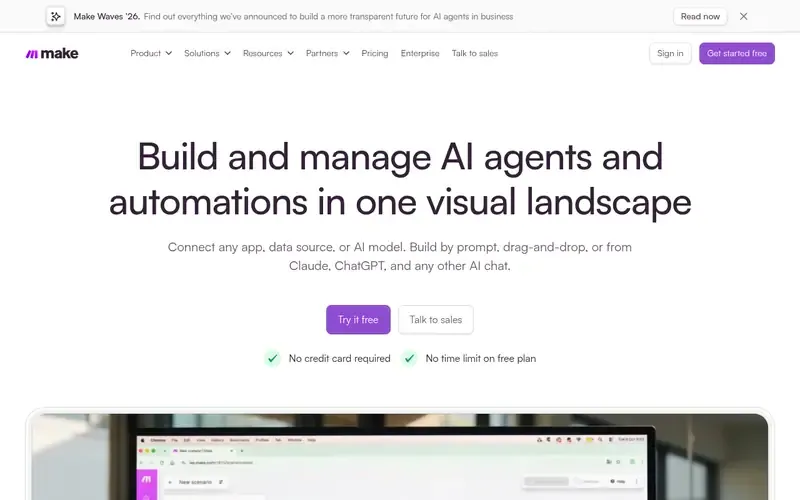
Make is a visual AI automation platform for building workflows and AI agents that connect to apps and data. It is part of Celonis, a process mining and execution management company.
Documented strengths
- 3,500+ out-of-the-box app connections and custom integrations for anything with an API
- Build by prompt, drag-and-drop or from AI chat tools
- Custom code in JavaScript or Python
- Error handlers, automatic retries, exception routing and execution history
- Role-based access, audit logs and analytics across workflows
Documented limits
The vendor pages we used do not state specific Microsoft 365 or Zoho connectors, so confirm those in Make's app catalog. Make is aimed at both business teams and developers, so expect some builder learning curve.
- Who it is for
- Visual workflow building across many apps
- Platforms
- Vendor-run platform that does not depend on self-hosting; Enterprise runs in a separately managed AWS environment
- Pricing
- See the vendor's own pricing page for current plans and costs. make.com
- Facts checked
- 21 November 2026
Why it is placed here: It is the first general-purpose connector in the order, with a visual builder and a large documented connection catalog for teams whose stack extends past Microsoft or Zoho.
#4 · Zapier Inc.
Zapier
Business teams building their own automations with IT oversight
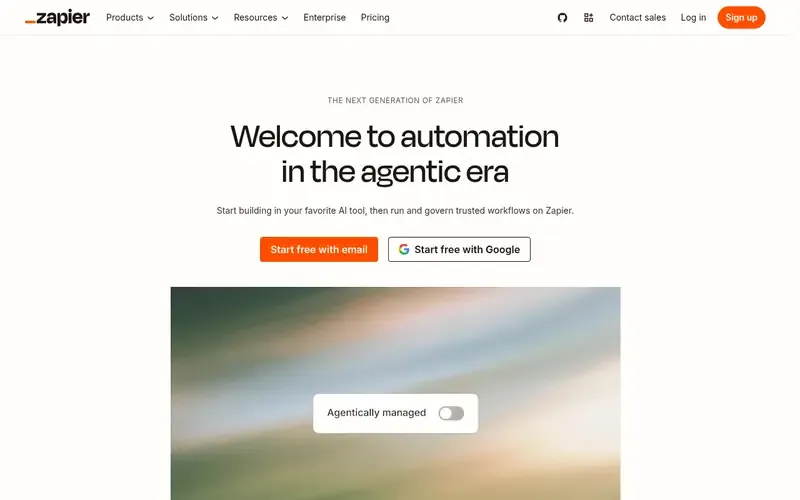
Zapier is an AI orchestration platform for building and running automated workflows and agents across thousands of apps. A Zap is an automated workflow that runs across apps without being prompted each time.
Documented strengths
- 9,000+ apps and over 9,000 integrations
- AI manager agent on each Zap that detects and fixes issues
- Access controls at the app, action and connection level
- Governance features including BYOM, AI Guardrails, Action Restrictions and Managed Connections
- Zapier MCP connecting to Claude, ChatGPT, Cursor and other AI tools
Documented limits
The facts we used do not name specific Microsoft 365 or Zoho integrations, so check the vendor's app directory for the apps you use. Platform and deployment details are not stated on the official pages we used.
- Who it is for
- Business teams building their own automations with IT oversight
- Platforms
- Not stated on official pages
- Pricing
- See the vendor's own pricing page for current plans and costs. zapier.com
- Facts checked
- 21 November 2026
Why it is placed here: It follows Make as another general-purpose connector, with a very large documented integration count and governance controls that let IT keep oversight.
#5 · Workato Inc.
Workato
Organizations needing centralized governance over automation and AI agents
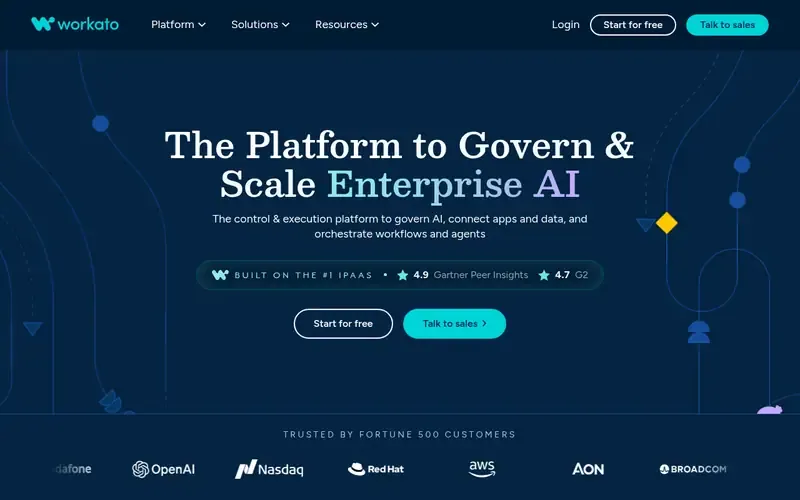
Workato is an enterprise platform that connects apps, data, workflows and AI agents to orchestrate, automate and govern work.
Documented strengths
- Centralized governance over models, agents, workflows, APIs and MCP interactions
- Low-code studio for designing and deploying agents
- Workato Genies, prebuilt AI agents for functions such as sales and HR
- Integrations with enterprise databases including Oracle, SQL Server, Db2 and MySQL
- SOC 2 Type II, ISO 27001, PCI DSS and GDPR adherence, plus BYOK and audit trails
Documented limits
Documented for enterprises, IT teams and broader business teams; small businesses should check that the scope fits. Specific Microsoft 365 or Zoho connectors are not listed in the facts we used.
- Who it is for
- Organizations needing centralized governance over automation and AI agents
- Platforms
- Elastic runtime with no infrastructure for the customer to manage
- Pricing
- See the vendor's own pricing page for current plans and costs. workato.com
- Facts checked
- 21 November 2026
Why it is placed here: It sits last because its documented focus is enterprise-scale orchestration and governance, which suits growing teams more than a simple Microsoft or Zoho setup.
Sources
- Microsoft Power Automate: microsoft.com/en-us/power-platform/products/power-automate, microsoft.com/en-us/about (21 Nov 2026)
- Zoho Flow: zoho.com/flow, zoho.com/flow/features/ai.html (21 Nov 2026)
- Make: make.com, make.com/about, make.com/product (21 Nov 2026)
- Zapier: zapier.com, zapier.com/solutions/hr, zapier.com/solutions/it (21 Nov 2026)
- Workato: workato.com, workato.com/why, workato.com/about_us (21 Nov 2026)
Related guides
- Top 5 RPA tools for automating legacy desktop applications without APIs
- Top 5 workflow engines for durable, fault-tolerant execution in code
- Top 6 low-code platforms for governed enterprise app development
- Top 6 workflow automation tools for non-technical small business owners
- More in Workflow automation
How we compiled this
We looked at three things: how well each tool fits automation across a Microsoft 365 or Zoho app stack, which capabilities the vendor documents (connectors, builders, error handling, security and governance), and what the vendor says about where and how the tool runs. The order reflects editorial fit for this use case. Tools with documented native depth in the Microsoft or Zoho ecosystems come first, and general-purpose connectors follow. We do not claim any tool is better overall.
All facts come from official vendor pages, and each is recorded with a check date. This list is built from vendor documentation rather than product trials, so it describes what vendors state, not how a tool behaves in your environment. Where the vendor pages do not document something, such as a specific Microsoft 365 or Zoho connector, we say so and suggest checking the vendor documentation. Pricing is not covered here; each tool's page shows a link to the vendor pricing page.
Order used: Ordered by native depth with Microsoft and Zoho apps first, then general-purpose connectors.
Common questions
Which automation tool works natively with Microsoft 365?
Microsoft Power Automate. The vendor states it integrates natively with Microsoft 365 apps and offers over 1,000 API connectors plus custom connectors.
What is the Zoho tool for connecting apps and automating workflows?
Zoho Flow. It is a no-code integration and workflow platform that connects 1,000+ cloud and on-prem apps, including Zoho apps, and lets you write custom functions in Deluge.
Can I automate across both Microsoft and Zoho apps in one tool?
The vendor pages we used do not state this for any single tool. Make, Zapier and Workato are general-purpose connectors, so check each vendor's app catalog for the specific Microsoft 365 and Zoho apps you use.
Do any of these tools support on-premises systems?
Zoho Flow documents an on-prem agent for secure access to on-premises systems. Power Automate covers on-premises apps, data and services and can automate legacy systems through RPA.
Which tools document security certifications?
Make lists GDPR, SOC 2 Type II and SOC 3, and states its security program is ISO 27001 certified. Zapier states SOC 2 Type II, SOC 3, GDPR and CCPA compliance. Workato states SOC 2 Type II, ISO 27001, PCI DSS and GDPR. Zoho Flow states GDPR compliance and AES encryption.
The editorial order is unpaid. A vendor can buy one labelled featured slot per guide, but it gets the same fact check as everyone else and cannot alter or remove a competitor's entry. Guidehurst is independent. Product names and logos belong to their respective owners.