For expanding snippets and templates system-wide on macOS, Typinator, aText and Raycast are the first tools to look at. Alfred Snippets, Espanso and PhraseExpress complete the shortlist. It is written for Mac users who type the same text every day and want it to expand in any app.
The shortlist
Side-by-side comparison
| Tool | Who it is for | Platforms | Pricing |
|---|---|---|---|
 TypinatorErgonis Software | Mac users with large snippet libraries | macOS and iOS (iPhone and iPad); Windows version in public beta | Pricing on ergonis.com |
 aTextTrimList | Mac users who also work on Windows | Mac and Windows | Pricing on trankynam.com |
 RaycastRaycast | Mac users who already want a launcher | macOS and iOS; Cloud Sync across Mac, Windows and iOS devices | Pricing on raycast.com |
 Alfred SnippetsRunning with Crayons | Mac users who want native expansion plus workflows | macOS 12+ on Intel and Apple Silicon (Alfred 6); iPhone or iPad as a companion | Pricing on alfredapp.com |
 EspansoFederico Terzi | Users who want an open-source, scriptable expander | Windows, Linux and macOS | Pricing on espanso.org |
 PhraseExpressBartels Media | Teams that share phrases across platforms | Windows, Mac and iPhone/iPad | Pricing on phraseexpress.com |
Quick verdict by need
- Typinator if you need mac users with large snippet libraries.
- aText if you need mac users who also work on Windows.
- Raycast if you need mac users who already want a launcher.
- Alfred Snippets if you need mac users who want native expansion plus workflows.
- Espanso if you need users who want an open-source, scriptable expander.
- PhraseExpress if you need teams that share phrases across platforms.
Tool details
#1 · Ergonis Software
Typinator
Mac users with large snippet libraries

Typinator is a text expander and text replacement tool for Mac and iOS that expands shortcuts into text, images, dates, AI prompts, formulas or code.
Documented strengths
- Expands many content types and stays fast with large snippet libraries
- Snippets stored locally on the device
- Optional sync via iCloud, Dropbox, OneDrive, a company server or any network location
- Snippet sets shared with teammates via shared links
- Ready-made snippet sets, plus typo and terminology correction as you type
Documented limits
A Windows version is in public beta and not yet production-ready, so mixed Mac and Windows teams should check the vendor documentation. iPhone and iPad support starts with Typinator 10.
- Who it is for
- Mac users with large snippet libraries
- Platforms
- macOS and iOS (iPhone and iPad); Windows version in public beta
- Pricing
- See the vendor's own pricing page for current plans and costs. ergonis.com
- Facts checked
- 21 November 2026
Why it is placed here: It leads because it runs natively on macOS and iOS, works system-wide and combines a wide range of content types with sharing for teams.
#2 · TrimList
aText
Mac users who also work on Windows
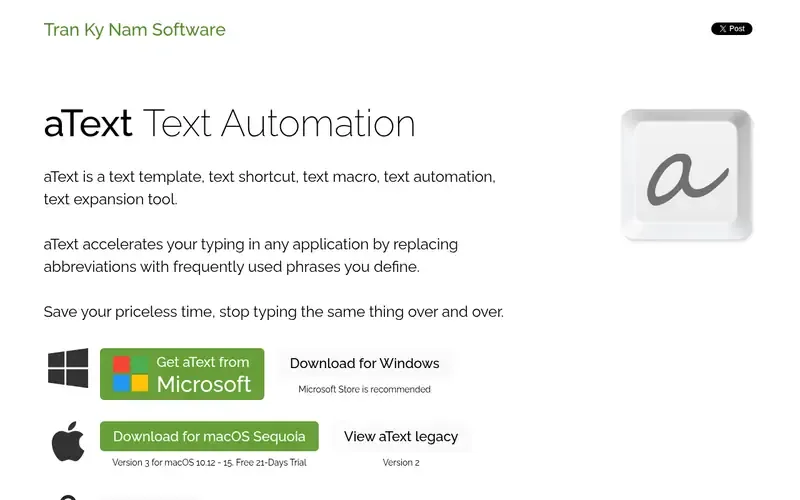
aText is a text expansion and snippet tool for Mac and Windows that replaces abbreviations with phrases you define in any application.
Documented strengths
- Snippets with images, formatted text and attachments
- Date/time scripts, editable fields, keystrokes, scripting and mouse scripts
- Built-in snippets for misspelling correction, HTML and JavaScript coding, and emojis
- Sync between computers running Windows and macOS
- Automatic capitalization of new sentences and correction of double capitals
Documented limits
The official page does not state a deployment or privacy model, so teams with data-handling requirements should check the vendor documentation. iOS support is not stated.
- Who it is for
- Mac users who also work on Windows
- Platforms
- Mac and Windows
- Pricing
- See the vendor's own pricing page for current plans and costs. trankynam.com
- Facts checked
- 21 November 2026
Why it is placed here: It comes next because it is a dedicated expander with images, formatted text, scripting and sync between macOS and Windows.
#3 · Raycast
Raycast
Mac users who already want a launcher
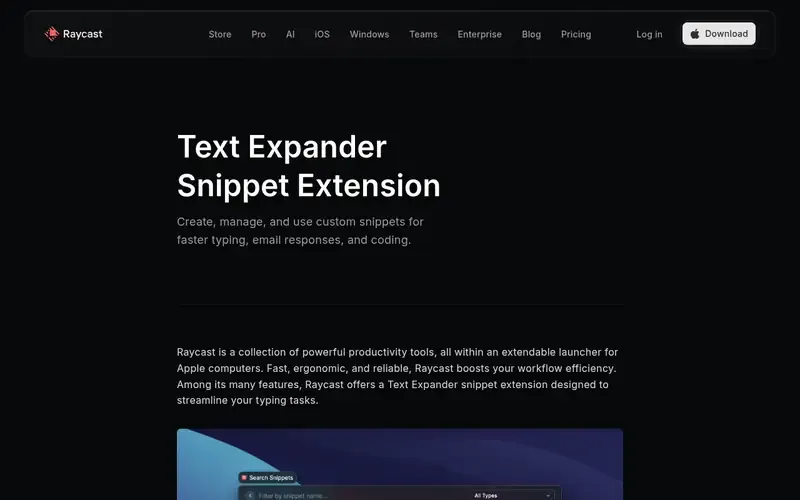
Raycast is an extendable productivity launcher for Apple computers. Its Snippets extension stores, searches and auto-expands reusable text snippets.
Documented strengths
- Snippets with a keyword auto-expand in any application
- Search by title, with insertion into the front-most app
- Dynamic Placeholders for dynamic snippets
- Import from a JSON file via an Import Snippets command
- Shared snippets for team members with Raycast for Teams enabled
Documented limits
Snippets are one extension within a broader launcher, so teams that want only a dedicated expander should compare scope. Team sharing requires Raycast for Teams to be enabled.
- Who it is for
- Mac users who already want a launcher
- Platforms
- macOS and iOS; Cloud Sync across Mac, Windows and iOS devices
- Pricing
- See the vendor's own pricing page for current plans and costs. raycast.com
- Facts checked
- 21 November 2026
Why it is placed here: It sits here because snippets are one part of a larger launcher, which suits Mac users who want expansion plus other tools in one app.
#4 · Running with Crayons
Alfred Snippets
Mac users who want native expansion plus workflows
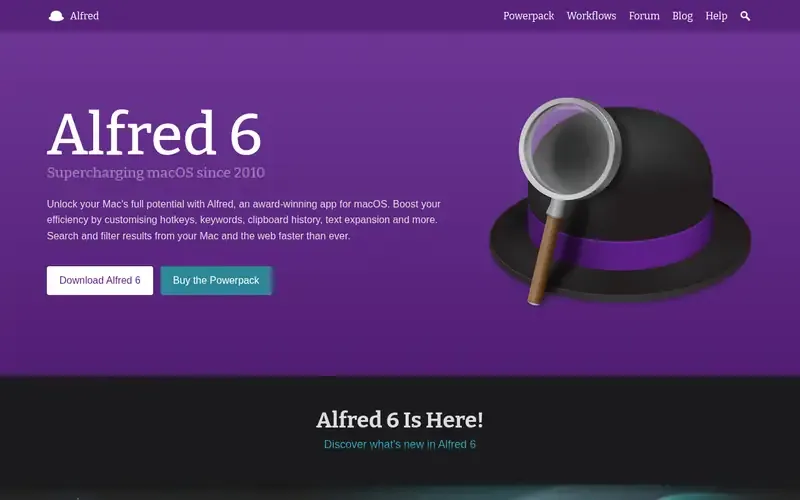
Alfred is a macOS productivity app built around hotkeys, keywords and text expansion. Frequently used text clips can be saved as snippets and auto-expanded anywhere.
Documented strengths
- Text clips saved as snippets and auto-expanded anywhere
- Clipboard history covering text, images, file paths and colour hex codes
- Custom actions and workflows enabled through the Powerpack
- Settings synced across multiple Macs
- Does not need a server or an internet connection
Documented limits
Documented for macOS only; Windows and Linux users should look elsewhere. Custom workflows are enabled through the Powerpack, so check the vendor page for what that covers.
- Who it is for
- Mac users who want native expansion plus workflows
- Platforms
- macOS 12+ on Intel and Apple Silicon (Alfred 6); iPhone or iPad as a companion
- Pricing
- See the vendor's own pricing page for current plans and costs. alfredapp.com
- Facts checked
- 21 November 2026
Why it is placed here: It follows Raycast because it is fully native to macOS and works without a server or internet connection, but its snippets sit within a wider launcher.
#5 · Federico Terzi
Espanso
Users who want an open-source, scriptable expander
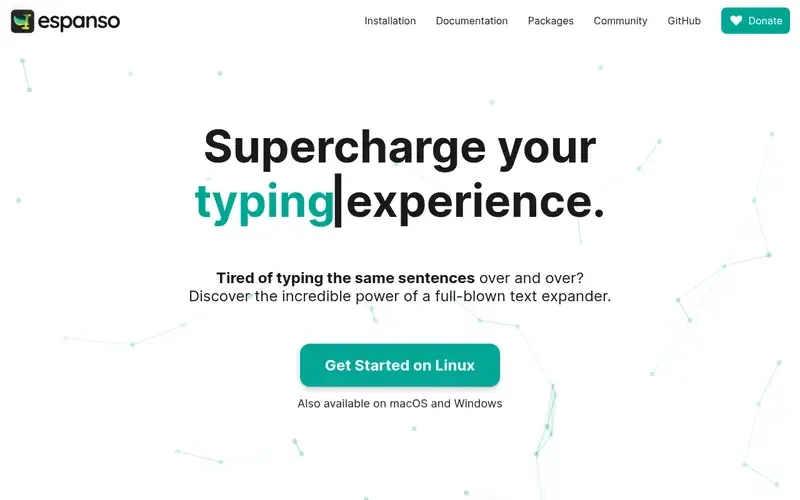
Espanso is a privacy-first, cross-platform, open-source text expander that replaces typed keywords with snippets.
Documented strengths
- Keyword detection and replacement while typing
- Search bar opened with ALT+Space to find snippets
- Shell commands and custom scripts, with command output injected into applications
- Forms for complex workflows and reusable templates
- Packages shared on the Espanso Hub
Documented limits
It is configured with simple files in a Unix-like philosophy, and a GUI is only planned, so it suits users comfortable with configuration files. It is open source under the GPL-3 license.
- Who it is for
- Users who want an open-source, scriptable expander
- Platforms
- Windows, Linux and macOS
- Pricing
- See the vendor's own pricing page for current plans and costs. espanso.org
- Facts checked
- 21 November 2026
Why it is placed here: It sits lower for this Mac-focused use case because it is configured through files rather than a Mac-style interface, though it suits users who want scripting and open source.
#6 · Bartels Media
PhraseExpress
Teams that share phrases across platforms
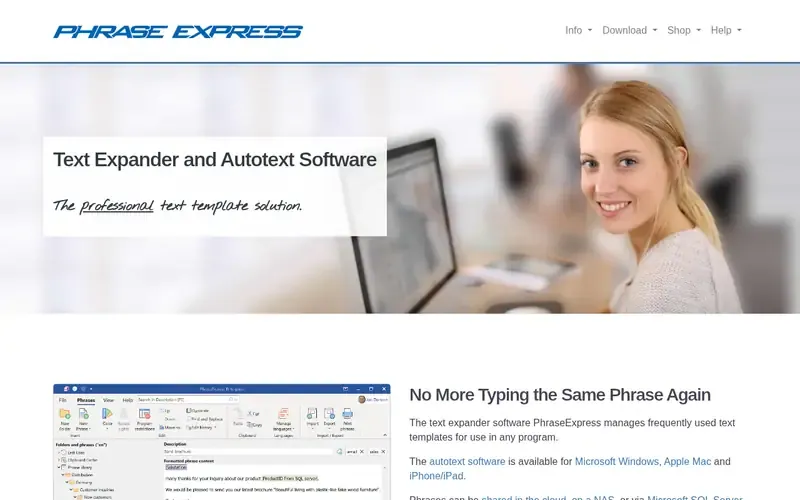
PhraseExpress is a text expander and text snippet manager for Windows, Mac and iPhone/iPad that manages reusable text templates for use in any program.
Documented strengths
- Customizable categories and version history with a restore feature
- Phrase sharing via the cloud, a NAS or Microsoft SQL Server
- AES encryption and password protection for phrases
- Custom input forms and a Document Generator
- Integration with self-hosted and cloud-based AI language models
Documented limits
Several documented options, such as Microsoft SQL Server, Citrix/TerminalServer and the Outlook Add-In, are enterprise-oriented. Mac users should check the vendor documentation for which apply on macOS.
- Who it is for
- Teams that share phrases across platforms
- Platforms
- Windows, Mac and iPhone/iPad
- Pricing
- See the vendor's own pricing page for current plans and costs. phraseexpress.com
- Facts checked
- 21 November 2026
Why it is placed here: It closes the list because its team-sharing and enterprise features are broad, but its documented strengths lean toward organisations rather than individual Mac users.
Sources
- Typinator: ergonis.com/en/typinator, ergonis.com/en/about, ergonis.com/en/keycue/features (21 Nov 2026)
- aText: trankynam.com/atext (21 Nov 2026)
- Raycast: raycast.com/core-features/snippets, raycast.com/why, raycast.com/core-features/ai (21 Nov 2026)
- Alfred Snippets: alfredapp.com, alfredapp.com/about, alfredapp.com/help/features/music (21 Nov 2026)
- Espanso: espanso.org (21 Nov 2026)
- PhraseExpress: phraseexpress.com, phraseexpress.com/features, phraseexpress.com/features/sql (21 Nov 2026)
Related guides
How we compiled this
We looked at how well each tool fits system-wide snippet expansion on macOS, what its documentation says about snippet features, and what platform and data-handling information the vendor publishes. All facts come from official vendor pages, each with a check date. Some tools are dedicated expanders and others are broader apps with a snippet feature, and we say which in each entry.
The order reflects editorial fit for this use case, in words: depth of macOS integration and breadth of snippet features, as described in the documentation. A tool placed lower is not worse overall; it may simply fit a different setup, such as a cross-platform team. The list is built from documentation rather than product trials, so the limits we note are scope boundaries. Check each vendor page for details that matter to your setup.
Order used: Ordered by depth of macOS integration and snippet features, best fit first.
Common questions
What is a text expander on Mac?
A text expander replaces a typed abbreviation or keyword with longer text, images or other content in any app. Typinator, aText, Alfred and Espanso all describe system-wide expansion on macOS.
Which Mac text expanders work across several devices?
Typinator works on macOS and iOS with optional sync via iCloud, Dropbox, OneDrive or a network location. Raycast's Cloud Sync covers Mac, Windows and iOS, and aText syncs between Windows and macOS.
Is there an open-source text expander for Mac?
Espanso is an open-source text expander under the GPL-3 license and supports Windows, Linux and macOS. It is configured with simple files.
Can a text expander share snippets with a team?
Yes. Typinator shares snippet sets via shared links, Raycast offers shared snippets with Raycast for Teams enabled, and PhraseExpress shares phrases via the cloud, a NAS or Microsoft SQL Server.
Do text expanders keep my snippets local?
Typinator stores snippets locally on the device with no cloud uploads or data collection, and Alfred does not need a server or an internet connection. PhraseExpress is installed locally rather than relying on external cloud services.
The editorial order is unpaid. A vendor can buy one labelled featured slot per guide, but it gets the same fact check as everyone else and cannot alter or remove a competitor's entry. Guidehurst is independent. Product names and logos belong to their respective owners.