For consistent formatting and linting across JavaScript and TypeScript frontends, start with ESLint for linting, Prettier for formatting and Biome as a single combined toolchain. This shortlist is for frontend teams working in JS/TS monorepos. Oxlint, Stylelint, TypeScript and dprint cover faster linting, CSS, type checking and multi-language formatting.
The shortlist
Side-by-side comparison
| Tool | Who it is for | Platforms | Pricing |
|---|---|---|---|
 ESLintESLint | Teams enforcing code quality rules on JS and JSX | Most text editors and CI pipelines | Pricing on eslint.org |
 PrettierPrettier | Teams that want automatic formatting and no style debates | Most editors; pre-commit scripts and githooks | Pricing on prettier.io |
 BiomeBiome | Teams wanting one toolchain for formatting and linting | Several package managers and editor integrations | Pricing on biomejs.dev |
 OxlintOxc (VoidZero) | Teams wanting ESLint-compatible linting at higher speed | Not stated on official pages | Pricing on oxc.rs |
 StylelintStylelint | Teams enforcing CSS conventions | Not stated on official pages | Pricing on stylelint.io |
 TypeScriptMicrosoft | Teams adding type checking to JavaScript frontends | Compiles to JavaScript for browsers, Node.js, Deno and Bun | Pricing on typescriptlang.org |
 dprintdprint | Monorepos formatting many languages with one tool | Single static binary; installs via shell script, PowerShell, npm, Homebrew or Cargo | Pricing on dprint.dev |
Quick verdict by need
- ESLint if you need teams enforcing code quality rules on JS and JSX.
- Prettier if you need teams that want automatic formatting and no style debates.
- Biome if you need teams wanting one toolchain for formatting and linting.
- Oxlint if you need teams wanting ESLint-compatible linting at higher speed.
- Stylelint if you need teams enforcing CSS conventions.
- TypeScript if you need teams adding type checking to JavaScript frontends.
Tool details
#1 · ESLint
ESLint
Teams enforcing code quality rules on JS and JSX
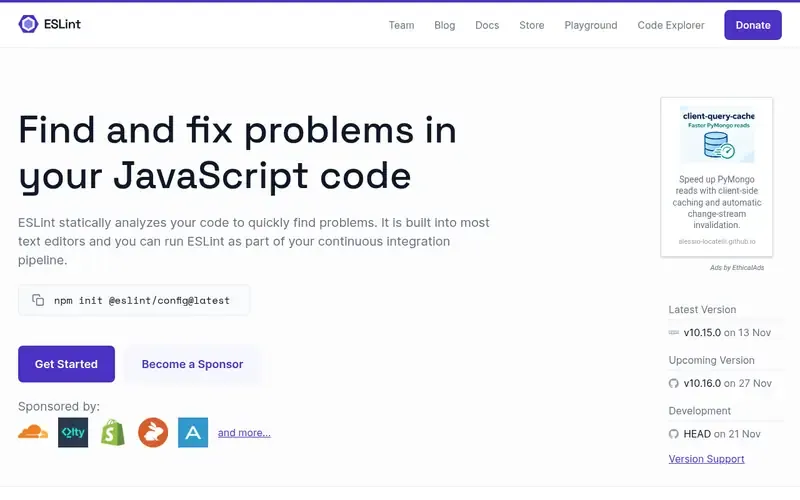
ESLint is an open source, pluggable and configurable linter that finds and reports problems in JavaScript and JSX code through static analysis.
Documented strengths
- Pluggable and configurable, with built-in and user-written rules
- Syntax-aware automatic fixes for many problems
- Built into most editors and usable in CI pipelines
- Preprocessing and custom parsers
- Works for browser and server JavaScript, with or without a framework
Documented limits
ESLint is documented as a linter, so formatting is usually handled by a separate formatter. Teams with TypeScript-specific needs should check the vendor documentation.
- Who it is for
- Teams enforcing code quality rules on JS and JSX
- Platforms
- Most text editors and CI pipelines
- Pricing
- See the vendor's own pricing page for current plans and costs. eslint.org
- Facts checked
- 21 November 2026
Why it is placed here: It is first because it is the general-purpose linter for the use case, with plugins, custom rules and automatic fixes that fit shared team conventions.
#2 · Prettier
Prettier
Teams that want automatic formatting and no style debates
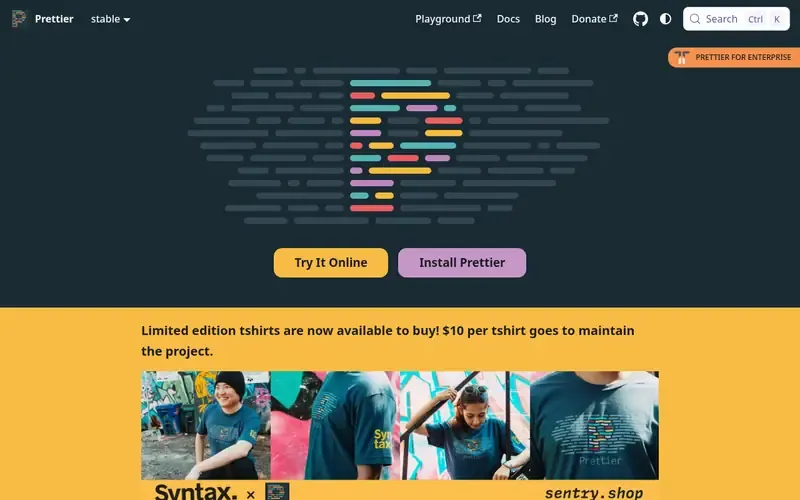
Prettier is an opinionated code formatter that integrates with most editors and enforces a consistent style automatically.
Documented strengths
- Format on save and key-binding formatting in editors
- Removes style discussions from code review
- Runs in pre-commit scripts or githooks
- Cleans up an existing inconsistent codebase quickly
- Built-in support for Lightning Web Components (LWC)
Documented limits
Prettier is documented as a formatter, not a linter, so it does not replace bug-finding rules. Formatting options follow its opinionated approach.
- Who it is for
- Teams that want automatic formatting and no style debates
- Platforms
- Most editors; pre-commit scripts and githooks
- Pricing
- See the vendor's own pricing page for current plans and costs. prettier.io
- Facts checked
- 21 November 2026
Why it is placed here: It follows ESLint because it handles the formatting half of the use case, removing style discussions from code review.
#3 · Biome
Biome
Teams wanting one toolchain for formatting and linting
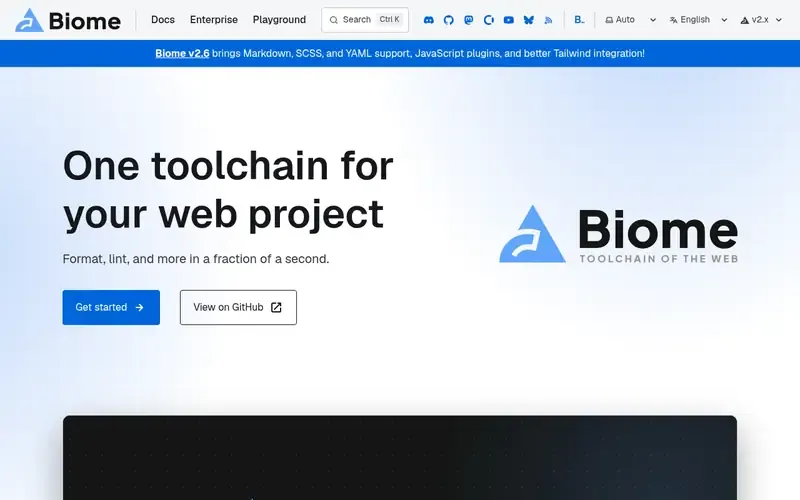
Biome is a Rust-based web toolchain that formats and lints JavaScript, TypeScript, CSS and other web languages from one tool.
Documented strengths
- Formatter highly compatible with Prettier
- Linter with rules drawn from ESLint and TypeScript ESLint
- A single check command runs all tools together
- No configuration needed to start, with extensive options
- First-class TypeScript and JSX support
Documented limits
Its rule set is drawn from other linters, so teams relying on specific ESLint plugins should check the vendor documentation. Version 2.6 is documented as adding Markdown, SCSS and YAML support, JavaScript plugins and better Tailwind integration.
- Who it is for
- Teams wanting one toolchain for formatting and linting
- Platforms
- Several package managers and editor integrations
- Pricing
- See the vendor's own pricing page for current plans and costs. biomejs.dev
- Facts checked
- 21 November 2026
Why it is placed here: It sits third because it combines formatting and linting in one command, a fit for monorepos that want fewer separate tools.
#4 · Oxc (VoidZero)
Oxlint
Teams wanting ESLint-compatible linting at higher speed
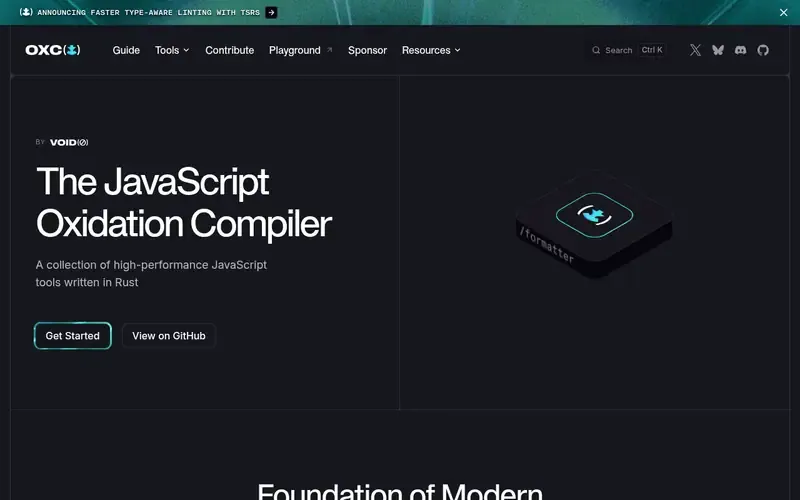
Oxlint is the ESLint-compatible linter in Oxc, a collection of high-performance JavaScript tools written in Rust.
Documented strengths
- Described as 50 to 100 times faster than ESLint
- Type-aware linting powered by tsgo
- Supports ESLint JS plugins
- Oxfmt, a Prettier-compatible formatter, in beta
- Tailwind class sorting in the formatter
Documented limits
The speed figure is the vendor's own description. Oxfmt is currently in beta, so teams planning to rely on it should check the vendor documentation.
- Who it is for
- Teams wanting ESLint-compatible linting at higher speed
- Platforms
- Not stated on official pages
- Pricing
- See the vendor's own pricing page for current plans and costs. oxc.rs
- Facts checked
- 21 November 2026
Why it is placed here: It comes after Biome as a linter-focused option for teams that want ESLint compatibility with a much faster engine.
#5 · Stylelint
Stylelint
Teams enforcing CSS conventions
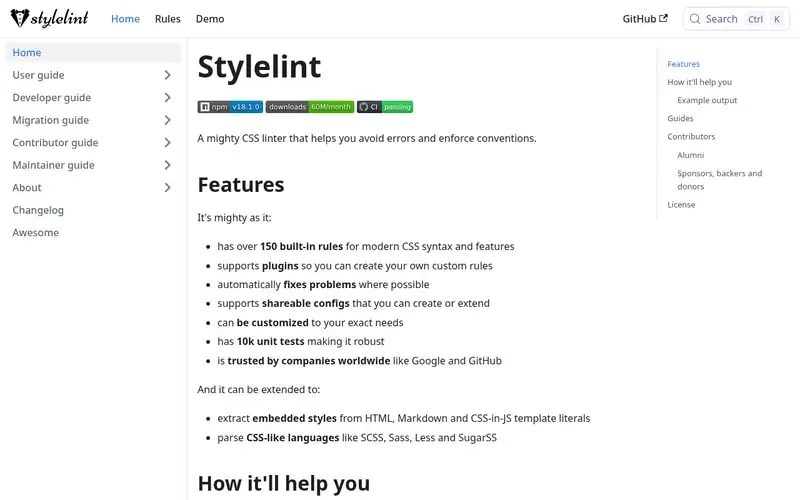
Stylelint is a CSS linter that helps avoid errors and enforce conventions.
Documented strengths
- Over 150 built-in rules for modern CSS
- Plugins for custom rules and shareable configs
- Automatic fixes where possible
- Extracts embedded styles from HTML, Markdown and CSS-in-JS
- Parses SCSS, Sass, Less and SugarSS
Documented limits
Stylelint is documented for CSS and CSS-like languages, not for JavaScript or TypeScript code. The project recommends pairing it with a pretty printer such as Prettier.
- Who it is for
- Teams enforcing CSS conventions
- Platforms
- Not stated on official pages
- Pricing
- See the vendor's own pricing page for current plans and costs. stylelint.io
- Facts checked
- 21 November 2026
Why it is placed here: It sits here because it covers the styling layer of a frontend repository, which JavaScript linters do not document.
#6 · Microsoft
TypeScript
Teams adding type checking to JavaScript frontends
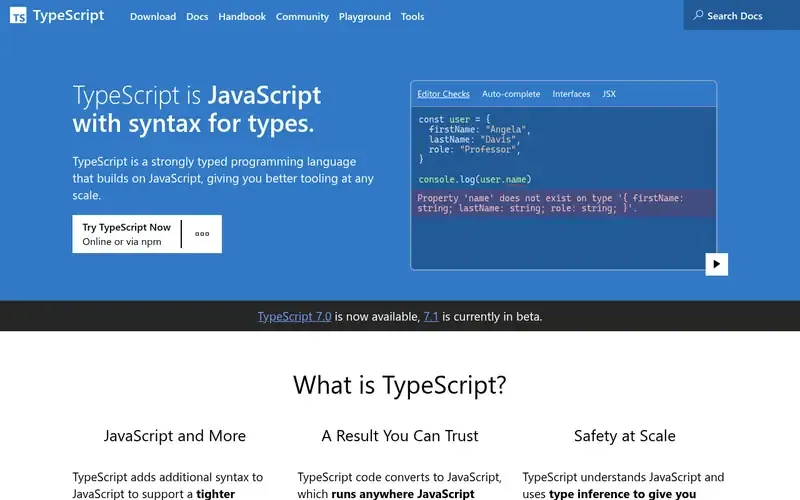
TypeScript is a strongly typed language from Microsoft that builds on JavaScript and catches errors in the editor before code runs.
Documented strengths
- Adds types to JavaScript and catches errors before code runs
- Type inference that provides tooling without extra annotations
- Gradual adoption in existing JavaScript projects
- // @ts-check shows type errors in JavaScript files
- JSDoc comments can supply type information
Documented limits
TypeScript is a language with type checking, not a formatter or style linter, so it is used alongside the tools above. Type annotations are removed when compiling to JavaScript.
- Who it is for
- Teams adding type checking to JavaScript frontends
- Platforms
- Compiles to JavaScript for browsers, Node.js, Deno and Bun
- Pricing
- See the vendor's own pricing page for current plans and costs. typescriptlang.org
- Facts checked
- 21 November 2026
Why it is placed here: It comes next because type checking is a distinct layer of consistency for TS frontends, and types can be adopted gradually in existing JavaScript.
#7 · dprint
dprint
Monorepos formatting many languages with one tool
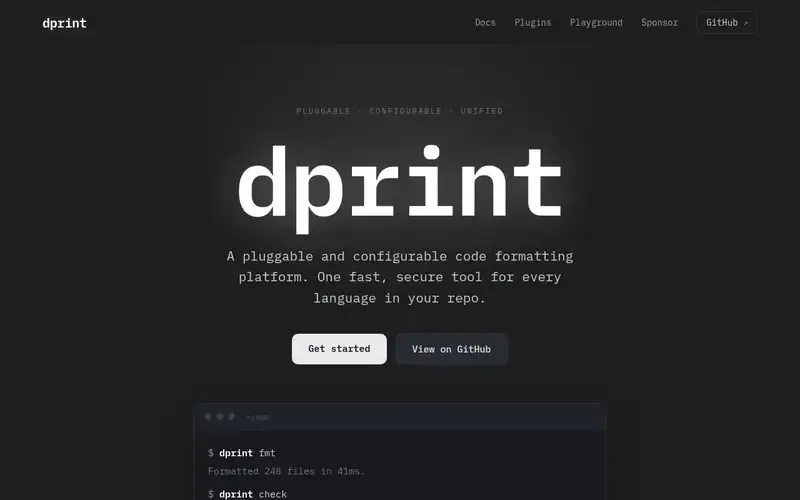
dprint is a pluggable, configurable code formatting platform written in Rust that formats many languages through one CLI.
Documented strengths
- Plugins for TypeScript/JavaScript, JSON, Markdown, TOML, Dockerfile, SQL and Jupyter notebooks
- Incremental caching by default
- Wrapper plugins for Prettier, Biome and Oxc
- dprint check verifies code is already formatted
- dprint init scaffolds a dprint.json file
Documented limits
dprint is documented as a formatter and does not describe linting, so it pairs with a linter. Teams should check the vendor documentation for plugin details.
- Who it is for
- Monorepos formatting many languages with one tool
- Platforms
- Single static binary; installs via shell script, PowerShell, npm, Homebrew or Cargo
- Pricing
- See the vendor's own pricing page for current plans and costs. dprint.dev
- Facts checked
- 21 November 2026
Why it is placed here: It closes the list because it is formatting-only, for monorepos that want one formatter across every language in the repository.
Sources
- ESLint: eslint.org (21 Nov 2026)
- Prettier: prettier.io, prettier.io/docs/why-prettier (21 Nov 2026)
- Biome: biomejs.dev (21 Nov 2026)
- Oxlint: oxc.rs (21 Nov 2026)
- Stylelint: stylelint.io, stylelint.io/about/governance, stylelint.io/about/semantic-versioning (21 Nov 2026)
- TypeScript: typescriptlang.org, typescriptlang.org/why-create-typescript (21 Nov 2026)
- dprint: dprint.dev, dprint.dev/overview (21 Nov 2026)
Related guides
How we compiled this
We looked at how well each tool fits enforcing consistent formatting and linting across JS/TS frontends. That meant its documented capabilities, such as rules, automatic fixes, plugin and configuration options, language coverage and editor and CI integration, plus its deployment and platform documentation. The order reflects editorial fit for this use case: general-purpose linting and formatting first, then combined and newer Rust-based toolchains, then tools that cover a narrower part of a frontend codebase. Each position is explained in words, and no tool is claimed to be better overall.
Every fact comes from official vendor pages, and we record the date each page was checked. The list is built from documentation rather than product trials, so we describe what the vendors document and make no claims about behavior in your repository. Some entries cover one slice of a frontend stack, such as CSS or types, and the Limits line notes where a tool stops. Check the vendor documentation for details on your monorepo layout and toolchain.
Order used: Ordered by adoption and ecosystem coverage for frontend codebases, with fast newer tools after the established standards.
Common questions
Do I need both ESLint and Prettier?
ESLint is documented as a linter that reports problems, while Prettier is an opinionated formatter. Many teams use one of each, and Biome is an option that formats and lints in one tool.
Is Biome a replacement for ESLint and Prettier?
Biome formats and lints in a single toolchain, with a formatter highly compatible with Prettier and lint rules drawn from ESLint and TypeScript ESLint. Check the vendor documentation to confirm it covers the rules your team relies on.
What is Oxlint?
Oxlint is an ESLint-compatible linter in the Oxc collection of Rust tools. It is described as 50 to 100 times faster than ESLint, supports ESLint JS plugins and offers type-aware linting powered by tsgo.
Which tool lints CSS in a frontend monorepo?
Stylelint is a CSS linter with over 150 built-in rules for modern CSS. It can extract embedded styles from HTML, Markdown and CSS-in-JS, and parse SCSS, Sass, Less and SugarSS.
Can one formatter cover every language in a repository?
dprint aims to be a single formatting tool for every language in a repository. Official plugins cover TypeScript/JavaScript, JSON, Markdown, TOML, Dockerfile, SQL and Jupyter notebooks.
The editorial order is unpaid. A vendor can buy one labelled featured slot per guide, but it gets the same fact check as everyone else and cannot alter or remove a competitor's entry. Guidehurst is independent. Product names and logos belong to their respective owners.