LuaSnip, UltiSnips and JetBrains Live Templates lead this shortlist of tools for expanding reusable code snippets inside an editor or IDE. It is written for developers who work in Neovim, Vim, VS Code or JetBrains IDEs and want to know how each tool handles placeholders, scoping and programmability. VS Code Snippets and the command-line manager Pet round out the list.
The shortlist
Side-by-side comparison
| Tool | Who it is for | Platforms | Pricing |
|---|---|---|---|
 LuaSnipL3MON4D3 | Neovim users who want programmable snippets | Neovim 0.9 or newer; installable with vim-plug, Packer or lazy | Pricing on github.com |
| UltiSnipsSirVer | Vim and Neovim users who want scriptable snippets | Vim and Neovim | Pricing on github.com |
 JetBrains Live TemplatesJetBrains | IntelliJ IDEA users writing source code | IntelliJ IDEA | Pricing on jetbrains.com |
 VS Code SnippetsMicrosoft | VS Code users and teams sharing project snippets | Visual Studio Code | Pricing on code.visualstudio.com |
| Petknqyf263 | Developers who work across many command-line tools | Binary releases; bash and zsh shell config; macOS clipboard support via pbcopy | Pricing on github.com |
Quick verdict by need
- LuaSnip if you need neovim users who want programmable snippets.
- UltiSnips if you need vim and Neovim users who want scriptable snippets.
- JetBrains Live Templates if you need intelliJ IDEA users writing source code.
- VS Code Snippets if you need vS Code users and teams sharing project snippets.
- Pet if you need developers who work across many command-line tools.
Tool details
#1 · L3MON4D3
LuaSnip
Neovim users who want programmable snippets
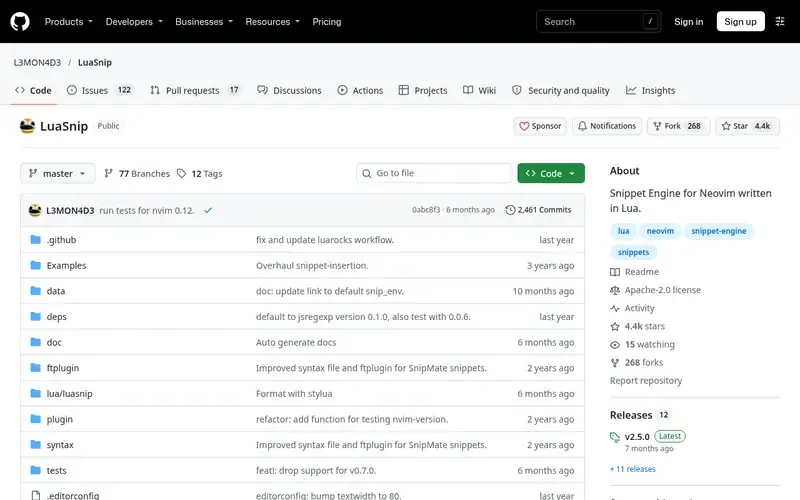
LuaSnip is a snippet engine for Neovim written in Lua. It parses LSP-style snippets from Lua, VS Code packages or SnipMate collections.
Documented strengths
- Loads LSP-style, VS Code-style and SnipMate-format snippets
- Works with nvim-cmp through cmp_luasnip
- Resolves the filetype at the cursor using Treesitter
- Keeps a snippet history to return to older snippets
- Lua loader supports hot reload in the same Neovim instance
Documented limits
Documented for Neovim 0.9 or newer, with jsregexp needed for LSP snippet transformations. Full functionality needs Lua-defined snippets, so users who only want simple snippets should check how far LSP syntax gets them.
- Who it is for
- Neovim users who want programmable snippets
- Platforms
- Neovim 0.9 or newer; installable with vim-plug, Packer or lazy
- Pricing
- See the vendor's own pricing page for current plans and costs. github.com
- Facts checked
- 21 November 2026
Why it is placed here: It comes first because it is documented with the deepest programmability for snippets inside an editor, including advanced node types and Lua-defined snippets.
#2 · SirVer
UltiSnips
Vim and Neovim users who want scriptable snippets
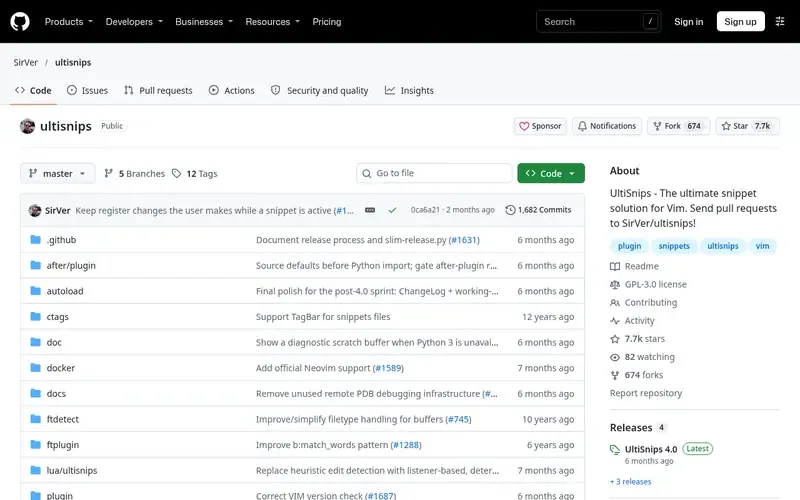
UltiSnips is a snippet solution plugin for Vim and Neovim. It is described as feature-rich and fast, and it ships with comprehensive documentation.
Documented strengths
- Python interpolation in snippets
- Snippets can use selected text
- Placeholder jumps update text elsewhere in the snippet automatically
- Integrates with YouCompleteMe, deoplete and vim-easycomplete
- Snippet collection is separate; vim-snippets can be added
Documented limits
The default expand trigger may need changing when used with certain completion plugins. Documented for Vim and Neovim only, so VS Code or JetBrains users should look at the other tools here.
- Who it is for
- Vim and Neovim users who want scriptable snippets
- Platforms
- Vim and Neovim
- Pricing
- See the vendor's own pricing page for current plans and costs. github.com
- Facts checked
- 21 November 2026
Why it is placed here: It sits second because it documents Python interpolation, selected-text snippets and live placeholder updates, and it covers both Vim and Neovim.
#3 · JetBrains
JetBrains Live Templates
IntelliJ IDEA users writing source code
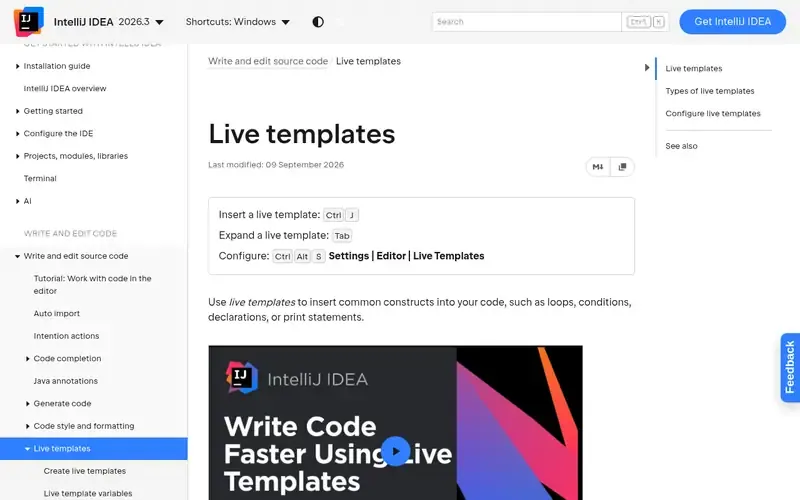
Live templates in IntelliJ IDEA insert common code constructs such as loops, conditions, declarations or print statements when you type an abbreviation and press Tab.
Documented strengths
- Simple, parameterized and surround templates
- Tab and Shift+Tab move between template variables
- Select Template popup opened with Ctrl+Alt+J wraps selected code
- Templates grouped by context, usually by language
- Modified default templates can be restored
Documented limits
The vendor page documents IntelliJ IDEA; teams on other JetBrains IDEs should check the vendor documentation for their product. Abbreviations are limited to alphanumeric characters, dots and hyphens.
- Who it is for
- IntelliJ IDEA users writing source code
- Platforms
- IntelliJ IDEA
- Pricing
- See the vendor's own pricing page for current plans and costs. jetbrains.com
- Facts checked
- 21 November 2026
Why it is placed here: It comes third because it offers built-in, context-aware expansion with parameterized and surround templates, but it is documented for IntelliJ IDEA rather than several editors.
#4 · Microsoft
VS Code Snippets
VS Code users and teams sharing project snippets
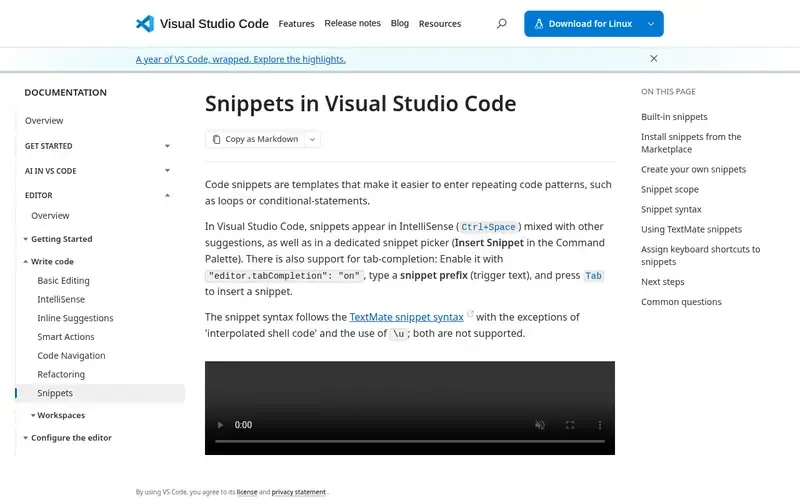
Visual Studio Code's built-in snippet feature inserts templates for repeating code patterns. It uses your own JSON snippet files or snippets from extensions.
Documented strengths
- Snippets appear in IntelliSense and a dedicated snippet picker
- TextMate-style snippet syntax with tabstops and placeholders
- Global .code-snippets files scoped to chosen languages
- Project-folder snippet files for team sharing
- Include and exclude glob patterns control where a snippet appears
Documented limits
Documented for Visual Studio Code only. Tab-completion of snippet prefixes must be enabled with a setting, and the syntax follows TextMate with some exceptions.
- Who it is for
- VS Code users and teams sharing project snippets
- Platforms
- Visual Studio Code
- Pricing
- See the vendor's own pricing page for current plans and costs. code.visualstudio.com
- Facts checked
- 21 November 2026
Why it is placed here: It sits fourth because its tabstops, scoping and sharing options are well documented, but snippets are defined as JSON templates rather than through a scripting layer.
#5 · knqyf263
Pet
Developers who work across many command-line tools
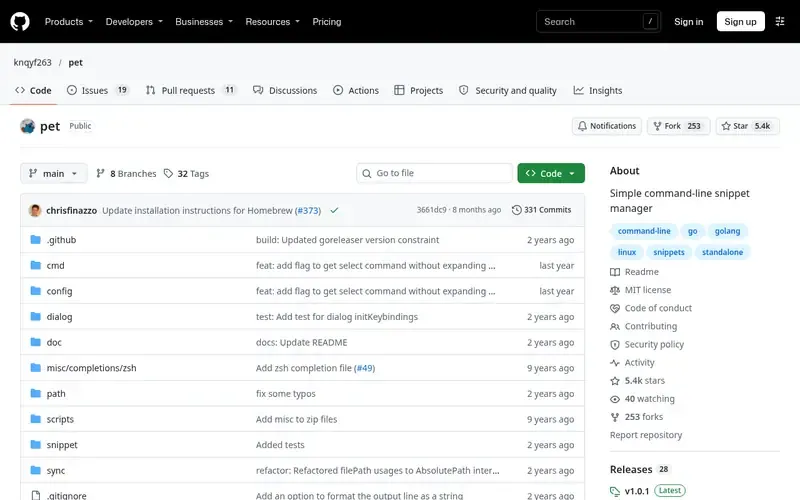
Pet is a simple command-line snippet manager for saving, tagging, searching and executing command-line snippets. It is written in Go.
Documented strengths
- Save, tag, search and execute command-line snippets
- Parameters with one or several default values
- Snippets stored in an easily edited TOML file
- Sync through Gist or GitLab Snippets
- Register previous commands in bash or zsh, or from history with fzf
Documented limits
Documented as a command-line snippet manager, not an editor or IDE plugin. Teams that need in-editor expansion should check the vendor documentation for editor support.
- Who it is for
- Developers who work across many command-line tools
- Platforms
- Binary releases; bash and zsh shell config; macOS clipboard support via pbcopy
- Pricing
- See the vendor's own pricing page for current plans and costs. github.com
- Facts checked
- 21 November 2026
Why it is placed here: It comes last because it manages shell commands rather than expanding code inside an editor, so it fits this use case as a companion tool.
Sources
- LuaSnip: github.com/L3MON4D3/LuaSnip, github.com/about, github.com/features (21 Nov 2026)
- UltiSnips: github.com/SirVer/ultisnips, github.com/about, github.com/features (21 Nov 2026)
- JetBrains Live Templates: jetbrains.com/help/idea/using-live-templates.html (21 Nov 2026)
- VS Code Snippets: code.visualstudio.com/docs/editing/userdefinedsnippets (21 Nov 2026)
- Pet: github.com/knqyf263/pet, github.com/about (21 Nov 2026)
Related guides
How we compiled this
We looked at three things: fit with the use case of expanding reusable snippets directly in an editor, the capabilities each vendor documents, and the editors and platforms the documentation names. Every fact in this list comes from official vendor or project pages, and each is tied to the date we checked it. Where a tool's documentation does not state something, we say so instead of filling the gap.
The order reflects editorial fit for this use case: tools with deeper editor integration and more programmable snippets come first, and tools with a narrower scope come later. That order is explained in words in each entry and is not a statement that one tool is better overall. This list is built from documentation rather than product trials, so check the linked vendor pages before you commit to a setup.
Order used: Ordered by depth of editor integration and snippet programmability, most capable first.
Common questions
Which snippet tool works in Neovim?
LuaSnip is a snippet engine for Neovim written in Lua, and it requires Neovim 0.9 or newer. UltiSnips is documented for both Vim and Neovim.
Can I reuse VS Code snippets in Neovim?
LuaSnip can parse VS Code packages and load existing VS Code-style snippet plugins. It also supports SnipMate-format snippets and LSP-style snippets.
How do I expand a snippet in a JetBrains IDE?
In IntelliJ IDEA, type the template abbreviation and press Tab. Tab then moves between template variables, and Shift+Tab moves back. Templates are managed on the Editor | Live Templates settings page.
Can VS Code share snippets across a team?
Yes. VS Code documents project-folder snippet files that let a team share snippets within a project. Snippets can also be shared through the public Extension Marketplace.
Is Pet an editor snippet plugin?
No. Pet is documented as a command-line snippet manager for saving, tagging, searching and executing shell commands. It is not described as an editor or IDE plugin.
The editorial order is unpaid. A vendor can buy one labelled featured slot per guide, but it gets the same fact check as everyone else and cannot alter or remove a competitor's entry. Guidehurst is independent. Product names and logos belong to their respective owners.