Delinea Secret Server, ManageEngine PAM360 and One Identity Safeguard are the first three tools on this shortlist for IT and sysadmin teams that need to vault, rotate and share admin and service account passwords. It is written for teams managing shared privileged credentials, and it is ordered by how deeply each tool's documentation covers credential vaulting and rotation, with remote-access and connection tools placed later.
The shortlist
Side-by-side comparison
| Tool | Who it is for | Platforms | Pricing |
|---|---|---|---|
 Delinea Secret ServerDelinea | Enterprises that want a dedicated privileged password vault | Not stated on official pages | Pricing on delinea.com |
 ManageEngine PAM360Zoho ManageEngine | IT teams that want one platform for credentials, keys and certificates | Flexible deployment options (details not stated on official pages) | Pricing on manageengine.com |
 One Identity SafeguardOne Identity | Teams that want vaulting, session recording and elevation in one suite | Hardened appliance, SaaS (Safeguard On Demand), on-premises or hybrid | Pricing on oneidentity.com |
 BeyondTrust Privileged Remote AccessBeyondTrust | Teams giving vendors and remote staff audited privileged access | Not stated on official pages | Pricing on beyondtrust.com |
 Keeper Secrets ManagerKeeper Security | DevOps teams rotating service account passwords, keys and tokens | Fully managed cloud service; AWS, Azure, Google Cloud and hybrid environments | Pricing on keepersecurity.com |
 Remote Desktop ManagerDevolutions | Small IT teams centralizing connections and shared credentials | Devolutions Cloud (fully managed) or Devolutions Server (self-hosted) | Pricing on devolutions.net |
Quick verdict by need
- Delinea Secret Server if you need enterprises that want a dedicated privileged password vault.
- ManageEngine PAM360 if you need iT teams that want one platform for credentials, keys and certificates.
- One Identity Safeguard if you need teams that want vaulting, session recording and elevation in one suite.
- BeyondTrust Privileged Remote Access if you need teams giving vendors and remote staff audited privileged access.
- Keeper Secrets Manager if you need devOps teams rotating service account passwords, keys and tokens.
- Remote Desktop Manager if you need small IT teams centralizing connections and shared credentials.
Tool details
#1 · Delinea
Delinea Secret Server
Enterprises that want a dedicated privileged password vault
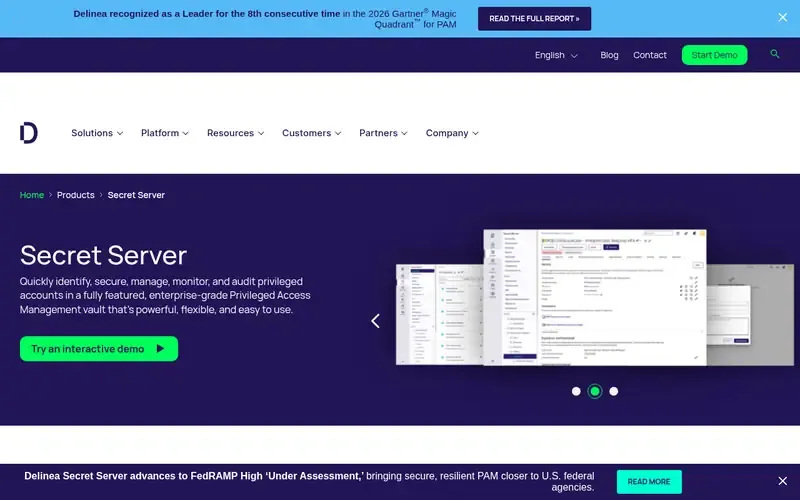
Delinea Secret Server is an enterprise-grade password vault for privileged access management that identifies and secures AI, machine, service, application, admin and root accounts.
Documented strengths
- Enterprise password vaulting and session management for privileged credentials
- Credential Manager to manage, rotate and protect credentials across hybrid and cloud environments
- Continuous identity discovery to inventory identities
- Privileged Remote Access for employees and third parties without exposing credentials
- Integration Marketplace of certified integrations
Documented limits
Documented as part of the wider Delinea Platform, so teams that only need a vault should check the vendor documentation for how the products are packaged. Deployment options are not stated on the pages we used.
- Who it is for
- Enterprises that want a dedicated privileged password vault
- Platforms
- Not stated on official pages
- Pricing
- See the vendor's own pricing page for current plans and costs. delinea.com
- Facts checked
- 22 November 2026
Why it is placed here: It comes first because vaulting of privileged credentials is its core documented function, with a named credential manager for rotation across hybrid and cloud environments.
#2 · Zoho ManageEngine
ManageEngine PAM360
IT teams that want one platform for credentials, keys and certificates
manageengine.comManageEngine PAM360 is a unified privileged access management platform that secures privileged credentials and access across enterprise IT infrastructure.
Documented strengths
- Control of sensitive credentials across endpoints, cloud, databases and network infrastructure
- Governance of service accounts, secrets and certificates
- SSH key and SSL/TLS certificate lifecycle management
- Privileged task automation with approvals and audit trails
- Remote PAM for vendors and third parties
Documented limits
The pages state flexible deployment options without detailing them, so teams should check the vendor documentation. Rotation specifics are not itemized in the facts we used.
- Who it is for
- IT teams that want one platform for credentials, keys and certificates
- Platforms
- Flexible deployment options (details not stated on official pages)
- Pricing
- See the vendor's own pricing page for current plans and costs. manageengine.com
- Facts checked
- 22 November 2026
Why it is placed here: It follows because it controls credentials across endpoints, cloud, databases and network infrastructure and governs service accounts, secrets and certificates.
#3 · One Identity
One Identity Safeguard
Teams that want vaulting, session recording and elevation in one suite
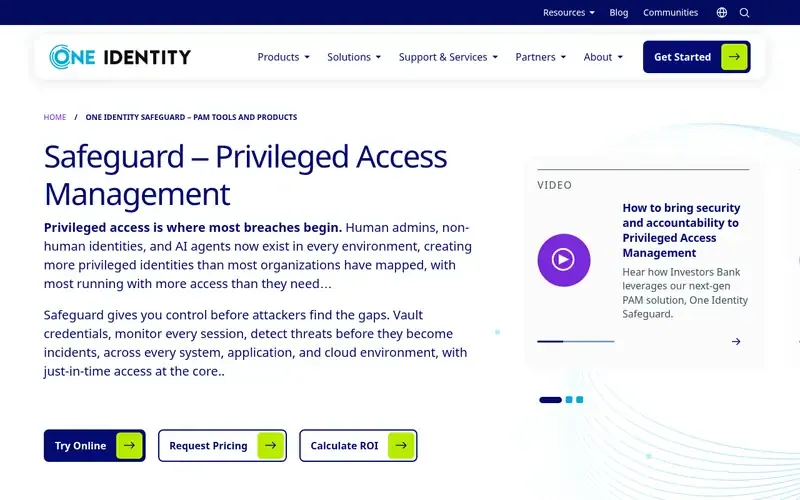
One Identity Safeguard is a privileged access management suite delivered on a secure, hardened appliance, covering password vaulting, session recording, analytics and privilege elevation.
Documented strengths
- Automatic discovery of privileged accounts, service accounts, SSH keys, API keys and machine credentials
- Vaulting of privileged passwords, secrets and machine credentials in a hardened appliance
- Session recording with real-time monitoring and automatic termination on anomalous behavior
- Safeguard Workforce Password Manager for business passwords
- Privilege Manager for Windows and for UNIX
Documented limits
Documented around an appliance model, with a SaaS option (Safeguard On Demand) and on-premises or hybrid deployment; teams should check the vendor documentation for rotation details.
- Who it is for
- Teams that want vaulting, session recording and elevation in one suite
- Platforms
- Hardened appliance, SaaS (Safeguard On Demand), on-premises or hybrid
- Pricing
- See the vendor's own pricing page for current plans and costs. oneidentity.com
- Facts checked
- 22 November 2026
Why it is placed here: It is third because it documents automatic discovery of privileged and service accounts plus vaulting in a hardened appliance, with more emphasis on session recording and elevation.
#4 · BeyondTrust
BeyondTrust Privileged Remote Access
Teams giving vendors and remote staff audited privileged access
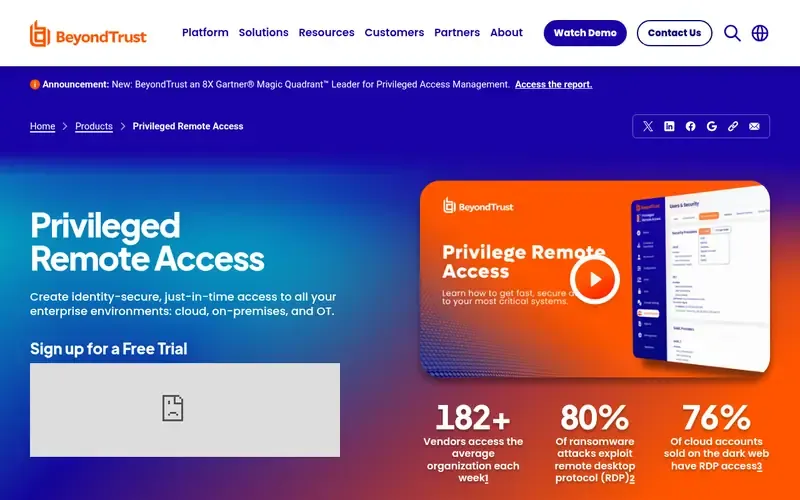
BeyondTrust's documentation describes privileged remote access that extends privileged access management to vendors, DevOps and remote workers, delivered VPN-less with every session audited.
Documented strengths
- VPN-less access with credential injection
- Session recording, monitoring and audit in real time, with replay
- Credential vaulting, rotation and governance, with discovery of shadow accounts and orphaned identities
- Just-in-time privilege elevation and removal of standing admin rights
- Documentation covering over 200 integrations
Documented limits
The page documents remote access as its primary offering; teams whose main need is a standalone vault should check the vendor documentation for which products supply vaulting.
- Who it is for
- Teams giving vendors and remote staff audited privileged access
- Platforms
- Not stated on official pages
- Pricing
- See the vendor's own pricing page for current plans and costs. beyondtrust.com
- Facts checked
- 22 November 2026
Why it is placed here: It sits fourth because credential vaulting and rotation are documented within a broader offering centered on remote access and session audit.
#5 · Keeper Security
Keeper Secrets Manager
DevOps teams rotating service account passwords, keys and tokens
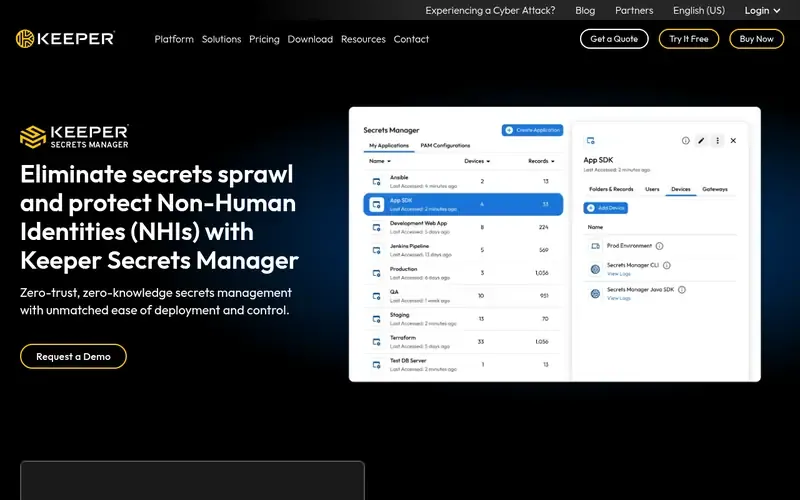
Keeper Secrets Manager is a zero-trust, cloud-native secrets manager from Keeper Security for DevOps teams and machine identities.
Documented strengths
- Automated rotation of SSH keys, service accounts, API tokens and database passwords, on a time basis or triggered by events
- Access through SDKs, a RESTful API or the Keeper Commander CLI
- Admin Console for RBAC, provisioning, reporting and auditing
- SIEM integration
- Zero-knowledge encryption with AES 256-bit encryption
Documented limits
Documented for non-human identities; Keeper states that Keeper Password Manager targets human users. Teams sharing admin passwords between people should check the vendor documentation.
- Who it is for
- DevOps teams rotating service account passwords, keys and tokens
- Platforms
- Fully managed cloud service; AWS, Azure, Google Cloud and hybrid environments
- Pricing
- See the vendor's own pricing page for current plans and costs. keepersecurity.com
- Facts checked
- 22 November 2026
Why it is placed here: It is fifth because rotation is well documented, but the product targets non-human identities rather than shared passwords used by people.
#6 · Devolutions
Remote Desktop Manager
Small IT teams centralizing connections and shared credentials
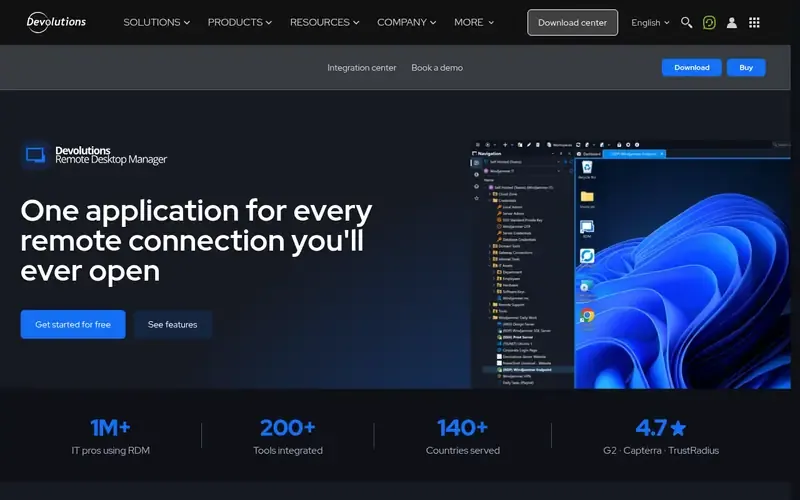
Remote Desktop Manager is Devolutions' centralized workspace for managing remote connections, credentials, secrets and audit trails.
Documented strengths
- Centralizes RDP, SSH, VNC, VPN, web and cloud console connections
- Injects credentials at launch so they never touch the clipboard
- Integrates with KeePass, Bitwarden, 1Password and Keeper
- Granular role-based controls on every connection
- Real-time session monitoring and audit reports
Documented limits
Documented primarily as a connection and workspace tool; the facts we used do not describe automated rotation, so teams should check the vendor documentation.
- Who it is for
- Small IT teams centralizing connections and shared credentials
- Platforms
- Devolutions Cloud (fully managed) or Devolutions Server (self-hosted)
- Pricing
- See the vendor's own pricing page for current plans and costs. devolutions.net
- Facts checked
- 22 November 2026
Why it is placed here: It is last because its core documented role is connection management with credential injection, and it can plug into password managers your team already uses.
Sources
- Delinea Secret Server: delinea.com/products/secret-server, delinea.com/about (22 Nov 2026)
- ManageEngine PAM360: manageengine.com/privileged-access-management (22 Nov 2026)
- One Identity Safeguard: oneidentity.com/one-identity-safeguard/?utm_source=&utm_medium=Direct-PPC+Search&utm_campaign=FY2017_Q2_All_Safeguard&utm_term=&utm_content=, oneidentity.com/products (22 Nov 2026)
- BeyondTrust Privileged Remote Access: docs.beyondtrust.com, docs.beyondtrust.com/bt-docs/docs/ai-agent-security, support.beyondtrust.com (22 Nov 2026)
- Keeper Secrets Manager: keepersecurity.com/secrets-manager.html, keepersecurity.com/features, keepersecurity.com/security.html (22 Nov 2026)
- Remote Desktop Manager: devolutions.net/remote-desktop-manager, devolutions.net/security (22 Nov 2026)
Related guides
How we compiled this
We looked at fit with the use case (vaulting, rotating and sharing privileged credentials), the capabilities each vendor documents, and the deployment and platform information on its official pages. Facts come from official vendor pages, each checked on a recorded date. Some tools here are full privileged access suites, while others focus on remote access, secrets for machine identities or connection management, so we note the scope of each.
The order reflects editorial fit for this use case, and we explain each position in words. It is not a statement that one tool is better overall; a tool lower on the list may suit a different environment better. The list is built from published documentation rather than product trials, so teams should confirm rotation targets, deployment models and integrations with each vendor before choosing.
Order used: Ordered by depth of credential vaulting and automatic rotation, strongest first.
Common questions
Which of these tools document credential rotation?
Delinea documents Credential Manager to rotate and protect privileged credentials, BeyondTrust documents credential vaulting and rotation, and Keeper Secrets Manager documents automated rotation of SSH keys, service accounts, API tokens and database passwords.
Which tools can be deployed on-premises?
One Identity Safeguard can run on-premises, in a hybrid deployment or as SaaS, and Devolutions Server is a self-hosted workspace on the customer's own infrastructure. ManageEngine says PAM360 has flexible deployment options without detailing them.
Can I share admin passwords with vendors without revealing them?
Delinea offers Privileged Remote Access for employees and third parties without exposing privileged credentials. BeyondTrust documents credential injection for vendors, and Remote Desktop Manager injects credentials at launch so they never touch the clipboard.
Is Keeper Secrets Manager the same as Keeper's password manager?
No. Keeper states that Secrets Manager targets DevOps, IT security and development teams managing non-human identities, unlike Keeper Password Manager, which targets human users.
Which tools help with service accounts specifically?
One Identity Safeguard discovers service accounts and vaults machine credentials, and ManageEngine PAM360 governs service accounts, secrets and certificates. Keeper Secrets Manager rotates service account credentials.
The editorial order is unpaid. A vendor can buy one labelled featured slot per guide, but it gets the same fact check as everyone else and cannot alter or remove a competitor's entry. Guidehurst is independent. Product names and logos belong to their respective owners.