If you want a two-factor authentication app with backups and cross-device sync for personal accounts, start with Aegis Authenticator, 2FAS and Ente Auth, which document backup features most directly. This shortlist is for individuals and families who want to protect their own logins and not lose access when a phone is replaced or lost. It also covers Microsoft Authenticator, Authy, Google Authenticator and the Yubico YubiKey hardware option.
The shortlist
Side-by-side comparison
| Tool | Who it is for | Platforms | Pricing |
|---|---|---|---|
 Aegis AuthenticatorBeemdevelopment | Android users who want automatic backups and easy migration | Android | Pricing on getaegis.app |
 2FAS2FAS | Privacy-minded users on iOS and Android | iOS, Android, plus a web browser extension | Pricing on 2fas.com |
 Ente AuthEnte | Households using several kinds of devices that need synced, backed-up codes | Mobile, desktop and web | Pricing on ente.io |
 Microsoft AuthenticatorMicrosoft | People who mainly use Microsoft accounts and want passwordless sign-in | Mobile app; availability varies by country or region | Pricing on microsoft.com |
 AuthyTwilio | Individuals who want tokens on a phone, tablet and Apple Watch | iOS and Android; phones, tablets and Apple Watch | Pricing on authy.com |
 Google AuthenticatorGoogle | Google Account users who want simple code sync | Android (Android 6.0 or above) and iOS | Pricing on support.google.com |
 Yubico YubiKeyYubico | Individuals who want a hardware key for phishing-resistant sign-in | Hardware key with USB-A, USB-C, Lightning and NFC options | Pricing on yubico.com |
Quick verdict by need
- Aegis Authenticator if you need android users who want automatic backups and easy migration.
- 2FAS if you need privacy-minded users on iOS and Android.
- Ente Auth if you need households using several kinds of devices that need synced, backed-up codes.
- Microsoft Authenticator if you need people who mainly use Microsoft accounts and want passwordless sign-in.
- Authy if you need individuals who want tokens on a phone, tablet and Apple Watch.
- Google Authenticator if you need google Account users who want simple code sync.
Tool details
#1 · Beemdevelopment
Aegis Authenticator
Android users who want automatic backups and easy migration
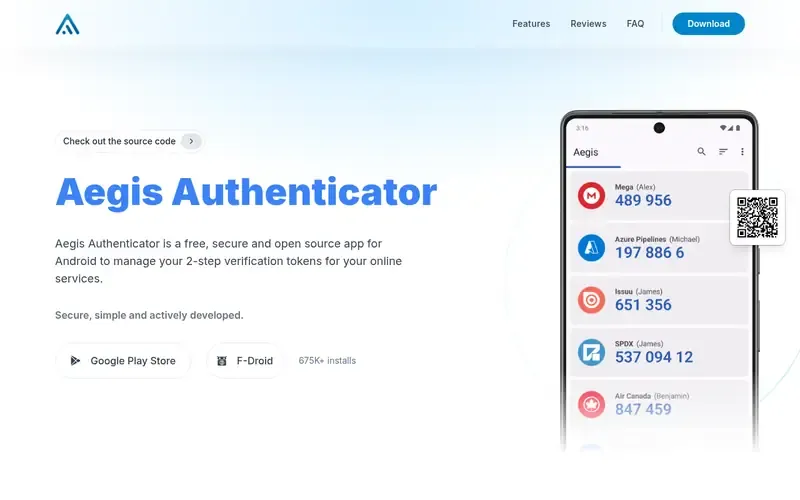
Aegis Authenticator is an open source Android app for managing 2-step verification tokens, positioned as an alternative to Google Authenticator and Authy. Tokens live in a secure vault with optional biometric unlock.
Documented strengths
- Secure vault with optional biometric unlock
- Automatic backups
- Import and export from many 2FA apps
- Themes, true dark mode and a tiles view
- Icon packs to find tokens
Documented limits
Documented as an Android app only, so families with iPhones need a different tool for those devices. Cross-device sync is not described on the official page; check the vendor documentation if you need it.
- Who it is for
- Android users who want automatic backups and easy migration
- Platforms
- Android
- Pricing
- See the vendor's own pricing page for current plans and costs. getaegis.app
- Facts checked
- 21 November 2026
Why it is placed here: Backups are one of its three stated main features, and it supports automatic backups plus import and export from many 2FA apps, which suits a user who wants control over recovery.
#2 · 2FAS
2FAS
Privacy-minded users on iOS and Android
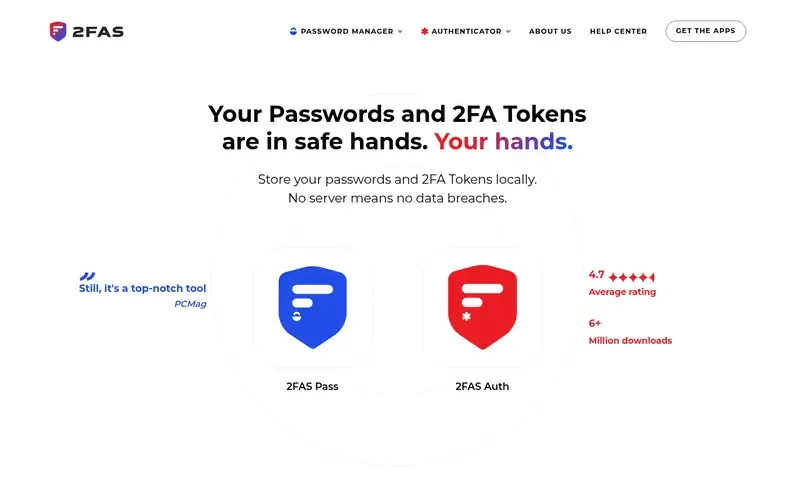
2FAS is an open-source, local-first authenticator and password manager focused on privacy. Passwords and 2FA tokens are stored locally and encrypted on the device.
Documented strengths
- Native iOS and Android apps
- Cloud and manual backup options
- On-device encryption; only the user holds the keys
- Self-hostable vault
- Groups, badges, icons, labels and security tiers
Documented limits
The vendor describes a local-first design, so users should read the backup documentation to understand how restoring on a new device works. Desktop apps are not stated on the official page; a browser extension is documented for sharing selected passwords.
- Who it is for
- Privacy-minded users on iOS and Android
- Platforms
- iOS, Android, plus a web browser extension
- Pricing
- See the vendor's own pricing page for current plans and costs. 2fas.com
- Facts checked
- 21 November 2026
Why it is placed here: It documents cloud and manual backup options on both iOS and Android, with encryption on the device so only the user holds the keys, which fits families who want backups without handing over their data.
#3 · Ente
Ente Auth
Households using several kinds of devices that need synced, backed-up codes
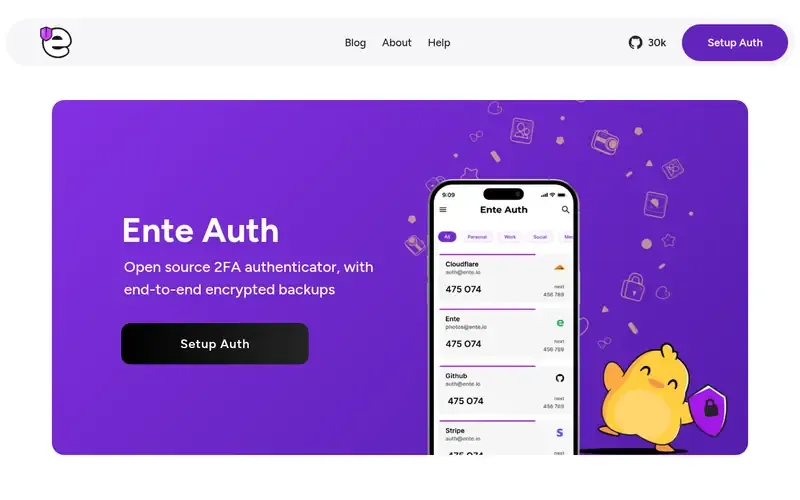
Ente Auth is an open source, cross-platform 2FA authenticator with end-to-end encrypted cloud backups. Its cryptography has been externally audited.
Documented strengths
- End-to-end encrypted cloud backups
- Codes sync across all of a user's devices
- Mobile, desktop and web apps
- Add tokens by QR scan, manual secret or bulk import
- Export and import without lock-in
Documented limits
The official page does not state a target audience, so non-technical users should check the vendor's setup documentation. Its sync relies on an Ente cloud account, which the page describes as end-to-end encrypted.
- Who it is for
- Households using several kinds of devices that need synced, backed-up codes
- Platforms
- Mobile, desktop and web
- Pricing
- See the vendor's own pricing page for current plans and costs. ente.io
- Facts checked
- 21 November 2026
Why it is placed here: It documents both encrypted backups and sync of codes across all of a user's devices, covering mobile, desktop and web, which is the combination this use case asks for.
#4 · Microsoft
Microsoft Authenticator
People who mainly use Microsoft accounts and want passwordless sign-in
Microsoft Authenticator is a mobile app that provides two-factor authentication and passwordless sign-in for Microsoft and other accounts. It is meant for individuals as well as businesses.
Documented strengths
- Two-factor authentication across apps and accounts
- Passwordless sign-in to Microsoft personal, work and school accounts
- Setup guidance for connecting accounts
- Obtained on a phone via a short link
Documented limits
Backup and cross-device sync are not described on the official page, so check Microsoft's documentation before relying on it for recovery. App availability varies by country or region.
- Who it is for
- People who mainly use Microsoft accounts and want passwordless sign-in
- Platforms
- Mobile app; availability varies by country or region
- Pricing
- See the vendor's own pricing page for current plans and costs. microsoft.com
- Facts checked
- 21 November 2026
Why it is placed here: Setup guidance is provided by Microsoft and it covers personal accounts, which makes it approachable, but its backup and sync features are not described on the page we used.
#5 · Twilio
Authy
Individuals who want tokens on a phone, tablet and Apple Watch
Authy is a Twilio two-factor authentication app that generates 2FA tokens, with encrypted cloud backup and multi-device sync. It is aimed at individuals, businesses and developers.
Documented strengths
- Encrypted cloud backup without Authy storing the user's password
- Backups decrypted only on devices using the user's password
- New devices added via SMS, voice or approval from an existing device
- TouchID, PIN or password protection
- Works offline for logging in
Documented limits
Documented for iOS and Android with phones, tablets and Apple Watch; desktop apps are not stated on the official page. Adding devices via SMS or voice is one documented route, and users can also disable future Authy app installations.
- Who it is for
- Individuals who want tokens on a phone, tablet and Apple Watch
- Platforms
- iOS and Android; phones, tablets and Apple Watch
- Pricing
- See the vendor's own pricing page for current plans and costs. authy.com
- Facts checked
- 21 November 2026
Why it is placed here: It documents encrypted backup, multi-device use and a clear device-management flow, but it sits lower because the page also targets businesses and developers, not families specifically.
#6 · Google
Google Authenticator
Google Account users who want simple code sync
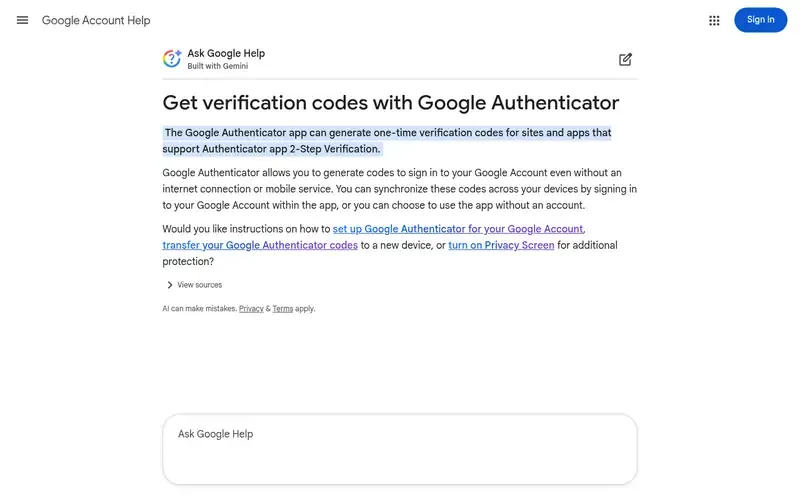
Google Authenticator generates one-time verification codes for sites and apps that support authenticator-app 2-Step Verification. It works offline and can sync codes through a Google Account.
Documented strengths
- Codes synchronized across devices by signing in to a Google Account
- Codes generated without internet or mobile service
- Use without an account, with codes stored only on the device
- Optional Privacy Screen
- Google encrypts codes in transit and at rest
Documented limits
Without a Google Account, codes are transferred manually using exported QR codes. Deleting a synced code removes it from all synced devices, and Google recommends also enrolling in passkeys for the Google Account.
- Who it is for
- Google Account users who want simple code sync
- Platforms
- Android (Android 6.0 or above) and iOS
- Pricing
- See the vendor's own pricing page for current plans and costs. support.google.com
- Facts checked
- 21 November 2026
Why it is placed here: Sync through a Google Account is documented and it is familiar to many people, but the page stresses Google Account users and describes a more basic transfer route for those without one.
#7 · Yubico
Yubico YubiKey
Individuals who want a hardware key for phishing-resistant sign-in
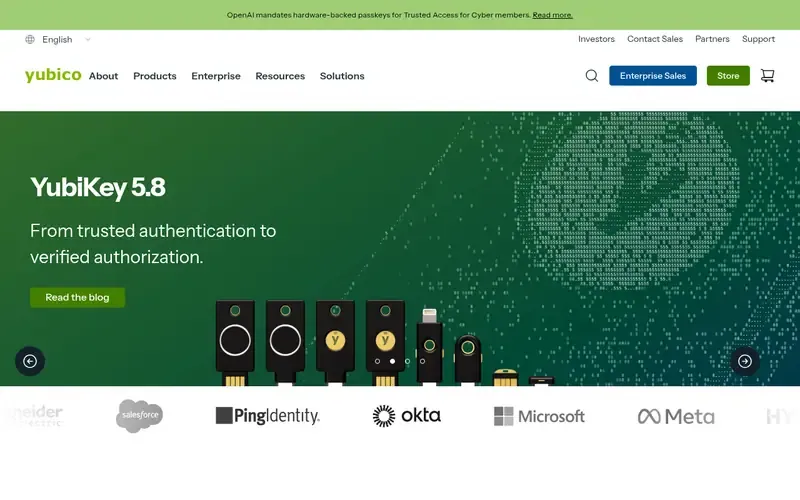
The YubiKey is a family of hardware security keys from Yubico that protect access to computers, networks and online services with phishing-resistant authentication. It is a physical key, not only an app.
Documented strengths
- Multiple protocols including FIDO2/WebAuthn, U2F, smart card, OpenPGP and OTP
- USB-A, USB-C, Lightning and NFC form factors
- Yubico Authenticator app stores credentials on the YubiKey
- Device-bound passkeys; the private key never leaves the hardware
- Works through any USB port or NFC reader without installing software
Documented limits
Backup and cross-device sync of app-style codes are not described on the official page, so check Yubico's documentation for how to plan recovery. Much of the page is written for enterprises and government as well as individuals.
- Who it is for
- Individuals who want a hardware key for phishing-resistant sign-in
- Platforms
- Hardware key with USB-A, USB-C, Lightning and NFC options
- Pricing
- See the vendor's own pricing page for current plans and costs. yubico.com
- Facts checked
- 21 November 2026
Why it is placed here: It is a different kind of tool from the apps above, with credentials held on the key itself, so it sits last as an addition to an app-based setup for people comfortable carrying a hardware key.
Sources
- Aegis Authenticator: getaegis.app (21 Nov 2026)
- 2FAS: 2fas.com, 2fas.com/about-us (21 Nov 2026)
- Ente Auth: ente.com/auth, ente.com/about (21 Nov 2026)
- Microsoft Authenticator: microsoft.com/en/security/mobile-authenticator-app, microsoft.com/en-us/about, microsoft.com/en/security (21 Nov 2026)
- Authy: authy.com, authy.com/features, authy.com/features (21 Nov 2026)
- Google Authenticator: support.google.com/accounts/answer/1066447 (21 Nov 2026)
- Yubico YubiKey: yubico.com, yubico.com/products, yubico.com/solutions (21 Nov 2026)
Related guides
How we compiled this
We looked at how well each tool fits the job of securing personal accounts with backup and recovery: whether the vendor documents backups, how codes move to a new device, and how approachable the setup looks for non-technical people. We also checked which platforms each tool documents, since a family may mix Android phones, iPhones and computers. All facts come from official vendor pages, each read on a recorded check date, and we use nothing beyond what those pages state.
The order reflects editorial fit for this use case: backup and recovery safety combined with ease of use for non-technical people, with the closest fit first. It is not a statement that one tool is better overall, and a tool lower down may suit your devices or habits better. The list is built from documentation, not product trials, so where a page does not state something we say so and suggest you check the vendor documentation. Pricing is not covered here; each vendor's own pricing page is the place to look.
Order used: Ordered by backup and recovery safety combined with ease of use for non-technical people, closest fit first.
Common questions
Which authenticator apps back up codes so I don't lose access to my accounts?
Among the tools listed, Aegis Authenticator documents automatic backups, 2FAS documents cloud and manual backup options, Ente Auth documents end-to-end encrypted cloud backups, and Authy documents encrypted cloud backup. Check each vendor's documentation for how restoring works.
Can I sync authenticator codes across my phone and other devices?
Ente Auth documents sync across all of a user's devices with apps for mobile, desktop and web. Google Authenticator syncs codes when you sign in to a Google Account, and Authy documents multi-device use with phones, tablets and Apple Watch.
Which authenticator app works on both iPhone and Android?
2FAS has native iOS and Android apps, Authy is available on iOS and Android, and Google Authenticator is documented for Android and iOS. Aegis Authenticator is documented as Android only.
Do I need a Google Account to use Google Authenticator?
No. The app can be used without a Google Account, storing codes only on the device, and codes can be transferred manually to a new device using exported QR codes. Signing in to a Google Account is what enables sync across devices.
Is a YubiKey a replacement for an authenticator app?
Yubico describes the YubiKey as a hardware security key supporting protocols such as FIDO2/WebAuthn and OTP. Its Yubico Authenticator app stores credentials on the key rather than on the phone, so it can work alongside or instead of an app depending on what your accounts support.
The editorial order is unpaid. A vendor can buy one labelled featured slot per guide, but it gets the same fact check as everyone else and cannot alter or remove a competitor's entry. Guidehurst is independent. Product names and logos belong to their respective owners.