For encrypting everyday personal files without command-line skills, AxCrypt, Cryptomator and Picocrypt are the three tools we would look at first, followed by BitLocker and Tresorit for more specific situations. This shortlist is for non-technical individuals who want to protect documents, photos and cloud-stored files, and it explains where each tool's documented scope starts and stops.
The shortlist
Side-by-side comparison
| Tool | Who it is for | Platforms | Pricing |
|---|---|---|---|
 AxCryptAxCrypt AB | Individuals and families who want simple, automatic file encryption | Windows, Mac, Linux and mobile | Pricing on axcrypt.net |
 CryptomatorSkymatic | People who keep personal files in cloud storage and want them encrypted first | Not stated on official pages | Pricing on cryptomator.org |
 PicocryptPicocrypt | Individuals who want to encrypt single files with a small, focused tool | Desktop app (macOS version for Apple silicon only), command-line interface, and a limited web app for standard volumes in modern browsers | Pricing on github.com |
 BitLockerMicrosoft | Windows users who want a whole drive or USB stick protected if it is lost | Windows | Pricing on learn.microsoft.com |
 Boxcryptor Alternative: TresoritTresorit | Organizations that need encrypted storage and collaboration, not individual home use | Not stated on official pages | Pricing on tresorit.com |
Quick verdict by need
- AxCrypt if you need individuals and families who want simple, automatic file encryption.
- Cryptomator if you need people who keep personal files in cloud storage and want them encrypted first.
- Picocrypt if you need individuals who want to encrypt single files with a small, focused tool.
- BitLocker if you need windows users who want a whole drive or USB stick protected if it is lost.
- Boxcryptor Alternative: Tresorit if you need organizations that need encrypted storage and collaboration, not individual home use.
Tool details
#1 · AxCrypt AB
AxCrypt
Individuals and families who want simple, automatic file encryption
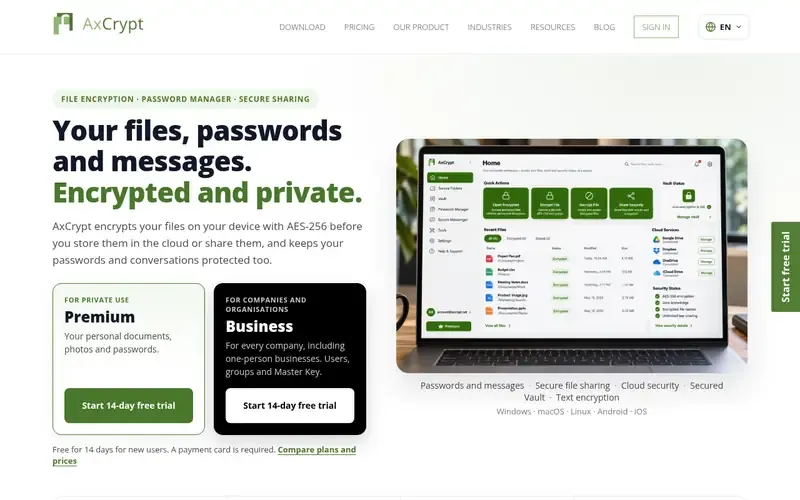
AxCrypt is file encryption software that uses AES-256 to protect files, passwords and messages on desktop and mobile. Files are encrypted on the device before they are stored in the cloud or shared.
Documented strengths
- AES-256 encryption on the device before cloud storage or sharing
- Vault that automatically encrypts files and folders added to it
- Works alongside Google Drive, OneDrive and Dropbox
- Key sharing lets other AxCrypt users open files with their own password
- Includes a password manager and an encrypted messenger
Documented limits
Encrypted files use the .axx format, so recipients who are not AxCrypt users should check the vendor documentation on how they can open them. Several documented features, such as admin controls and audit logs, are aimed at business use rather than personal files.
- Who it is for
- Individuals and families who want simple, automatic file encryption
- Platforms
- Windows, Mac, Linux and mobile
- Pricing
- See the vendor's own pricing page for current plans and costs. axcrypt.net
- Facts checked
- 21 November 2026
Why it is placed here: It comes first because its documented workflow is the most direct for a beginner: a Vault encrypts whatever you add to it, and it works alongside the cloud storage you already use.
#2 · Skymatic
Cryptomator
People who keep personal files in cloud storage and want them encrypted first
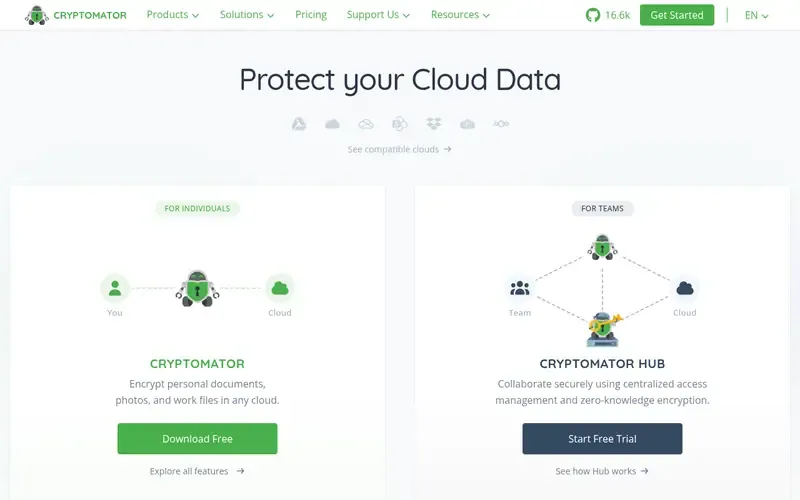
Cryptomator is an open-source tool that encrypts data on your device before it reaches cloud storage. You protect a folder in your cloud, called a vault, with a password.
Documented strengths
- Encrypts both file contents and filenames with AES using 256-bit keys
- Unlocked vault appears as a virtual encrypted drive
- Client-side encryption on the user's device
- Public source code, independent security audits and automated public testing
- Each vault has its own recovery key
Documented limits
It is documented as a tool for securing cloud storage, so people who want to encrypt files that are not in a synced folder should check the vendor documentation. Team features such as access management belong to the separate Hub product.
- Who it is for
- People who keep personal files in cloud storage and want them encrypted first
- Platforms
- Not stated on official pages
- Pricing
- See the vendor's own pricing page for current plans and costs. cryptomator.org
- Facts checked
- 21 November 2026
Why it is placed here: It sits second because the vault behaves like a USB flash drive once unlocked, which suits beginners, but it is built around cloud storage rather than general-purpose file protection.
#3 · Picocrypt
Picocrypt
Individuals who want to encrypt single files with a small, focused tool
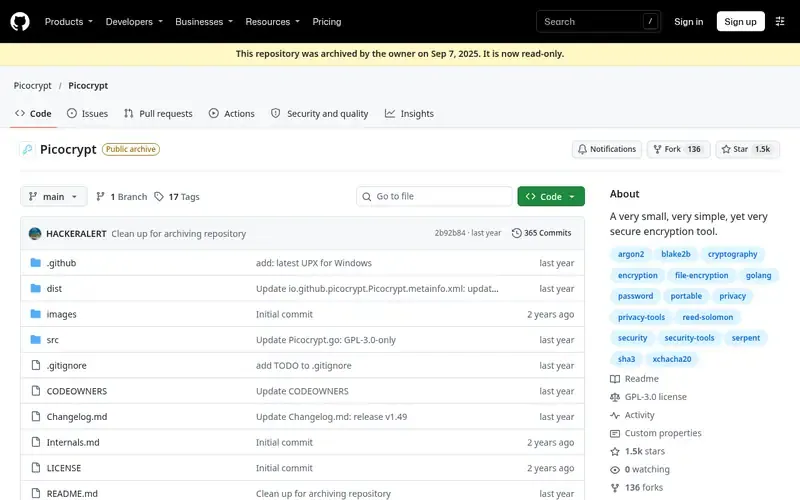
Picocrypt is a small, simple tool for encrypting files, using the XChaCha20 cipher and Argon2id key derivation. Its repository has been archived by the author as read-only.
Documented strengths
- XChaCha20 cipher with Argon2id key derivation
- Built-in password generator for secure passwords
- Reed-Solomon error correction can protect against file corruption
- Keyfiles as additional or sole authentication
- Paranoid mode cascades XChaCha20 and Serpent with HMAC-SHA3
Documented limits
The repository is permanently archived and the only official source is the GitHub repository; a community successor, Picocrypt NG, exists but the author does not endorse or support it. Comments stored with a volume are not encrypted, and it is not suited to full-disk encryption.
- Who it is for
- Individuals who want to encrypt single files with a small, focused tool
- Platforms
- Desktop app (macOS version for Apple silicon only), command-line interface, and a limited web app for standard volumes in modern browsers
- Pricing
- See the vendor's own pricing page for current plans and costs. github.com
- Facts checked
- 21 November 2026
Why it is placed here: It is third because the tool itself is small and simple, but its archived status and a mix of options aimed at advanced users make it a less certain fit for a complete beginner.
#4 · Microsoft
BitLocker
Windows users who want a whole drive or USB stick protected if it is lost
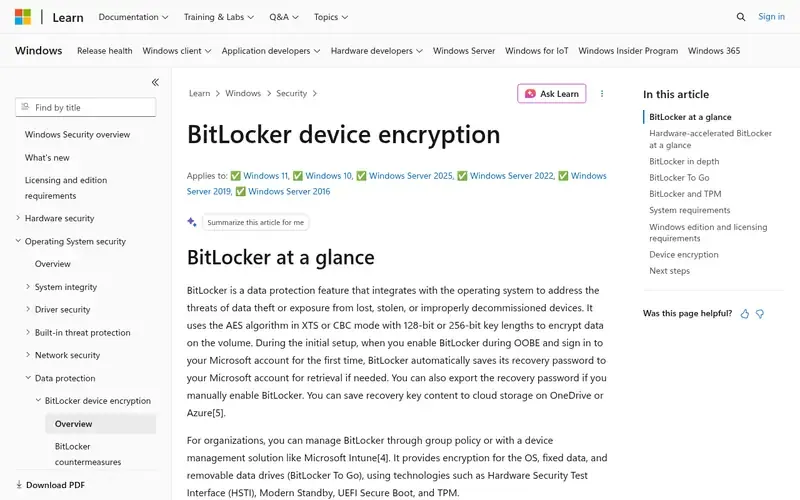
BitLocker is a Windows security feature that encrypts entire volumes to protect data on lost, stolen or improperly decommissioned devices. BitLocker To Go extends this to removable drives such as USB flash drives, SD cards and external disks.
Documented strengths
- Full-volume encryption using AES in XTS or CBC mode with 128-bit or 256-bit keys
- BitLocker To Go for removable drives
- Removable drives unlock with a password, smart card certificate or recovery password
- Device encryption automatically enables BitLocker on some devices
- Recovery password saved to the Microsoft account when enabled during OOBE
Documented limits
Documented for IT professionals and device administrators, so non-technical users should check the vendor documentation before configuring it. It encrypts volumes rather than selected personal files, and it is a Windows feature.
- Who it is for
- Windows users who want a whole drive or USB stick protected if it is lost
- Platforms
- Windows
- Pricing
- See the vendor's own pricing page for current plans and costs. learn.microsoft.com
- Facts checked
- 21 November 2026
Why it is placed here: It sits fourth because it protects whole drives rather than individual files, and its documentation is written for IT professionals rather than beginners.
#5 · Tresorit
Boxcryptor Alternative: Tresorit
Organizations that need encrypted storage and collaboration, not individual home use
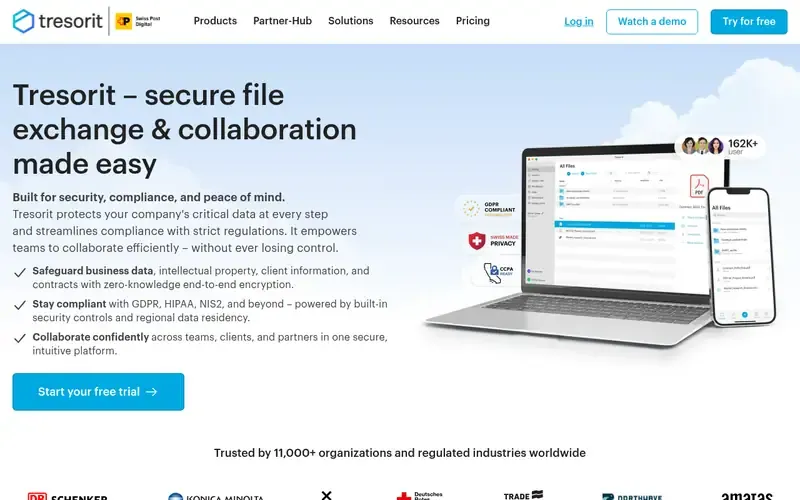
Tresorit is a zero-knowledge, end-to-end encrypted cloud storage and collaboration platform for businesses, and it is part of Swiss Post. Files are encrypted on the user's device before they leave it.
Documented strengths
- Zero-knowledge end-to-end encryption, with the password never leaving the device
- Customers can choose where data is stored, including EU-only locations
- Certified for ISO 27001:2022
- Encrypted email for Outlook and Gmail
- Encrypted, branded data rooms for external collaboration
Documented limits
Documented for businesses and their IT, security and compliance teams rather than for individuals. Individuals who only need to encrypt personal files should check the vendor documentation to see whether it fits.
- Who it is for
- Organizations that need encrypted storage and collaboration, not individual home use
- Platforms
- Not stated on official pages
- Pricing
- See the vendor's own pricing page for current plans and costs. tresorit.com
- Facts checked
- 21 November 2026
Why it is placed here: It comes last because the vendor documents it for organizations handling confidential data, which is a broader and more business-oriented scope than everyday personal files.
Sources
- AxCrypt: axcrypt.net, axcrypt.net/features, axcrypt.net/resources/about-us (21 Nov 2026)
- Cryptomator: cryptomator.org, cryptomator.org/solutions/ngos, cryptomator.org/solutions/education (21 Nov 2026)
- Picocrypt: github.com/Picocrypt/Picocrypt, github.com/about (21 Nov 2026)
- BitLocker: learn.microsoft.com/en-us/windows/security/operating-system-security/data-protection/bitlocker, learn.microsoft.com/en-us/windows/security/operating-system-security/data-protection/bitlocker/faq (21 Nov 2026)
- Boxcryptor Alternative: Tresorit: tresorit.com, tresorit.com/about-us, tresorit.com/security (21 Nov 2026)
Related guides
How we compiled this
We looked at three things: how well each tool fits encrypting everyday personal files for someone with no security background, which capabilities the vendor documents, and which platforms and deployment models the documentation covers. All facts come from official vendor pages, each checked on a recorded date. We left out one otherwise capable tool because its documentation describes a command-line interface only, which conflicts with the use case.
The order reflects editorial fit for this specific use case, starting with the tools whose documented workflow is simplest for a beginner and moving toward tools aimed at administrators or organizations. It is not a statement that one tool is better overall. The list is built from vendor documentation, not from product trials, so check the vendor's own pages before relying on any tool for sensitive data.
Order used: Ordered by ease of use for someone with no security background, easiest first.
Common questions
What is the easiest way to encrypt personal files without using the command line?
AxCrypt's Vault automatically encrypts files and folders you add to it, and Cryptomator presents an unlocked vault as a virtual encrypted drive. Both are documented as working on your own device, without commands.
Can I encrypt files that I store in Google Drive, OneDrive or Dropbox?
AxCrypt is documented as working alongside Google Drive, OneDrive and Dropbox, encrypting files on the device before they reach the cloud. Cryptomator also encrypts data on your device before it reaches cloud storage and is documented as cloud-independent.
Is BitLocker a good choice for encrypting individual files?
BitLocker is documented as full-volume encryption for drives, including removable drives through BitLocker To Go, not for selecting individual files. Its documentation is aimed at IT professionals and device administrators, and it is a Windows feature.
Is Picocrypt still maintained?
Its repository has been permanently archived as read-only by the author. A community successor called Picocrypt NG exists, but the author does not endorse or support it, and the only official source is the GitHub repository.
Is any of these tools open source?
Cryptomator is documented as open source, with public source code, independent security audits and continuous automated public testing. Picocrypt's official source is a public GitHub repository, though it is now archived.
The editorial order is unpaid. A vendor can buy one labelled featured slot per guide, but it gets the same fact check as everyone else and cannot alter or remove a competitor's entry. Guidehurst is independent. Product names and logos belong to their respective owners.