TFLint, ansible-lint and Hadolint open this shortlist of six linters that catch mistakes in Terraform, Ansible, Dockerfiles, GitHub Actions workflows, YAML and shell scripts before they reach a deploy. It is written for DevOps and platform engineers who want a small set of focused checks they can run locally and in CI. Each tool covers a different file type, so most repositories will use several together.
The shortlist
Side-by-side comparison
| Tool | Who it is for | Platforms | Pricing |
|---|---|---|---|
 TFLintTerraform Linters | Terraform modules and cloud provider configuration | Homebrew, winget, go install, release binary, Docker image and a setup-tflint action for GitHub Actions | Pricing on github.com |
| ansible-lintAnsible | Ansible playbooks, roles and collections in CI | Runs as a GitHub Action, with a dedicated documentation site; other platforms not stated on the page we used | Pricing on github.com |
| HadolintHadolint | Dockerfiles with inline shell commands | Docker, Podman, prebuilt binaries for macOS, Windows and Linux, Homebrew, Scoop, and Debian and Alpine container variants | Pricing on github.com |
| actionlintrhysd | GitHub Actions workflows | Released binary, Homebrew, go install and Docker; online playground via WebAssembly; integrates with reviewdog, super-linter, pre-commit and VS Code | Pricing on github.com |
| yamllintyamllint | General YAML syntax and style across a repository | Installs with pip and is packaged for all major operating systems; documentation on Read the Docs | Pricing on github.com |
 ShellCheckShellCheck | Standalone shell scripts and deploy helpers | Several package managers and distros, major editors, CodeClimate, Codacy and CodeFactor, plus an online paste-a-script checker | Pricing on shellcheck.net |
Quick verdict by need
- TFLint if you need terraform modules and cloud provider configuration.
- ansible-lint if you need ansible playbooks, roles and collections in CI.
- Hadolint if you need dockerfiles with inline shell commands.
- actionlint if you need gitHub Actions workflows.
- yamllint if you need general YAML syntax and style across a repository.
- ShellCheck if you need standalone shell scripts and deploy helpers.
Tool details
#1 · Terraform Linters
TFLint
Terraform modules and cloud provider configuration
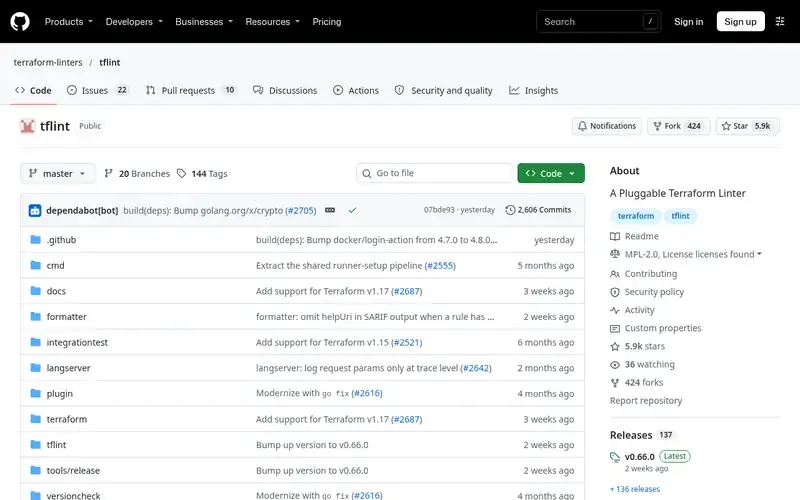
TFLint is a pluggable linter for Terraform that finds possible errors, warns about deprecated syntax and enforces recommended practices.
Documented strengths
- Finds possible errors, such as invalid instance types, for AWS, Azure and GCP
- Warns about deprecated syntax and unused declarations
- Plugins declared in .tflint.hcl and installed with tflint --init
- Custom rules through a plugin or a policy written in Rego
- Automatic fixes with the --fix option
Documented limits
TFLint is documented for Terraform only. Much of the project is under MPL 2.0 with some files under BUSL 1.1, so teams with licensing requirements should read the license terms.
- Who it is for
- Terraform modules and cloud provider configuration
- Platforms
- Homebrew, winget, go install, release binary, Docker image and a setup-tflint action for GitHub Actions
- Pricing
- See the vendor's own pricing page for current plans and costs. github.com
- Facts checked
- 21 November 2026
Why it is placed here: Terraform files are the infrastructure definitions in this use case, so the linter built specifically for them comes first.
#2 · Ansible
ansible-lint
Ansible playbooks, roles and collections in CI
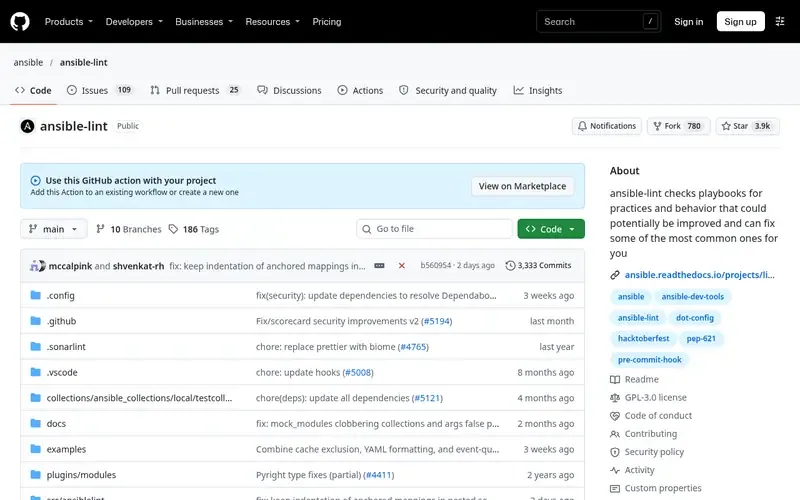
ansible-lint checks Ansible playbooks for practices and behavior that could be improved and can automatically fix some common issues.
Documented strengths
- Checks playbooks and can fix some common issues
- GitHub Action accepts optional arguments for the ansible-lint command
- Can install role and collection dependencies from a requirements file
- Working directory can be set to lint a subset of a repository
- Pinning a release tag is recommended for stable workflows
Documented limits
It is community-backed and supports only the last two major versions of Ansible. It is distributed as GPLv3 because of its runtime dependencies, while its own code remains under the MIT license.
- Who it is for
- Ansible playbooks, roles and collections in CI
- Platforms
- Runs as a GitHub Action, with a dedicated documentation site; other platforms not stated on the page we used
- Pricing
- See the vendor's own pricing page for current plans and costs. github.com
- Facts checked
- 21 November 2026
Why it is placed here: Ansible is the other common infrastructure definition format in this use case, and its official action lets it run in CI without a separate install.
#3 · Hadolint
Hadolint
Dockerfiles with inline shell commands
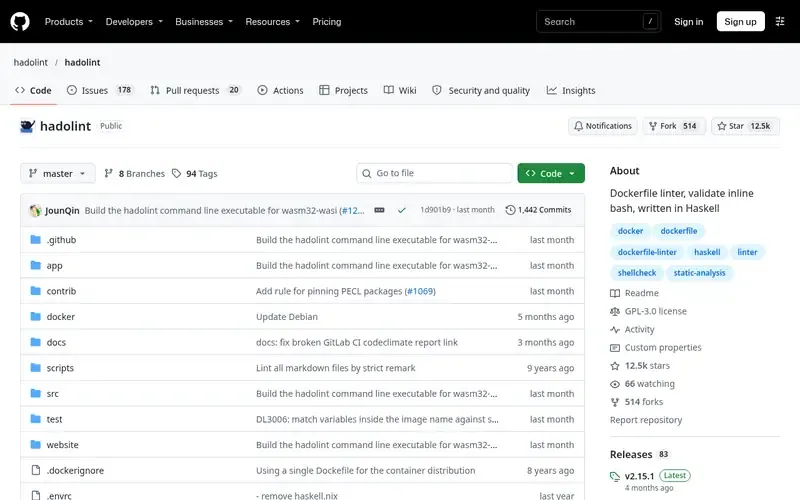
Hadolint is a Haskell Dockerfile linter that parses Dockerfiles into an AST and checks recommended practices, including inline Bash via ShellCheck.
Documented strengths
- Parses the Dockerfile into an AST and applies rules on it
- Uses ShellCheck to lint Bash inside RUN instructions
- Can warn about images from untrusted registries
- Output in JSON, SARIF, SonarQube, Checkstyle and JUnit
- Ignored rules and severities set in a YAML configuration file
Documented limits
Hadolint is documented for Dockerfiles only. Teams that use other container build definitions should check the vendor documentation.
- Who it is for
- Dockerfiles with inline shell commands
- Platforms
- Docker, Podman, prebuilt binaries for macOS, Windows and Linux, Homebrew, Scoop, and Debian and Alpine container variants
- Pricing
- See the vendor's own pricing page for current plans and costs. github.com
- Facts checked
- 21 November 2026
Why it is placed here: Container builds are a staple of DevOps repositories, and Hadolint covers both Dockerfile rules and the shell inside RUN instructions.
#4 · rhysd
actionlint
GitHub Actions workflows
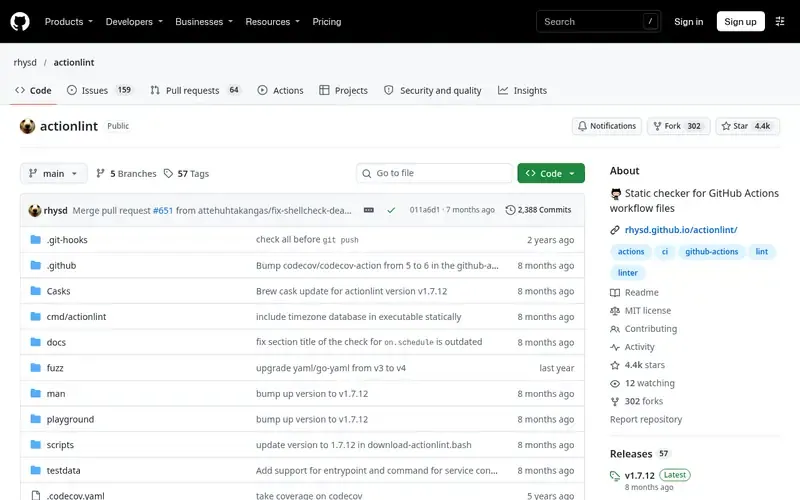
actionlint is a static checker for GitHub Actions workflow files.
Documented strengths
- Type-checks ${{ }} expressions to catch semantic errors
- Verifies action inputs and step outputs, and validates reusable workflows
- Runs shellcheck and pyflakes on scripts in run: steps
- Security checks for script injection and hard-coded credentials
- Detects workflows in a repository automatically
Documented limits
actionlint is documented for GitHub Actions workflow files only. Teams on other CI systems should look for a different checker.
- Who it is for
- GitHub Actions workflows
- Platforms
- Released binary, Homebrew, go install and Docker; online playground via WebAssembly; integrates with reviewdog, super-linter, pre-commit and VS Code
- Pricing
- See the vendor's own pricing page for current plans and costs. github.com
- Facts checked
- 21 November 2026
Why it is placed here: CI workflow files are a frequent source of silent mistakes, and actionlint checks syntax, expressions, action inputs and embedded scripts in a single pass.
#5 · yamllint
yamllint
General YAML syntax and style across a repository
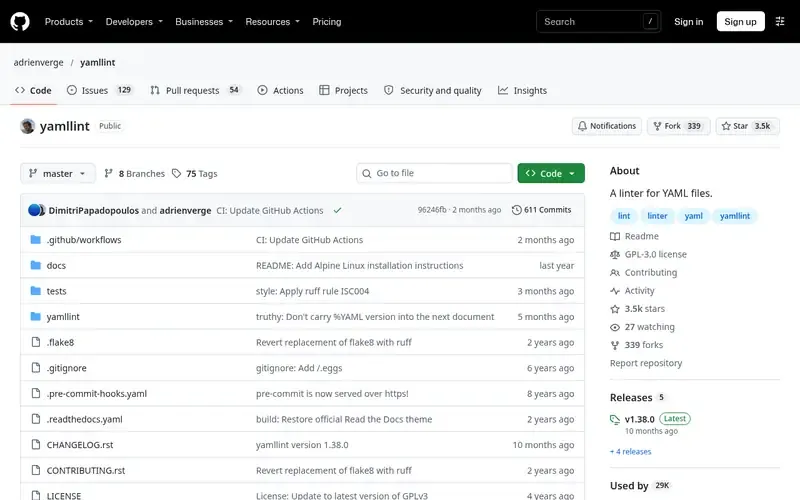
yamllint is a linter for YAML files that checks syntax validity as well as quirks and cosmetic problems.
Documented strengths
- Checks key repetition, line length, trailing spaces and indentation
- Lints individual files or whole directories recursively
- Pre-defined configurations such as relaxed, plus custom config files
- Rule levels such as warning, or rules disabled entirely
- Special comments disable checks for a line or a block
Documented limits
yamllint checks YAML structure and style. It does not document checks for the semantics of Terraform, Ansible or workflow files, so it works alongside the format-specific linters.
- Who it is for
- General YAML syntax and style across a repository
- Platforms
- Installs with pip and is packaged for all major operating systems; documentation on Read the Docs
- Pricing
- See the vendor's own pricing page for current plans and costs. github.com
- Facts checked
- 21 November 2026
Why it is placed here: Infrastructure and CI repositories hold many YAML files, and yamllint is a general-purpose check that applies across them, so it follows the format-specific tools.
#6 · ShellCheck
ShellCheck
Standalone shell scripts and deploy helpers
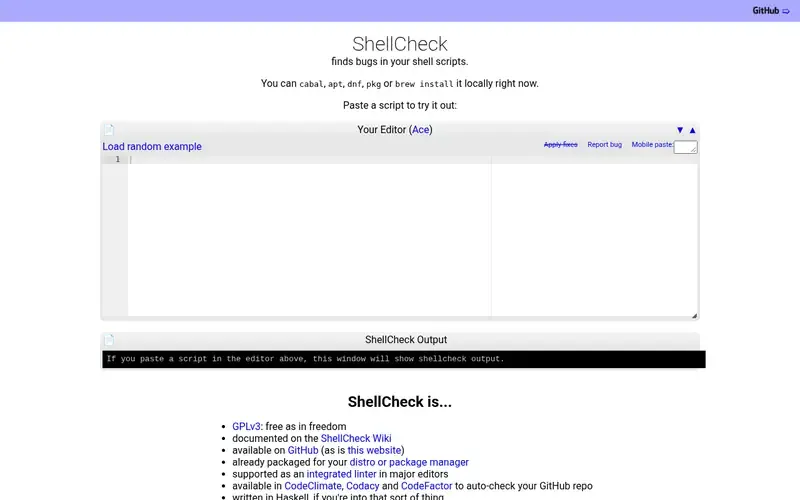
ShellCheck is an open source static analysis tool that automatically finds bugs in shell scripts.
Documented strengths
- Finds bugs in shell scripts
- Detects many kinds of quoting issues
- Detects higher-level semantic problems
- Warns about portability problems when the shebang says sh
- Documented on the ShellCheck Wiki
Documented limits
ShellCheck is documented for shell scripts. It does not check Terraform, Ansible or workflow structure, so it complements the other tools here.
- Who it is for
- Standalone shell scripts and deploy helpers
- Platforms
- Several package managers and distros, major editors, CodeClimate, Codacy and CodeFactor, plus an online paste-a-script checker
- Pricing
- See the vendor's own pricing page for current plans and costs. shellcheck.net
- Facts checked
- 21 November 2026
Why it is placed here: Shell scripts appear throughout deploy tooling, and ShellCheck is the engine that other linters here, such as Hadolint and actionlint, use for embedded scripts.
Sources
- TFLint: github.com/terraform-linters/tflint, github.com/about, github.com/features (21 Nov 2026)
- ansible-lint: github.com/ansible/ansible-lint, github.com/about, github.com/features (21 Nov 2026)
- Hadolint: github.com/hadolint/hadolint (21 Nov 2026)
- actionlint: github.com/rhysd/actionlint, github.com/about, github.com/features (21 Nov 2026)
- yamllint: github.com/adrienverge/yamllint, github.com/about, github.com/features (21 Nov 2026)
- ShellCheck: shellcheck.net (21 Nov 2026)
Related guides
How we compiled this
We looked at how well each linter fits the job of catching mistakes in the file types a typical DevOps repository contains. The criteria were the file types and problems each tool documents, how it installs and runs locally and in CI, and which output formats and configuration options it documents. The order reflects editorial fit, starting with the infrastructure definitions themselves and moving to the formats and scripts that surround them. It does not say any tool is better overall, and these tools are complementary rather than competing.
Facts come from the official project pages, and we record the date each was checked. This list is built from documentation rather than product trials, so where a page does not state something, we say so in the limits. Check each project's current documentation for supported versions and licensing before adopting it.
Order used: Ordered by how broadly each linter is used across a typical DevOps repository, most common first.
Common questions
How do I lint GitHub Actions workflow files?
actionlint checks workflow syntax, type-checks ${{ }} expressions, verifies action inputs and outputs, and runs shellcheck on run: steps. It detects workflows automatically when you run it in the repository.
Can Hadolint check shell commands inside a Dockerfile?
Yes. Hadolint uses ShellCheck to lint Bash code inside RUN instructions, in addition to applying its own rules to the parsed Dockerfile.
Do I still need yamllint if I use actionlint?
They check different things. actionlint validates workflow files against the GitHub Actions workflow syntax, while yamllint checks general YAML validity and style such as indentation and line length. Many teams run both.
Which of these linters run in GitHub Actions?
TFLint has a setup-tflint action, and ansible-lint ships an official GitHub Action. actionlint and Hadolint can run through Docker images, and actionlint also documents reviewdog and pre-commit integrations.
Which linters can output SARIF?
TFLint and Hadolint both list SARIF among their supported output formats. Both also support other formats such as JSON, Checkstyle and JUnit.
The editorial order is unpaid. A vendor can buy one labelled featured slot per guide, but it gets the same fact check as everyone else and cannot alter or remove a competitor's entry. Guidehurst is independent. Product names and logos belong to their respective owners.