If you want to pipe output from a shell straight to a link, start with termbin and paste.rs, which need only netcat or cURL. PrivateBin, Pastebin and GitLab Snippets follow for cases where privacy, accounts or version control matter more. This shortlist is for sysadmins and developers working over SSH who need to hand logs, configs and code to someone else quickly.
The shortlist
Side-by-side comparison
| Tool | Who it is for | Platforms | Pricing |
|---|---|---|---|
 termbintermbin | Fast, no-account sharing of terminal output | Any system with netcat, including Windows, macOS and Linux | Pricing on termbin.com |
 paste.rspaste.rs | cURL-based pasting with syntax highlighting and Markdown rendering | Command line via cURL, plus an API and a web form | Pricing on paste.rs |
 PrivateBinPrivateBin | Sensitive pastes that need client-side encryption | Server installations used over HTTPS, with a browser-based client | Pricing on privatebin.info |
 PastebinPastebin.com | Time-limited text storage on a hosted site | Online, in the browser, with an API | Pricing on pastebin.com |
 GitLab SnippetsGitLab | Version-controlled snippets and multi-file configs | GitLab.com, GitLab Self-Managed and GitLab Dedicated | Pricing on docs.gitlab.com |
Quick verdict by need
- termbin if you need fast, no-account sharing of terminal output.
- paste.rs if you need cURL-based pasting with syntax highlighting and Markdown rendering.
- PrivateBin if you need sensitive pastes that need client-side encryption.
- Pastebin if you need time-limited text storage on a hosted site.
- GitLab Snippets if you need version-controlled snippets and multi-file configs.
Tool details
#1 · termbin
termbin
Fast, no-account sharing of terminal output
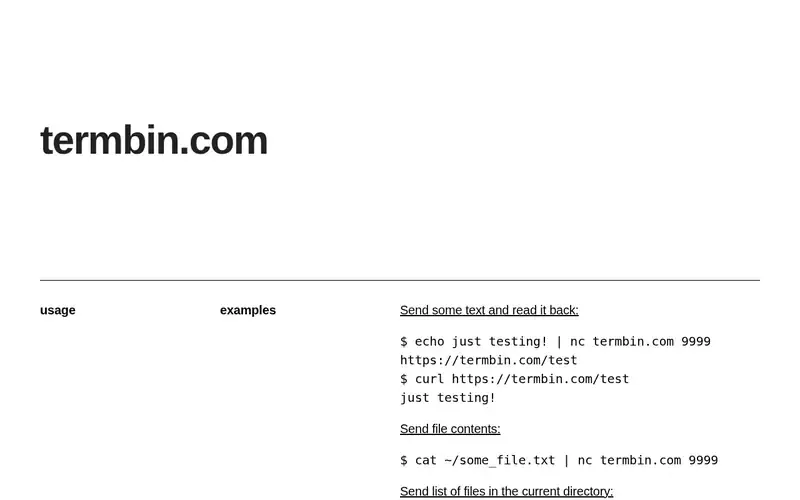
Termbin is a command line pastebin for sharing terminal output.
Documented strengths
- Pipe text to netcat on port 9999
- Netcat is the only requirement
- Netcat is available on Windows, macOS and Linux
- A shell alias can simplify usage
- Pastes can be deleted from the same IP address within the first 10 minutes via a POST request
Documented limits
Posted data is kept for one week and then deleted automatically, and the service logs the IP addresses of all users. Removals after the first 10 minutes are handled by emailing support, so avoid pasting secrets.
- Who it is for
- Fast, no-account sharing of terminal output
- Platforms
- Any system with netcat, including Windows, macOS and Linux
- Pricing
- See the vendor's own pricing page for current plans and costs. termbin.com
- Facts checked
- 21 November 2026
Why it is placed here: It sits first because the only requirement is netcat, so output can be piped to port 9999 on almost any machine you reach over SSH.
#2 · paste.rs
paste.rs
cURL-based pasting with syntax highlighting and Markdown rendering
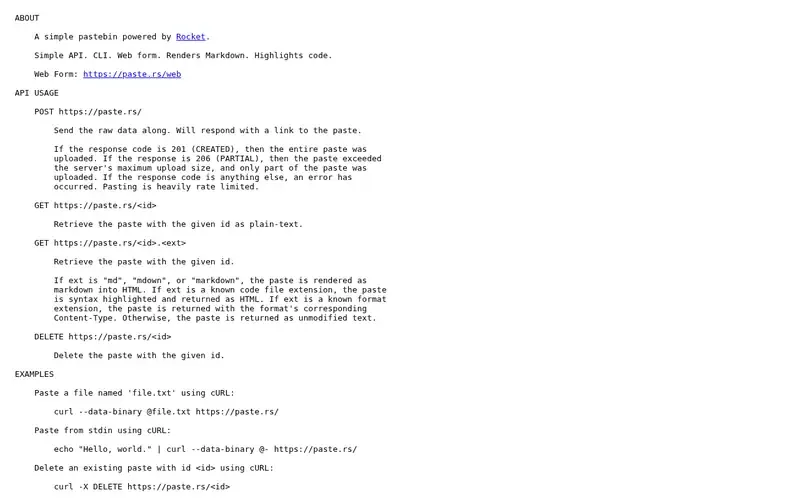
paste.rs is a simple, command-line driven pastebin service powered by the Rocket web framework.
Documented strengths
- Create pastes by POSTing raw data and receive a link
- Pipe content from stdin or paste files with cURL
- Add a code file extension to get syntax-highlighted HTML
- Add an md, mdown or markdown extension to render Markdown
- Delete pastes with a DELETE request using the paste id
Documented limits
Pasting is heavily rate limited. A 206 response means the paste exceeded the server's maximum upload size and was only partly stored, so check for 201 on large logs.
- Who it is for
- cURL-based pasting with syntax highlighting and Markdown rendering
- Platforms
- Command line via cURL, plus an API and a web form
- Pricing
- See the vendor's own pricing page for current plans and costs. paste.rs
- Facts checked
- 21 November 2026
Why it is placed here: It follows termbin because it works with cURL and stdin, replies with a link, and offers a ready-made shell function for .bashrc or .bash_profile.
#3 · PrivateBin
PrivateBin
Sensitive pastes that need client-side encryption
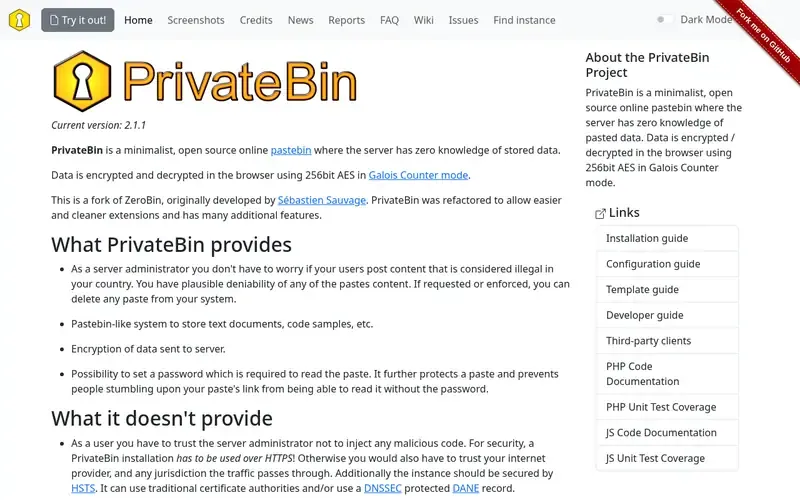
PrivateBin is a minimalist, open source online pastebin where the server has zero knowledge of stored data.
Documented strengths
- Data encrypted and decrypted in the browser with 256-bit AES in Galois Counter mode
- Optional password required to read a paste
- Expiration times including 'forever' and 'burn after reading'
- Syntax highlighting and Markdown with preview
- File upload with preview, off by default with an adjustable size limit
Documented limits
The pages we checked describe a browser-based workflow and do not document a command-line client, so terminal use needs further checking in the vendor documentation. Installations must be used over HTTPS for security.
- Who it is for
- Sensitive pastes that need client-side encryption
- Platforms
- Server installations used over HTTPS, with a browser-based client
- Pricing
- See the vendor's own pricing page for current plans and costs. privatebin.info
- Facts checked
- 21 November 2026
Why it is placed here: It fits third because it suits logs and configs that should not be readable by the host, with encryption in the browser and options such as a password or burn after reading.
#4 · Pastebin.com
Pastebin
Time-limited text storage on a hosted site
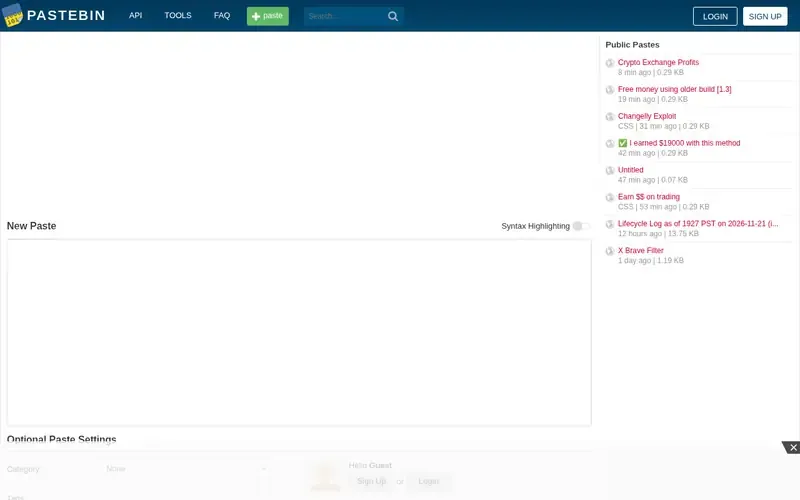
Pastebin is a website where you can store text online for a set period of time.
Documented strengths
- Store text online for a set period of time
- API, tools and an FAQ
- Private data exchanged over SSL
- Stored data kept on at least three servers, including an off-site backup
- Security bug bounty program
Documented limits
Users who are not logged in cannot edit or delete their pastes. Signing up unlocks additional features; check the vendor documentation for how the API fits a shell workflow.
- Who it is for
- Time-limited text storage on a hosted site
- Platforms
- Online, in the browser, with an API
- Pricing
- See the vendor's own pricing page for current plans and costs. pastebin.com
- Facts checked
- 21 November 2026
Why it is placed here: It sits fourth because it offers an API and a long-running paste site, but the pages we checked do not describe a terminal workflow.
#5 · GitLab
GitLab Snippets
Version-controlled snippets and multi-file configs
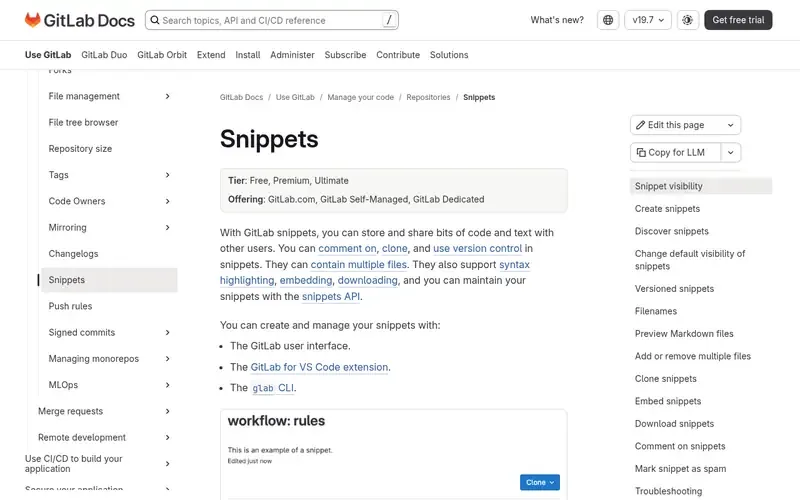
GitLab snippets let users store and share code, text and files from the browser, with version control, commenting and embedding.
Documented strengths
- Snippets can be created from the glab CLI
- Each snippet is backed by its own version-controlled repository
- A snippet can hold up to 10 files
- Personal snippets can be public or private; project snippets can be limited to project members
- Raw content can be downloaded
Documented limits
Documented for GitLab.com, GitLab Self-Managed and GitLab Dedicated, so you need access to one of them. Check the vendor documentation for the exact glab commands.
- Who it is for
- Version-controlled snippets and multi-file configs
- Platforms
- GitLab.com, GitLab Self-Managed and GitLab Dedicated
- Pricing
- See the vendor's own pricing page for current plans and costs. docs.gitlab.com
- Facts checked
- 21 November 2026
Why it is placed here: It comes last because it suits pastes that need history, multiple files or project access control, and the glab CLI can create snippets, but it assumes a GitLab account.
Sources
- termbin: termbin.com (21 Nov 2026)
- paste.rs: paste.rs (21 Nov 2026)
- PrivateBin: privatebin.info (21 Nov 2026)
- Pastebin: pastebin.com, pastebin.com/doc_security_disclosure (21 Nov 2026)
- GitLab Snippets: docs.gitlab.com/user/snippets, docs.gitlab.com/solutions, docs.gitlab.com/user/application_security/secure_your_application (21 Nov 2026)
Related guides
How we compiled this
We looked at how well each tool fits the job of getting text from a terminal to a shareable URL, which capabilities the vendor documents for command-line use, and what the official pages say about deployment, retention and privacy. Logs and configs often contain sensitive details, so documented retention and access behavior counted alongside convenience.
All facts come from official vendor pages, with the check date recorded for each. The order reflects editorial fit for piping output from a shell, explained in the "why here" line for every tool, and does not say any tool is better overall. The list is built from documentation, not product trials, so anything a page does not state is flagged and left for you to confirm with the vendor.
Order used: Ordered by how little friction there is to pipe output from a shell to a link, closest fit first.
Common questions
How do I send terminal output to a pastebin?
With termbin you pipe text to netcat on port 9999 and get a link back. With paste.rs you POST raw data, for example by piping stdin to cURL, and the service replies with a link.
Which tool is suited to sensitive logs?
PrivateBin encrypts and decrypts data in the browser, so the server has no knowledge of what is stored, and it supports optional passwords and 'burn after reading'. Termbin logs IP addresses and keeps data for one week.
Can I delete a paste after posting it?
On termbin, you can delete from the same IP address within the first 10 minutes via a POST request; later removals go through support by email. On paste.rs, send a DELETE request with the paste id. On Pastebin, users who are not logged in cannot edit or delete pastes.
Can I share a config with version history?
GitLab Snippets are backed by a version-controlled repository, can hold up to 10 files, and can be cloned, changed locally and pushed back. They can be created from the glab CLI.
Does paste.rs highlight code?
Yes. Adding a known code file extension to a paste's URL returns it syntax highlighted as HTML, and Markdown extensions render the paste from Markdown.
The editorial order is unpaid. A vendor can buy one labelled featured slot per guide, but it gets the same fact check as everyone else and cannot alter or remove a competitor's entry. Guidehurst is independent. Product names and logos belong to their respective owners.