For everyday scripting, age, GnuPG and libsodium are the first tools to consider, followed by gocryptfs, Kryptor and Picocrypt. This shortlist is for developers and system administrators who need to encrypt files and data from the terminal or inside applications, and it covers file tools, a filesystem and a library.
The shortlist
Side-by-side comparison
| Tool | Who it is for | Platforms | Pricing |
|---|---|---|---|
 ageFilippo Valsorda | Simple file encryption in scripts and pipelines | Pre-built binaries for Windows, Linux, macOS and FreeBSD; Rust and TypeScript implementations exist | Pricing on github.com |
 GnuPGGnuPG Project | OpenPGP workflows, signing and long-standing integrations | Debian, Ubuntu and Devuan package repositories; Gpg4win for Windows with a context menu tool, crypto manager and Outlook plugin | Pricing on gnupg.org |
 libsodiumFrank Denis | Developers adding encryption inside applications | Many compilers and operating systems, including Windows, iOS and Android | Pricing on libsodium.org |
| gocryptfsJakob Unterwurzacher | Encrypted directories on Linux | Linux native, beta macOS support, cppcryptfs on Windows; binaries for x86_64 and arm64 Linux | Pricing on github.com |
| KryptorSamuel Lucas | File encryption and signing in one simple CLI | Windows, Linux and macOS | Pricing on github.com |
| PicocryptPicocrypt | Small, one-off file encryption, with a GUI or CLI | Desktop app, CLI and a limited web app for standard volumes; the macOS app is built for Apple silicon only | Pricing on github.com |
Quick verdict by need
- age if you need simple file encryption in scripts and pipelines.
- GnuPG if you need openPGP workflows, signing and long-standing integrations.
- libsodium if you need developers adding encryption inside applications.
- gocryptfs if you need encrypted directories on Linux.
- Kryptor if you need file encryption and signing in one simple CLI.
- Picocrypt if you need small, one-off file encryption, with a GUI or CLI.
Tool details
#1 · Filippo Valsorda
age
Simple file encryption in scripts and pipelines
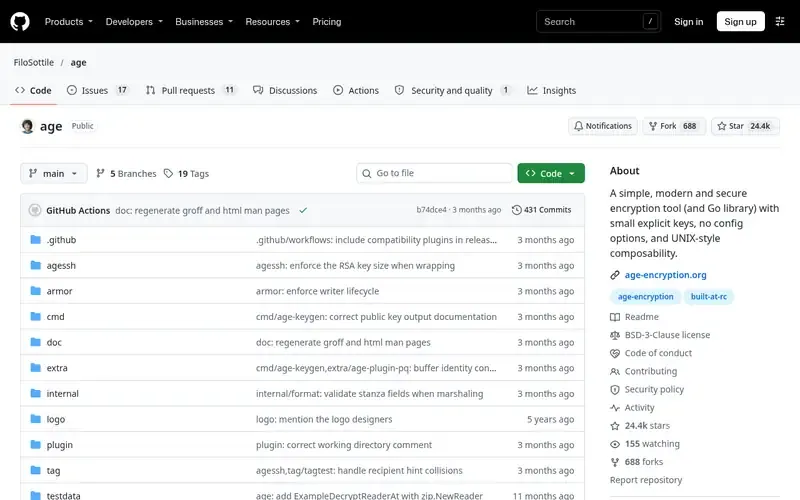
age is a simple, modern file encryption tool, format and Go library. Its design traits are small keys, post-quantum support, no configuration options and UNIX-style composability.
Documented strengths
- Encrypt to multiple recipients, each of whom can decrypt
- Passphrase encryption, with a secure passphrase generated by default
- Encrypts to ssh-rsa and ssh-ed25519 public keys
- Hybrid post-quantum keys via the -pq flag of age-keygen
- age-inspect shows metadata without decrypting
Documented limits
Documented as a file encryption tool, format and Go library. Teams that need signing or an OpenPGP-compatible keyring should check the project documentation.
- Who it is for
- Simple file encryption in scripts and pipelines
- Platforms
- Pre-built binaries for Windows, Linux, macOS and FreeBSD; Rust and TypeScript implementations exist
- Pricing
- See the vendor's own pricing page for current plans and costs. github.com
- Facts checked
- 21 November 2026
Why it is placed here: It comes first because having no configuration options and composing in the UNIX style make it the easiest fit for everyday shell scripting.
#2 · GnuPG Project
GnuPG
OpenPGP workflows, signing and long-standing integrations
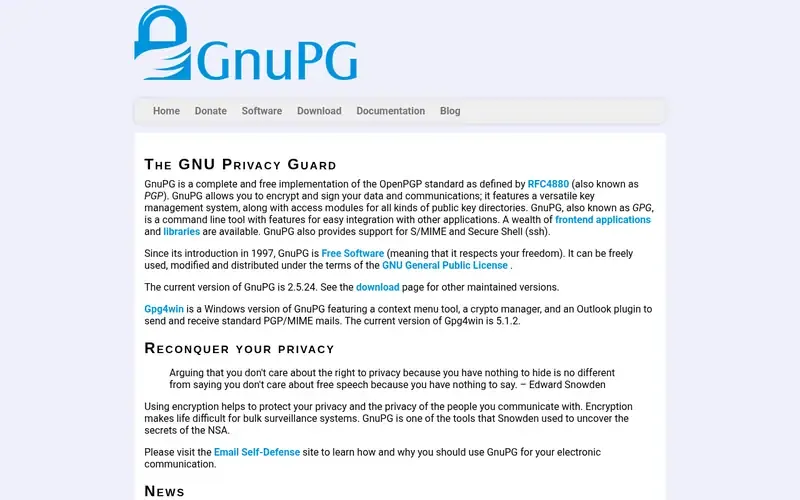
GnuPG is a complete, free implementation of the OpenPGP standard for encrypting and signing data and communications. It is designed as a command line tool for easy integration with other applications.
Documented strengths
- Encrypts and signs data and communications
- Key management system and access modules for public key directories
- Supports S/MIME and Secure Shell
- Implements an updated version of the OpenPGP specification (rfc4880bis)
- Man pages, a user manual and a handbook
Documented limits
Documented as a full OpenPGP implementation, so it has a larger surface than single-purpose tools. Teams that want a minimal file encryptor should compare it with the simpler tools here.
- Who it is for
- OpenPGP workflows, signing and long-standing integrations
- Platforms
- Debian, Ubuntu and Devuan package repositories; Gpg4win for Windows with a context menu tool, crypto manager and Outlook plugin
- Pricing
- See the vendor's own pricing page for current plans and costs. gnupg.org
- Facts checked
- 21 November 2026
Why it is placed here: It sits second because it is the broader, more established option: it covers signing, key management and standards that age deliberately leaves out, at the cost of more complexity.
#3 · Frank Denis
libsodium
Developers adding encryption inside applications
libsodium.orglibsodium is a portable, cross-platform cryptography library for encryption, decryption, signatures and password hashing. It is a fork of NaCl with an extended, compatible API.
Documented strengths
- Encryption, decryption, signatures and password hashing
- Core operations for building higher-level cryptographic tools
- JavaScript and WebAssembly versions fully supported
- Bindings for all common programming languages
- A complete security audit sponsored by Private Internet Access
Documented limits
Documented for software developers building cryptographic tools and applications, so it does not give sysadmins a finished encryption command. It is developed by volunteers.
- Who it is for
- Developers adding encryption inside applications
- Platforms
- Many compilers and operating systems, including Windows, iOS and Android
- Pricing
- See the vendor's own pricing page for current plans and costs. libsodium.org
- Facts checked
- 21 November 2026
Why it is placed here: It sits third because it is a library for building cryptographic features into applications, not a ready-made command-line tool.
#4 · Jakob Unterwurzacher
gocryptfs
Encrypted directories on Linux
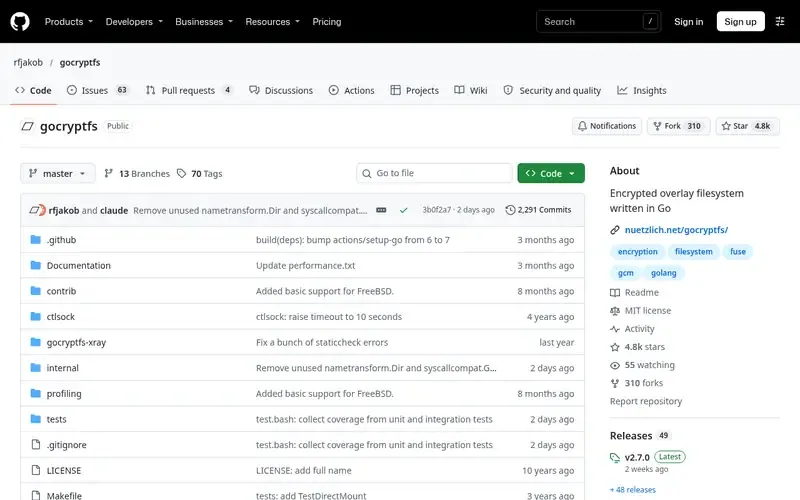
gocryptfs is an encrypted overlay filesystem written in Go, built on the go-fuse FUSE library. It was inspired by EncFS and aims to fix its security issues while keeping performance good.
Documented strengths
- Reverse mode presents an existing plain directory as an encrypted view
- Cipher implementations include AES-GCM, AES-SIV and XChaCha20-Poly1305
- Documented stable CLI ABI for calling from apps or scripts
- Python tool can decrypt files and file names without FUSE
- Security audited in 2017
Documented limits
Linux is the native platform and macOS support is beta quality. Windows users can use the independent C++ reimplementation cppcryptfs. The on-disk format adds fixed overhead per 4kB block.
- Who it is for
- Encrypted directories on Linux
- Platforms
- Linux native, beta macOS support, cppcryptfs on Windows; binaries for x86_64 and arm64 Linux
- Pricing
- See the vendor's own pricing page for current plans and costs. github.com
- Facts checked
- 21 November 2026
Why it is placed here: It sits fourth because it encrypts a whole directory tree as a mounted filesystem instead of single files, which suits a different job from the file tools above.
#5 · Samuel Lucas
Kryptor
File encryption and signing in one simple CLI
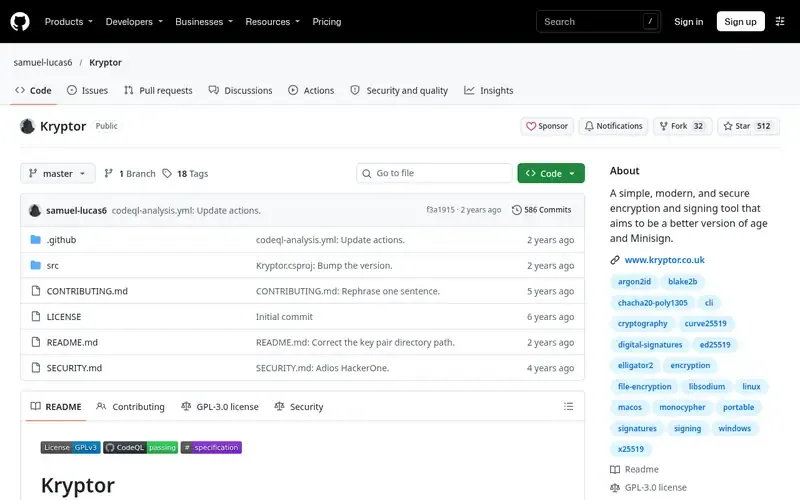
Kryptor is a simple, modern command-line file encryption and signing tool. It describes itself as a leaner alternative to GPG that improves on age and Minisign.
Documented strengths
- Encrypts multiple files and directories with a passphrase, symmetric key or asymmetric keys
- Encrypts to multiple recipients for sender-authenticated, one-way sharing
- Can encrypt file names, and encrypted files look random
- Digital signatures with comments and prehashing
- Pre-shared keys can provide post-quantum secure key exchange
Documented limits
Documented as a file encryption and signing tool. Teams that need an OpenPGP-compatible keyring or application-level library functions should check the project documentation.
- Who it is for
- File encryption and signing in one simple CLI
- Platforms
- Windows, Linux and macOS
- Pricing
- See the vendor's own pricing page for current plans and costs. github.com
- Facts checked
- 21 November 2026
Why it is placed here: It sits fifth because it offers a similar no-configuration design to age with signing built in, but its documentation points to its website for further detail.
#6 · Picocrypt
Picocrypt
Small, one-off file encryption, with a GUI or CLI
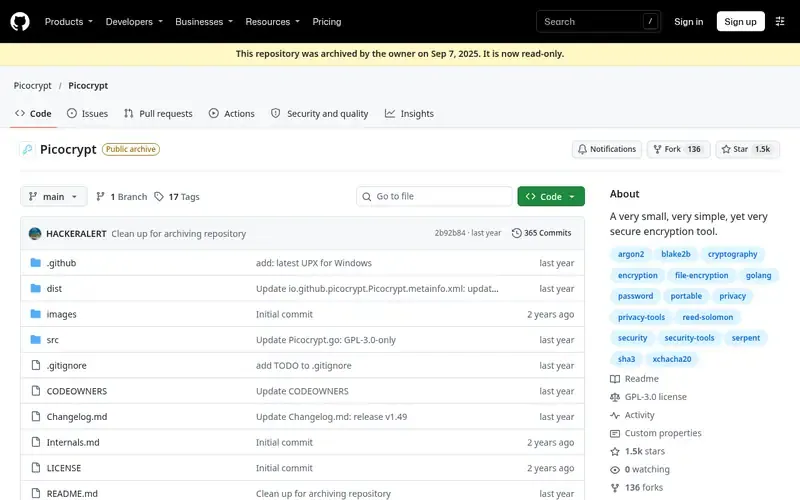
Picocrypt is a small, simple file encryption tool using XChaCha20 and Argon2id. Its author has archived the repository as read-only.
Documented strengths
- XChaCha20 cipher with Argon2id key derivation
- Paranoid mode cascades XChaCha20 and Serpent and authenticates with HMAC-SHA3
- Reed-Solomon error correction against file corruption
- Keyfiles as additional or sole authentication
- Command-line interface for systems without a GUI
Documented limits
The author does not endorse or support the community successor Picocrypt NG, and the only official source is the GitHub repository. Comments stored with a volume are not encrypted, and it is not suited to full-disk encryption, where VeraCrypt and BitLocker are better choices.
- Who it is for
- Small, one-off file encryption, with a GUI or CLI
- Platforms
- Desktop app, CLI and a limited web app for standard volumes; the macOS app is built for Apple silicon only
- Pricing
- See the vendor's own pricing page for current plans and costs. github.com
- Facts checked
- 21 November 2026
Why it is placed here: It sits last because the repository is permanently archived, so teams planning ongoing use should weigh that before adopting it.
Sources
- age: github.com/FiloSottile/age, github.com/about, github.com/features (21 Nov 2026)
- GnuPG: gnupg.org, gnupg.org/documentation/bts.html, gnupg.org/documentation/faqs.html (21 Nov 2026)
- libsodium: libsodium.gitbook.io/doc (21 Nov 2026)
- gocryptfs: github.com/rfjakob/gocryptfs (21 Nov 2026)
- Kryptor: github.com/samuel-lucas6/Kryptor, github.com/about, github.com/features (21 Nov 2026)
- Picocrypt: github.com/Picocrypt/Picocrypt, github.com/about (21 Nov 2026)
Related guides
How we compiled this
We looked at how well each tool fits encrypting files and data from the terminal or inside applications: simplicity for scripting, documented capabilities, and the platforms and implementations described in official documentation. Each entry draws only on facts from the project's official pages, which we record with check dates. Where a page does not state something, we say so instead of filling the gap.
The order reflects editorial fit for this use case, and we explain it in words under each entry. Simple, modern designs for everyday scripting come first, and broader but more complex tools follow. No entry is better overall than another, because these tools solve different problems: files, keyrings, filesystems and application code. The list is built from documentation, not from product trials, so teams should read each project's own guidance before relying on it for sensitive data.
Order used: Ordered by simplicity and modern design for everyday scripting, with the broader but more complex tools after.
Common questions
What is the simplest command-line tool for encrypting files?
age and Kryptor both describe a design with no configuration options. age is also a file format and Go library with pre-built binaries for Windows, Linux, macOS and FreeBSD.
Can I encrypt a file to several people at once?
Yes. age can encrypt a file to multiple recipients, each of whom can decrypt it. Kryptor also supports multiple recipients for sender-authenticated, one-way sharing.
Which tool should I use to add encryption inside my own application?
libsodium is a cryptography library with bindings for all common programming languages and fully supported JavaScript and WebAssembly versions. age is also available as a Go library.
Is there a command-line option for OpenPGP?
GnuPG is a complete, free implementation of the OpenPGP standard, designed as a command line tool for integration with other applications. It also supports S/MIME and Secure Shell.
Which tools protect whole directories?
gocryptfs is an encrypted overlay filesystem, with a reverse mode that presents a plain directory as an encrypted view. Picocrypt's documentation says it is not suited to full-disk encryption and names VeraCrypt and BitLocker as better choices for that.
The editorial order is unpaid. A vendor can buy one labelled featured slot per guide, but it gets the same fact check as everyone else and cannot alter or remove a competitor's entry. Guidehurst is independent. Product names and logos belong to their respective owners.