This shortlist starts with PandaDoc, DocuSign eSignature and SignNow, three tools that pair signing with sales-document workflows such as quotes, proposals and CRM-connected contracts. It is for sales teams and account executives who need to send contracts and quotes for signature and track them through to close. Dropbox Sign, Qwilr and SignWell follow, each with a different emphasis, from CRM-embedded sending to interactive proposals to API-based signing.
The shortlist
Side-by-side comparison
| Tool | Who it is for | Platforms | Pricing |
|---|---|---|---|
 PandaDocPandaDoc | Sales teams that want quotes, contracts and signing in one workflow | Not stated on official pages | Pricing on pandadoc.com |
 DocuSign eSignatureDocuSign | Sales teams that need signing connected to enterprise systems | Signers complete documents on any device without an account; deployment in the customer's own data center is available as a capability | Pricing on docusign.com |
 SignNowairSlate | Sales teams that work inside a CRM and want routing and templates | Any device, without training or downloads | Pricing on signnow.com |
 Dropbox SignDropbox | Sales teams that send contracts from Salesforce or HubSpot | Recipients sign without creating an account; integrates with Dropbox, Google Drive, Salesforce and OneDrive | Pricing on sign.dropbox.com |
 QwilrQwilr | Teams that sell through web-based proposals with built-in signing | Signing on computers, tablets and mobile devices | Pricing on qwilr.com |
 SignWellSignWell | Growing teams that want simple signing, automation and an API | Any device; recipients don't need an account | Pricing on signwell.com |
Quick verdict by need
- PandaDoc if you need sales teams that want quotes, contracts and signing in one workflow.
- DocuSign eSignature if you need sales teams that need signing connected to enterprise systems.
- SignNow if you need sales teams that work inside a CRM and want routing and templates.
- Dropbox Sign if you need sales teams that send contracts from Salesforce or HubSpot.
- Qwilr if you need teams that sell through web-based proposals with built-in signing.
- SignWell if you need growing teams that want simple signing, automation and an API.
Tool details
#1 · PandaDoc
PandaDoc
Sales teams that want quotes, contracts and signing in one workflow
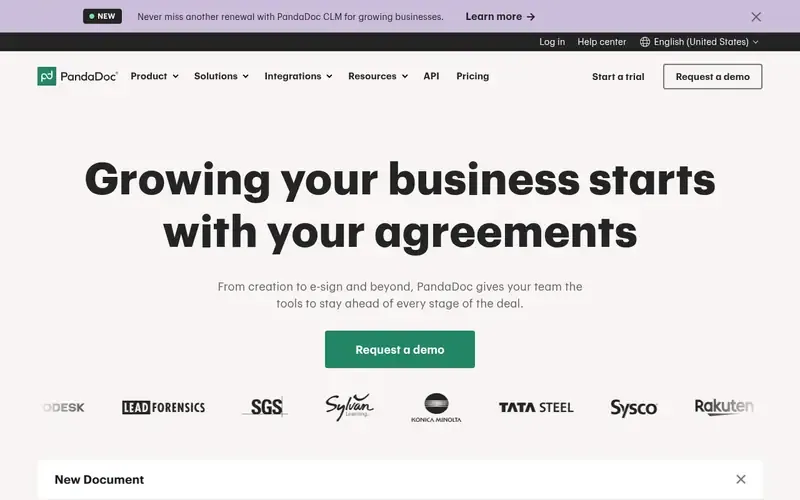
PandaDoc is a document workflow platform for creating, sending, tracking and signing documents, with CPQ and contract lifecycle management features. Its workflow runs from document creation through to signing.
Documented strengths
- Create, send and track documents
- Reusable templates and content library items
- Smart quotes and payment workflows
- CPQ workflows aimed at closing deals faster
- Contract lifecycle management and negotiation coverage
Documented limits
The official pages we checked focus on workflow and training material and do not detail signing methods or security controls. Teams that need those specifics should check the vendor documentation.
- Who it is for
- Sales teams that want quotes, contracts and signing in one workflow
- Platforms
- Not stated on official pages
- Pricing
- See the vendor's own pricing page for current plans and costs. pandadoc.com
- Facts checked
- 21 November 2026
Why it is placed here: It sits first because its documented workflow covers the full sales-document path, from smart quotes and templates to tracking and signing, in one product.
#2 · DocuSign
DocuSign eSignature
Sales teams that need signing connected to enterprise systems
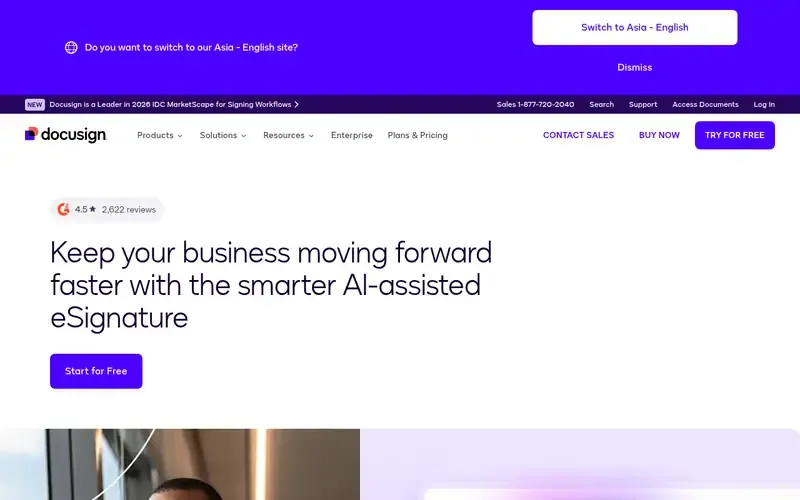
Docusign eSignature is an AI-assisted electronic signature product for preparing, sending and signing agreements such as sales proposals and contracts. Its stated audience includes sales teams, IT admins and regulated industries.
Documented strengths
- AI-suggested fields and pre-send verification of recipient details
- Agreements generated from data in systems like Salesforce and SAP
- Over 1,100 pre-built integrations
- Bulk send, routing, workflows and shared templates
- Payments requested during signing by card, ACH, Apple Pay or Google Pay
Documented limits
The facts we checked describe eSignature as an agreement product, with contract generation attributed to the separate Docusign CLM. Teams that need quoting inside the signing flow should check the vendor documentation.
- Who it is for
- Sales teams that need signing connected to enterprise systems
- Platforms
- Signers complete documents on any device without an account; deployment in the customer's own data center is available as a capability
- Pricing
- See the vendor's own pricing page for current plans and costs. docusign.com
- Facts checked
- 21 November 2026
Why it is placed here: It comes second because it documents sales-relevant steps such as generating agreements from Salesforce data, requesting payment during signing and sending in bulk, though it centers on the agreement rather than the quote.
#3 · airSlate
SignNow
Sales teams that work inside a CRM and want routing and templates
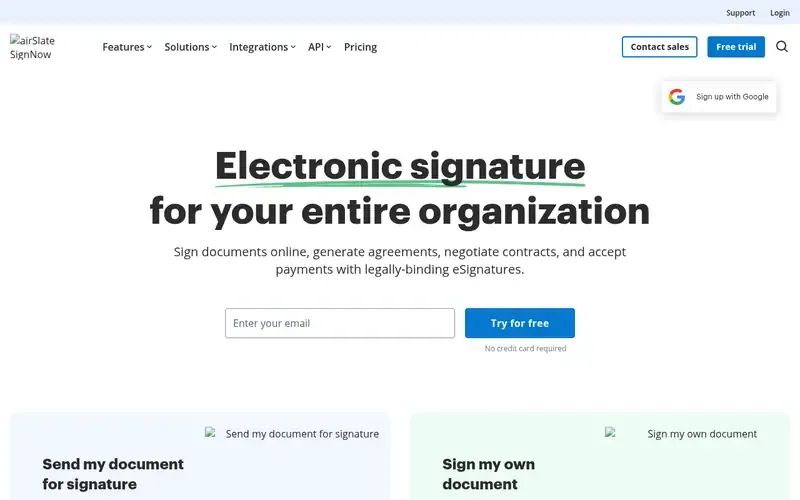
airSlate SignNow is an eSignature platform for signing, sending, tracking and storing documents, with CRM integrations and workflows for sales teams. It also covers generating agreements, negotiating contracts and accepting payments.
Documented strengths
- Native integrations with Salesforce, Dynamics, NetSuite, SharePoint and Microsoft 365
- Reusable templates with fillable fields
- Role-based routing and link sharing with multiple recipients
- altaFlow automation before and after signing, including approvals
- Password or two-factor signer authentication
Documented limits
Documented for signing, tracking and workflow automation; the pages we checked do not describe a quote-building feature. Teams that need quoting should check the vendor documentation.
- Who it is for
- Sales teams that work inside a CRM and want routing and templates
- Platforms
- Any device, without training or downloads
- Pricing
- See the vendor's own pricing page for current plans and costs. signnow.com
- Facts checked
- 21 November 2026
Why it is placed here: It sits third because it documents CRM integrations aimed at closing deals without leaving the CRM, plus templates and routing, but describes quoting less directly than the first two.
#4 · Dropbox
Dropbox Sign
Sales teams that send contracts from Salesforce or HubSpot
Dropbox Sign (formerly HelloSign) is an eSignature product for sending, receiving and managing legally binding electronic signatures. It supports sales contracts and connects to CRMs.
Documented strengths
- Proposals and contracts populated with prospect data from within a CRM
- HubSpot integration and Salesforce use without leaving the CRM
- Reusable templates shareable as URLs or by email
- Interface in 22 languages for senders and signers
- Bulk send of individual signature requests to a large recipient list
Documented limits
Documented as a signing and contract-sending product; quoting and proposal design are not described on the pages we checked. Teams that need them should check the vendor documentation.
- Who it is for
- Sales teams that send contracts from Salesforce or HubSpot
- Platforms
- Recipients sign without creating an account; integrates with Dropbox, Google Drive, Salesforce and OneDrive
- Pricing
- See the vendor's own pricing page for current plans and costs. sign.dropbox.com
- Facts checked
- 21 November 2026
Why it is placed here: It follows because it documents sending proposals and contracts populated with prospect data from inside a CRM, with a focus on signing rather than quote building.
#5 · Qwilr
Qwilr
Teams that sell through web-based proposals with built-in signing
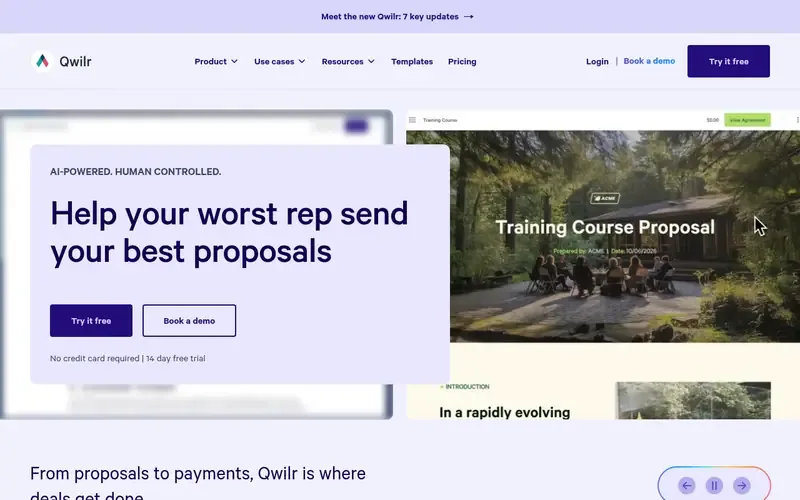
Qwilr is interactive proposal software that turns proposals into web-based buying experiences. E-signature, payments, quoting and buyer analytics are built in.
Documented strengths
- E-signature and payments built into proposals
- Notifications showing how buyers engage with a proposal
- Lightweight CPQ with one-off or recurring costs, discounts and currencies
- CRM connection to automate proposal creation and post-close admin
- Audit trail with signer contacts, IP address and timestamps
Documented limits
Documented as a proposal-centered tool with signing inside the page. Teams that need to send standalone contracts or bulk signature requests should check the vendor documentation.
- Who it is for
- Teams that sell through web-based proposals with built-in signing
- Platforms
- Signing on computers, tablets and mobile devices
- Pricing
- See the vendor's own pricing page for current plans and costs. qwilr.com
- Facts checked
- 21 November 2026
Why it is placed here: It sits fifth in this order because it is proposal-first, with signing built into the proposal page, which suits teams whose deals start with a proposal more than a standalone contract.
#6 · SignWell
SignWell
Growing teams that want simple signing, automation and an API
SignWell is an electronic signature service for sending, signing and tracking documents, with a REST API and integrations. It was started in 2019.
Documented strengths
- Shared reusable templates with pre-filled fields
- Signing order and conditional logic for multi-party agreements
- Native integrations with Close, QuickBooks Online and Xero, plus Zapier
- Audit trail with stated compliance with ESIGN, UETA and eIDAS
- REST API with white-label embeds and webhooks
Documented limits
Documented as a signing service with integrations; the pages we checked do not describe quote building. Teams that use a CRM other than Close should check the vendor documentation for connection options.
- Who it is for
- Growing teams that want simple signing, automation and an API
- Platforms
- Any device; recipients don't need an account
- Pricing
- See the vendor's own pricing page for current plans and costs. signwell.com
- Facts checked
- 21 November 2026
Why it is placed here: It closes the list because its documented strengths are templates, signing order and API embedding, with a native Close integration, rather than sales-document features like quoting.
Sources
- PandaDoc: support.pandadoc.com/en, learn.pandadoc.com (21 Nov 2026)
- DocuSign eSignature: docusign.com/products/electronic-signature, docusign.com/products, docusign.com/solutions (21 Nov 2026)
- SignNow: signnow.com (21 Nov 2026)
- Dropbox Sign: sign.dropbox.com, sign.dropbox.com/features, sign.dropbox.com/solutions/sales (21 Nov 2026)
- Qwilr: qwilr.com, qwilr.com/about, qwilr.com/product/esign (21 Nov 2026)
- SignWell: signwell.com, signwell.com/about (21 Nov 2026)
Related guides
How we compiled this
We looked at how well each tool combines signing with the documents sales teams actually send: quotes, proposals, contracts and NDAs. The criteria were fit with the use case of sending and tracking documents through to close, the capabilities each vendor documents, and the deployment and platform information on its official pages. We also looked at whether a tool documents CRM connections, templates and tracking, since those shape day-to-day selling work.
All facts come from official vendor pages, each recorded with a check date. The order reflects editorial fit for this specific use case, and we explain the reasoning in each entry. It is not a statement that one tool is better overall. This list is built from vendor documentation rather than product trials, so teams with specific requirements should confirm details with the vendor before deciding.
Order used: Ordered by how well each tool combines signing with sales-document workflows, closest fit first.
Common questions
Which e-signature tools connect to a CRM?
SignNow lists native integrations with Salesforce and Dynamics. Dropbox Sign documents Salesforce and HubSpot use, and DocuSign eSignature can generate agreements from Salesforce data. Qwilr connects to a CRM to automate proposal creation, and SignWell integrates natively with Close.
Can I send quotes as well as contracts for signature?
PandaDoc documents smart quotes and CPQ workflows, and Qwilr includes a lightweight CPQ that generates quotes from CRM-style records. The other tools are documented mainly for contracts and agreements.
Do my prospects need an account to sign?
DocuSign eSignature, Dropbox Sign and SignWell each state that signers or recipients do not need an account. SignNow documents signing from any device without downloads.
Can signing be embedded in my own website or app?
Dropbox Sign documents embedded signing in a website or app and offers official SDKs for Python, Ruby, PHP, Java, NodeJS and C#. SignWell offers a REST API with white-label embeds and webhooks.
Which tools can request payment during signing?
DocuSign eSignature documents payment requests by card, ACH, Apple Pay or Google Pay. Qwilr builds payments into proposals, SignNow lists accepting payments, and PandaDoc supports payment workflows.
The editorial order is unpaid. A vendor can buy one labelled featured slot per guide, but it gets the same fact check as everyone else and cannot alter or remove a competitor's entry. Guidehurst is independent. Product names and logos belong to their respective owners.