DocuSign eSignature, SignNow and Dropbox Sign come first on this shortlist because their documentation puts the most weight on template-driven, multi-party signing that works on any device. The list is for small real estate brokerages and independent agents who need to send listing agreements, offers and disclosures quickly and collect signatures from clients on phones and laptops.
The shortlist
Side-by-side comparison
| Tool | Who it is for | Platforms | Pricing |
|---|---|---|---|
 DocuSign eSignatureDocuSign | Brokerages that send many similar documents to several parties | Any device for signers; APIs available; deployment in the customer's own data center is listed as a capability | Pricing on docusign.com |
 SignNowairSlate | Small teams that route grouped documents to several signers | Any device, with no downloads required | Pricing on signnow.com |
 Dropbox SignDropbox | Agents who reuse a small set of documents and want account-free signing | Not stated on official pages | Pricing on sign.dropbox.com |
 SignWellSignWell | Small teams that need signing order and shared templates | Any device; REST API with white-label embeds and webhooks | Pricing on signwell.com |
 OneSpan SignOneSpan | Brokerages that want built-in identity checks in the signing flow | Mobile and remote signing; APIs and low-code/no-code integrations | Pricing on onespan.com |
 DocumensoDocumenso | Technical teams that want to self-host or embed signing | Hosted service or self-hosted from the repository | Pricing on documenso.com |
Quick verdict by need
- DocuSign eSignature if you need brokerages that send many similar documents to several parties.
- SignNow if you need small teams that route grouped documents to several signers.
- Dropbox Sign if you need agents who reuse a small set of documents and want account-free signing.
- SignWell if you need small teams that need signing order and shared templates.
- OneSpan Sign if you need brokerages that want built-in identity checks in the signing flow.
- Documenso if you need technical teams that want to self-host or embed signing.
Tool details
#1 · DocuSign
DocuSign eSignature
Brokerages that send many similar documents to several parties
Docusign eSignature is an AI-assisted electronic signature product for preparing, sending and signing agreements such as sales proposals and contracts. Small businesses use it for contracts, service agreements, NDAs and more.
Documented strengths
- Bulk send, routing, workflows and shared templates for high-volume sending
- Signers complete documents on any device without an account
- Pre-send verification checks recipient details before an agreement goes out
- Delivery for signature via SMS or WhatsApp
- Over 1,100 pre-built integrations
Documented limits
Documented for small and growing businesses, enterprises and regulated industries rather than for real estate specifically. Brokerages that need transaction-specific forms or workflows should check the vendor documentation.
- Who it is for
- Brokerages that send many similar documents to several parties
- Platforms
- Any device for signers; APIs available; deployment in the customer's own data center is listed as a capability
- Pricing
- See the vendor's own pricing page for current plans and costs. docusign.com
- Facts checked
- 21 November 2026
Why it is placed here: It documents the widest set of tools for high-volume, template-driven sending, including bulk send, routing, shared templates and any-device signing without an account.
#2 · airSlate
SignNow
Small teams that route grouped documents to several signers
airSlate SignNow is an eSignature platform for signing, sending, tracking and storing documents, with CRM integrations and workflows for sales teams.
Documented strengths
- Documents grouped and routed to recipients in role-based order
- Reusable templates with fillable fields
- Sharing via a link with multiple recipients
- Passwords or two-factor signer authentication
- Typed, drawn or uploaded signatures
Documented limits
Documented for small and medium businesses and sales, HR, legal and finance teams; real estate use is not described. Teams that need specific transaction workflows should check the vendor documentation.
- Who it is for
- Small teams that route grouped documents to several signers
- Platforms
- Any device, with no downloads required
- Pricing
- See the vendor's own pricing page for current plans and costs. signnow.com
- Facts checked
- 21 November 2026
Why it is placed here: Its documented role-based routing, link sharing to multiple recipients and reusable fillable templates match multi-party offer and disclosure packets closely.
#3 · Dropbox
Dropbox Sign
Agents who reuse a small set of documents and want account-free signing
Dropbox Sign (formerly HelloSign) is an eSignature product for sending, receiving and managing legally binding electronic signatures, with CRM integrations.
Documented strengths
- Recipients can sign without creating an account
- Frequently used documents become reusable templates
- Templates can be shared as URLs or by email
- Integrates with Dropbox, Google Drive, OneDrive and Salesforce
- Interface supports 22 languages for senders and signers
Documented limits
Documented for sales contracts, NDAs, offer letters and creative approvals, not for real estate transactions. Brokerages should confirm fit for their own document types with the vendor.
- Who it is for
- Agents who reuse a small set of documents and want account-free signing
- Platforms
- Not stated on official pages
- Pricing
- See the vendor's own pricing page for current plans and costs. sign.dropbox.com
- Facts checked
- 21 November 2026
Why it is placed here: Account-free signing, reusable templates and shareable template URLs suit agents who send the same documents repeatedly, though its documentation centers on sales and developer use.
#4 · SignWell
SignWell
Small teams that need signing order and shared templates
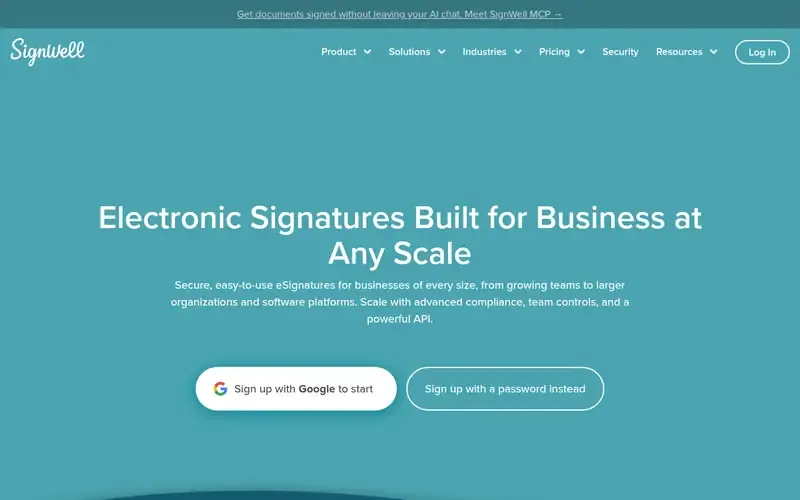
SignWell is an electronic signature service for sending, signing and tracking documents, with a REST API and integrations.
Documented strengths
- Signing order and conditional logic for multi-party agreements
- Reusable templates shared across a team, with pre-filled fields
- Audit trail on completed documents, with stated ESIGN, UETA and eIDAS compliance
- Recipients don't need an account
- Native integrations with Close, QuickBooks Online and Xero
Documented limits
Documented for growing teams, larger organizations and software platforms, with no real estate scope stated. Check the vendor documentation for any brokerage-specific needs.
- Who it is for
- Small teams that need signing order and shared templates
- Platforms
- Any device; REST API with white-label embeds and webhooks
- Pricing
- See the vendor's own pricing page for current plans and costs. signwell.com
- Facts checked
- 21 November 2026
Why it is placed here: It documents signing order and conditional logic for multi-party agreements plus shared templates, which fits brokerage paperwork, while its developer focus is broader than this audience.
#5 · OneSpan
OneSpan Sign
Brokerages that want built-in identity checks in the signing flow
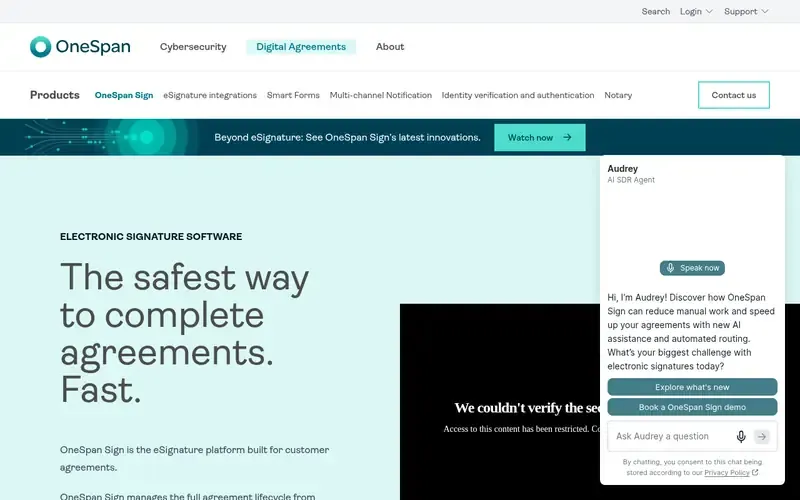
OneSpan Sign is an eSignature platform built for customer agreements, covering document preparation, identity assurance, signing and connected workflows.
Documented strengths
- Sequential or parallel signer routing
- Signing on mobile, remotely or in person
- Reusable templates and bulk sending
- Identity verification built into the agreement workflow
- Single tamper-evident audit trail per agreement
Documented limits
Documented for financial institutions and regulated environments, so its identity and compliance depth may exceed what a small brokerage needs. Check the vendor documentation for real estate fit.
- Who it is for
- Brokerages that want built-in identity checks in the signing flow
- Platforms
- Mobile and remote signing; APIs and low-code/no-code integrations
- Pricing
- See the vendor's own pricing page for current plans and costs. onespan.com
- Facts checked
- 21 November 2026
Why it is placed here: Mobile signing, parallel or sequential routing, reusable templates and bulk sending fit the use case, but its documentation is aimed at financial institutions and regulated environments.
#6 · Documenso
Documenso
Technical teams that want to self-host or embed signing
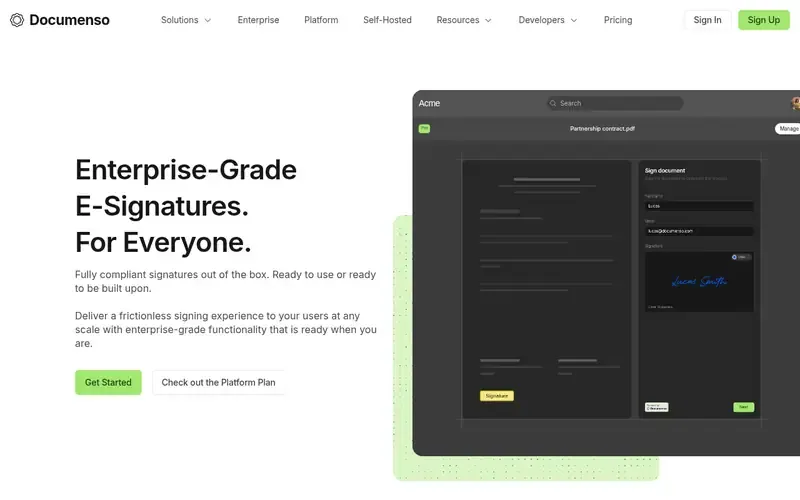
Documenso is an open-source document signing platform, positioned as a DocuSign alternative, available hosted or self-hosted with an API and embedding options.
Documented strengths
- Open source, self-hosted or used as a hosted service
- Template links let recipients fill out and sign a document
- Shared team workspace with a team inbox for delegating signatures
- Stripe payments integrated
- API for custom workflows, plus Zapier
Documented limits
Documented mainly for developers and companies wanting a self-hostable platform. Non-technical brokerages should check the vendor documentation for hosted-service details.
- Who it is for
- Technical teams that want to self-host or embed signing
- Platforms
- Hosted service or self-hosted from the repository
- Pricing
- See the vendor's own pricing page for current plans and costs. documenso.com
- Facts checked
- 21 November 2026
Why it is placed here: Template links, team workspaces and a team inbox cover shared signing work, but its documentation targets developers and teams that want a self-hostable platform.
Sources
- DocuSign eSignature: docusign.com/products/electronic-signature, docusign.com/products, docusign.com/solutions (21 Nov 2026)
- SignNow: signnow.com (21 Nov 2026)
- Dropbox Sign: sign.dropbox.com, sign.dropbox.com/features, sign.dropbox.com/solutions/sales (21 Nov 2026)
- SignWell: signwell.com, signwell.com/about (21 Nov 2026)
- OneSpan Sign: onespan.com/digital-agreements/products/electronic-signature (21 Nov 2026)
- Documenso: documenso.com, documenso.com/platform, documenso.com/features/api (21 Nov 2026)
Related guides
How we compiled this
We looked at three things: fit with fast, repeatable, multi-party document signing; documented capabilities such as templates, routing, bulk sending and mobile or any-device signing; and what each vendor documents about integrations and deployment. Facts come from each vendor's official pages, which we check and date, and we use only what those pages state. Pricing is left out; each vendor's own pricing page is the place to look.
The order reflects editorial fit for this use case, and we explain the reasoning in each entry. It does not say any tool is better overall, and a lower position only means the documentation points to a different primary audience. The list is built from documentation, not product trials, so teams should confirm transaction-specific needs, such as the forms they use in their market, with the vendor before choosing.
Order used: Ordered by how well each handles high-volume, template-driven, multi-party document signing with mobile signing, closest fit first.
Common questions
Can clients sign a listing agreement without creating an account?
DocuSign eSignature, Dropbox Sign and SignWell all state that signers or recipients don't need an account. Confirm your specific document flow with the vendor.
Which e-signature tools support templates for repeat documents?
DocuSign eSignature offers shared templates, SignNow offers reusable templates with fillable fields, and Dropbox Sign turns frequently used documents into templates. SignWell, OneSpan Sign and Documenso also document templates.
Which tools handle several signers in a set order?
SignNow routes documents to recipients in role-based order, SignWell supports signing order and conditional logic, and OneSpan Sign supports sequential or parallel routing. DocuSign eSignature lists routing and workflows.
Can I sign documents from a phone?
DocuSign eSignature, SignNow and SignWell state that documents can be completed on any device, and OneSpan Sign documents signing on mobile. Dropbox Sign's pages stress account-free signing but don't state device support.
Is there an open-source option?
Documenso is open source and can be self-hosted from its repository or used as a hosted service. The other tools on this list are not described as open source.
The editorial order is unpaid. A vendor can buy one labelled featured slot per guide, but it gets the same fact check as everyone else and cannot alter or remove a competitor's entry. Guidehurst is independent. Product names and logos belong to their respective owners.