For GPS-verified clock-ins and timesheets away from the office, Timeero, Exaktime and Connecteam are the closest fits on this shortlist, followed by Homebase, OnTheClock and Jibble. It is written for field service and construction crews, and for the managers who need to know where hours were worked before payroll runs.
The shortlist
Side-by-side comparison
| Tool | Who it is for | Platforms | Pricing |
|---|---|---|---|
 TimeeroTimeero | Mobile crews that need GPS, mileage and job-site clock-ins in one app | Mobile app; terminal kiosk available | Pricing on timeero.com |
 ExaktimeExaktime | Construction contractors tracking hours by job site and cost code | Mobile app and rugged job-site time clock | Pricing on exaktime.com |
 ConnecteamConnecteam | Deskless crews that want time tracking alongside forms, scheduling and messaging | Mobile-first app | Pricing on connecteam.com |
 HomebaseHomebase | Small home-services teams that want time clocks and payroll in one app | Mobile app, tablet and any device with a browser | Pricing on joinhomebase.com |
 OnTheClockOnTheClock | Small hourly teams that need location-restricted punches and timecard approval | Desktop, tablet, kiosk and mobile devices | Pricing on ontheclock.com |
 JibbleJibble | Crews at remote sites that need offline clock-ins and identity checks | iOS and Android mobile apps; Windows and Mac desktop apps | Pricing on jibble.io |
Quick verdict by need
- Timeero if you need mobile crews that need GPS, mileage and job-site clock-ins in one app.
- Exaktime if you need construction contractors tracking hours by job site and cost code.
- Connecteam if you need deskless crews that want time tracking alongside forms, scheduling and messaging.
- Homebase if you need small home-services teams that want time clocks and payroll in one app.
- OnTheClock if you need small hourly teams that need location-restricted punches and timecard approval.
- Jibble if you need crews at remote sites that need offline clock-ins and identity checks.
Tool details
#1 · Timeero
Timeero
Mobile crews that need GPS, mileage and job-site clock-ins in one app
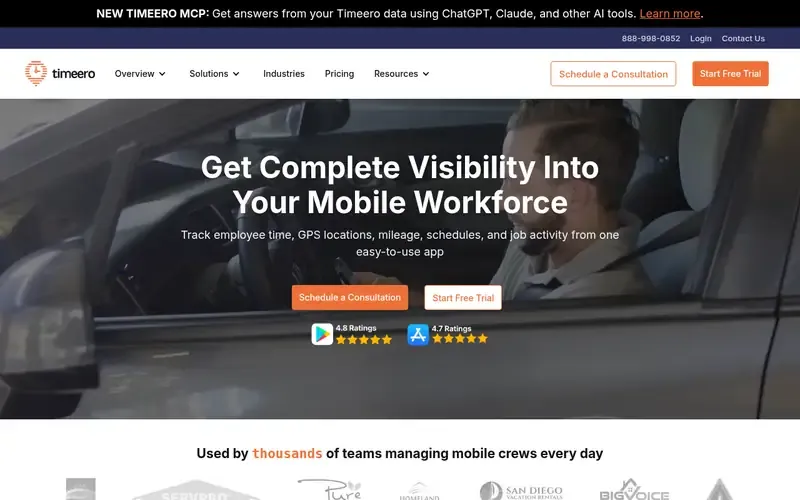
Timeero is a GPS time tracking and mileage tracking app for mobile workforces. It also handles scheduling, messaging and payroll exports.
Documented strengths
- Auto clock-in/out when employees arrive at or leave a job site
- Workday timeline separating drive time from on-site time
- Mileage reimbursement with built-in IRS rate calculations
- Terminal kiosk with facial recognition to eliminate buddy punching
- Multi-level approvals and payroll-ready timesheets
Documented limits
The documentation describes the kiosk and compliance features, such as California break tracking and EVV setup, for specific use cases. Teams that need them should check the vendor documentation for their region and industry.
- Who it is for
- Mobile crews that need GPS, mileage and job-site clock-ins in one app
- Platforms
- Mobile app; terminal kiosk available
- Pricing
- See the vendor's own pricing page for current plans and costs. timeero.com
- Facts checked
- 21 November 2026
Why it is placed here: It sits first because its documented features are built around crews on the move: auto clock-in at job sites, a timeline separating drive time from on-site time, and mileage tracking in the same app.
#2 · Exaktime
Exaktime
Construction contractors tracking hours by job site and cost code
exaktime.comArcoro Time, formerly ExakTime, is a GPS-verified time tracking solution built for contractors and construction crews.
Documented strengths
- Geofence around a job site to limit clock-ins to that location
- GPS tracking active only while an employee is clocked in
- Project and cost codes to monitor budgets and labor costs
- Clock-in by mobile app or rugged time clock on the job site
- Integrations with QuickBooks, Sage, ADP, Acumatica, Foundation and Viewpoint
Documented limits
It is documented for contractors and construction companies. Field service teams outside construction should check the vendor documentation for fit. Its equipment tracking and breadcrumb shipment tracking go beyond time tracking.
- Who it is for
- Construction contractors tracking hours by job site and cost code
- Platforms
- Mobile app and rugged job-site time clock
- Pricing
- See the vendor's own pricing page for current plans and costs. exaktime.com
- Facts checked
- 21 November 2026
Why it is placed here: It sits second because it is built specifically for construction, with geofenced job sites, cost codes and a rugged on-site time clock, but it is documented for construction rather than for field service in general.
#3 · Connecteam
Connecteam
Deskless crews that want time tracking alongside forms, scheduling and messaging
Connecteam is a mobile-first employee management app for frontline and deskless teams. It combines scheduling, time tracking, communication and HR in one app.
Documented strengths
- One-tap clock-ins with location verification and automatic clock-outs
- Tasks and digital forms completed on phones, with photos and signatures
- AI-generated schedules from a plain request
- Messaging with read confirmation
- Onboarding, document collection and training for new hires
Documented limits
The official pages mention location verification but do not describe job-site geofencing in detail. Crews that need strict site boundaries should check the vendor documentation.
- Who it is for
- Deskless crews that want time tracking alongside forms, scheduling and messaging
- Platforms
- Mobile-first app
- Pricing
- See the vendor's own pricing page for current plans and costs. connecteam.com
- Facts checked
- 21 November 2026
Why it is placed here: It sits third because location-verified clock-ins and phone-based forms with photos and signatures suit crews in the field, while the rest of the app is broader employee management.
#4 · Homebase
Homebase
Small home-services teams that want time clocks and payroll in one app
Homebase is a mobile-first app for small businesses with hourly teams. It combines scheduling, time clocks, payroll, hiring, HR and team communication.
Documented strengths
- Time clocks on mobile or tablet with PIN, photo and GPS/geofencing verification
- Automatic flags for missed punches, breaks and overtime
- Built-in payroll with tax filing, direct deposit, and W-2 and 1099 filing
- Hiring tools for job posts, candidate screening and interview booking
- Two-factor authentication, SSO and RBAC
Documented limits
It is documented for hourly, shift-based small businesses across several industries. Construction-style job costing is not described, so crews that need it should check the vendor documentation.
- Who it is for
- Small home-services teams that want time clocks and payroll in one app
- Platforms
- Mobile app, tablet and any device with a browser
- Pricing
- See the vendor's own pricing page for current plans and costs. joinhomebase.com
- Facts checked
- 21 November 2026
Why it is placed here: It sits fourth because its time clocks support PIN, photo and GPS/geofencing verification and home services is a named audience, but it is aimed mainly at small hourly businesses rather than job-site crews.
#5 · OnTheClock
OnTheClock
Small hourly teams that need location-restricted punches and timecard approval
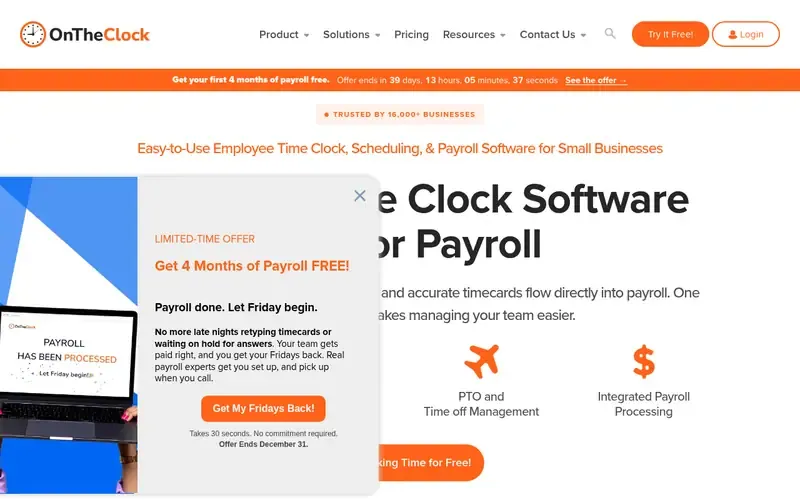
OnTheClock is an online employee time clock with scheduling, PTO management and integrated payroll for small businesses, on mobile and web.
Documented strengths
- Punches from phones, computers or shared kiosks with GPS and device restrictions
- GPS, geofencing, IP and Wi-Fi restrictions and biometric options
- Timecards go to OnTheClock Payroll or to QuickBooks, ADP and Gusto
- Scheduled hours compared with actual hours worked
- Audit log of every timecard edit
Documented limits
The documentation is written for small businesses and hourly teams in general. Job-site cost tracking and field-specific workflows are not described, so teams that need them should check the vendor documentation.
- Who it is for
- Small hourly teams that need location-restricted punches and timecard approval
- Platforms
- Desktop, tablet, kiosk and mobile devices
- Pricing
- See the vendor's own pricing page for current plans and costs. ontheclock.com
- Facts checked
- 21 November 2026
Why it is placed here: It sits fifth because it offers GPS, geofencing and biometric punch verification with several location controls, but its documentation centers on small-business time clocks rather than field crews.
#6 · Jibble
Jibble
Crews at remote sites that need offline clock-ins and identity checks
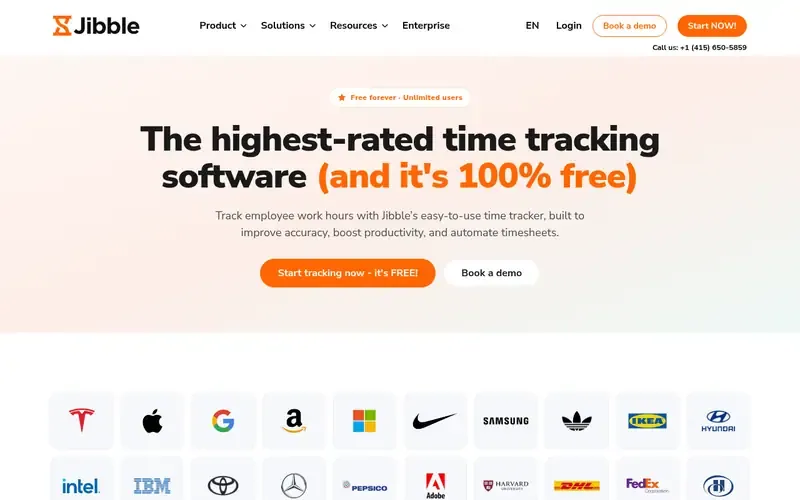
Jibble is time tracking and attendance software with clock-ins, kiosks, GPS and face recognition, automated timesheets and payroll-ready reporting.
Documented strengths
- Clock-ins that work offline and sync when the device is back online
- Geofencing that restricts clock-ins to defined sites and zones
- Face recognition at clock-in to prevent buddy punching
- NFC cards or tags for clock-ins at fixed locations
- Reports downloadable as XLS or CSV
Documented limits
Construction and field services are among many industries it names, and job-site cost codes are not described. It also offers screenshot and activity tracking, which teams should review against their own policies.
- Who it is for
- Crews at remote sites that need offline clock-ins and identity checks
- Platforms
- iOS and Android mobile apps; Windows and Mac desktop apps
- Pricing
- See the vendor's own pricing page for current plans and costs. jibble.io
- Facts checked
- 21 November 2026
Why it is placed here: It sits sixth because offline clock-ins, geofencing, face recognition and NFC tags suit remote sites, but its documented scope is broad attendance and project tracking across many industries.
Sources
- Timeero: timeero.com, timeero.com/tour (21 Nov 2026)
- Exaktime: arcoro.com/exaktime, arcoro.com/exaktime/why-exaktime, arcoro.com/exaktime/about-exaktime (21 Nov 2026)
- Connecteam: connecteam.com, connecteam.com/about, connecteam.com/why-connecteam (21 Nov 2026)
- Homebase: joinhomebase.com, joinhomebase.com/about-us, joinhomebase.com/security (21 Nov 2026)
- OnTheClock: ontheclock.com, ontheclock.com/features (21 Nov 2026)
- Jibble: jibble.io, jibble.io/about, jibble.io/features (21 Nov 2026)
Related guides
How we compiled this
We looked at three things: how closely each tool's documented features match GPS-verified clock-ins for crews working away from the office, which mobile clock-in and job-site capabilities the vendor documents, and which platforms and integrations are described on official pages. Features such as geofencing, automatic clock-in at a site, location verification, offline clock-ins and payroll handoff counted most. Every fact in this list comes from the vendor's official pages, and each page was checked on a recorded date.
The order reflects editorial fit for this use case, explained in the "why it sits here" line for each tool. It does not say any tool is better overall, and a lower position only means the documented features are broader than job-site time tracking. The list is built from vendor documentation, not from product trials, so teams with specific requirements should confirm details with the vendor before choosing.
Order used: Ordered by GPS, mobile clock-in and job-site features, closest fit first.
Common questions
What is GPS-verified time tracking for field crews?
It records where an employee clocks in and out so hours can be matched to a work location. In this list, Exaktime and Jibble document geofencing that limits clock-ins to defined sites, and Timeero documents automatic clock-in and clock-out at job sites.
Which of these tools are built for construction crews?
Exaktime (Arcoro Time) is the one built specifically for contractors and construction crews, with job-site geofences, project and cost codes and a rugged on-site time clock. Timeero and Jibble also name construction among their audiences.
Can employees clock in without a mobile signal?
Jibble documents clock-ins that work offline and sync when the device is back online. For the other tools, the official pages do not state offline behavior, so check the vendor documentation.
How do these tools stop buddy punching?
Timeero offers a terminal kiosk with facial recognition, and Jibble uses face recognition at clock-in. OnTheClock documents biometric time clocks, and Homebase documents PIN, photo and GPS/geofencing verification.
Do these tools send hours to payroll?
Yes. Timeero sends verified hours and mileage to payroll tools and integrates with Gusto, and Exaktime integrates with systems such as QuickBooks, Sage and ADP. OnTheClock and Homebase also include built-in payroll.
The editorial order is unpaid. A vendor can buy one labelled featured slot per guide, but it gets the same fact check as everyone else and cannot alter or remove a competitor's entry. Guidehurst is independent. Product names and logos belong to their respective owners.