If you want a shared team vault on infrastructure you control, start with Passbolt, Vaultwarden and Bitwarden, in that order of fit. This shortlist is for IT and security teams that want credentials kept in-house, and it also covers Psono and Padloc for teams that need other trade-offs.
The shortlist
Side-by-side comparison
| Tool | Who it is for | Platforms | Pricing |
|---|---|---|---|
 PassboltPassbolt SA | IT and devops teams that need controlled sharing on their own network | Browser, desktop app and mobile app; self-hosted behind your firewall, including air-gapped, or Passbolt's European cloud | Pricing on passbolt.com |
 VaultwardenDaniel García (dani-garcia) | Small organizations comfortable running their own container-based service | Self-hosted via container images or built from source; works with official Bitwarden clients | Pricing on github.com |
 BitwardenBitwarden Inc. | Teams that want an open source manager with self-hosted and cloud options | Autofill on any device; cloud or self-hosted instance | Pricing on bitwarden.com |
 Psonoesaqa GmbH | Companies that want on-premises hosting with optional enterprise SSO | macOS, Windows, Linux, iOS and Android; Chrome, Firefox, Edge and Safari; self-hosted or SaaS | Pricing on psono.com |
 PadlocPadloc | Teams that value open source and third-party audits and can use a cloud service | Windows, macOS, iOS, Android and other major platforms and browsers | Pricing on padloc.app |
Quick verdict by need
- Passbolt if you need iT and devops teams that need controlled sharing on their own network.
- Vaultwarden if you need small organizations comfortable running their own container-based service.
- Bitwarden if you need teams that want an open source manager with self-hosted and cloud options.
- Psono if you need companies that want on-premises hosting with optional enterprise SSO.
- Padloc if you need teams that value open source and third-party audits and can use a cloud service.
Tool details
#1 · Passbolt SA
Passbolt
IT and devops teams that need controlled sharing on their own network
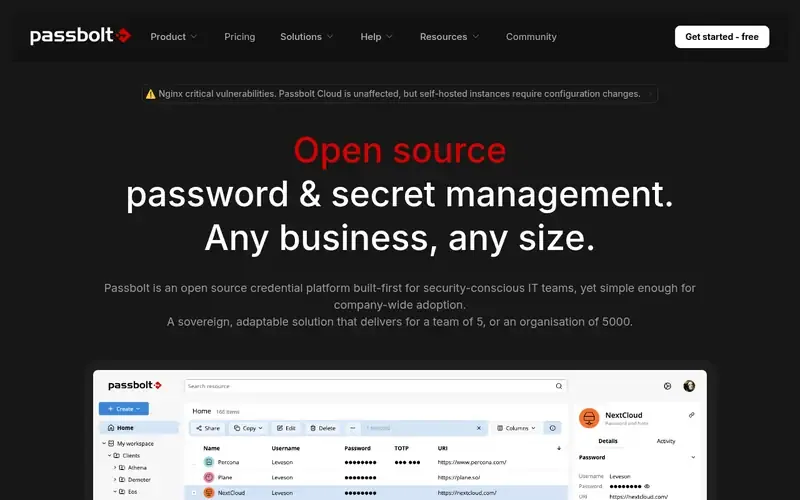
Passbolt is an open source, end-to-end encrypted password and secret management platform for teams and organisations. It can run behind your own firewall, including in air-gapped environments.
Documented strengths
- Items or whole folders shared with users or teams using fine-grained permissions
- Private key generated and stored on the user's device, never passing through the server
- Admins can provision users and groups, enforce SSO and monitor user activity
- Account recovery requires admin approval under organisation-wide policies
- CI/CD integration for retrieval and rotation of secrets and machine credentials
Documented limits
Documented as hostable behind your firewall or in Passbolt's European cloud; the facts do not describe specific server requirements, so check the vendor documentation before planning an install.
- Who it is for
- IT and devops teams that need controlled sharing on their own network
- Platforms
- Browser, desktop app and mobile app; self-hosted behind your firewall, including air-gapped, or Passbolt's European cloud
- Pricing
- See the vendor's own pricing page for current plans and costs. passbolt.com
- Facts checked
- 21 November 2026
Why it is placed here: It sits first because its documentation combines self-hosting behind the customer's firewall with team features such as folder sharing, groups, admin provisioning and SSO enforcement.
#2 · Daniel García (dani-garcia)
Vaultwarden
Small organizations comfortable running their own container-based service
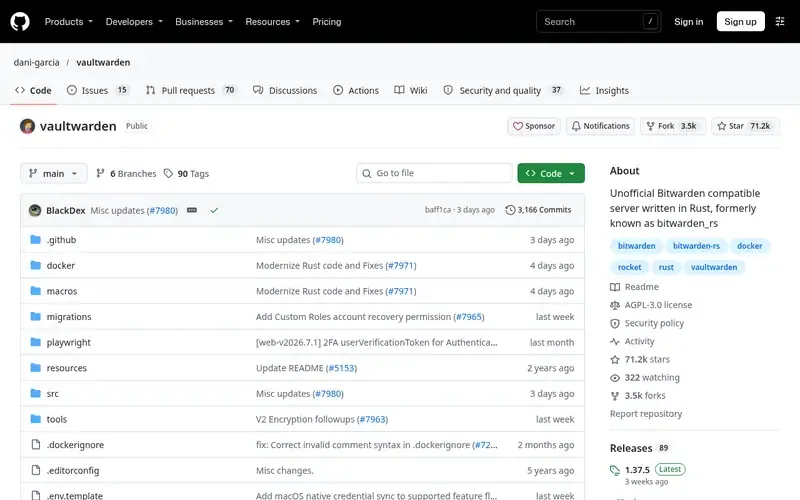
Vaultwarden is an unofficial server written in Rust that implements the Bitwarden Client API and works with official Bitwarden clients. It is aimed at self-hosted setups.
Documented strengths
- Collections, sharing, roles, groups, event logs and policies
- Admin password reset and directory connector support
- Two-factor methods: Authenticator, Email, FIDO2 WebAuthn, YubiKey and Duo
- Container images on ghcr.io, docker.io and quay.io; Podman can replace Docker
- Can also be built from source
Documented limits
It is not associated with Bitwarden, Inc., and bugs go to the Vaultwarden project rather than official Bitwarden support. The web vault needs HTTPS, a reverse proxy is recommended, and the maintainers recommend regular backups because they do not accept liability for data loss.
- Who it is for
- Small organizations comfortable running their own container-based service
- Platforms
- Self-hosted via container images or built from source; works with official Bitwarden clients
- Pricing
- See the vendor's own pricing page for current plans and costs. github.com
- Facts checked
- 21 November 2026
Why it is placed here: It follows Passbolt because it is built specifically for self-hosting and documents collections, groups, roles, event logs and policies, though its stated audience leans towards smaller organizations.
#3 · Bitwarden Inc.
Bitwarden
Teams that want an open source manager with self-hosted and cloud options
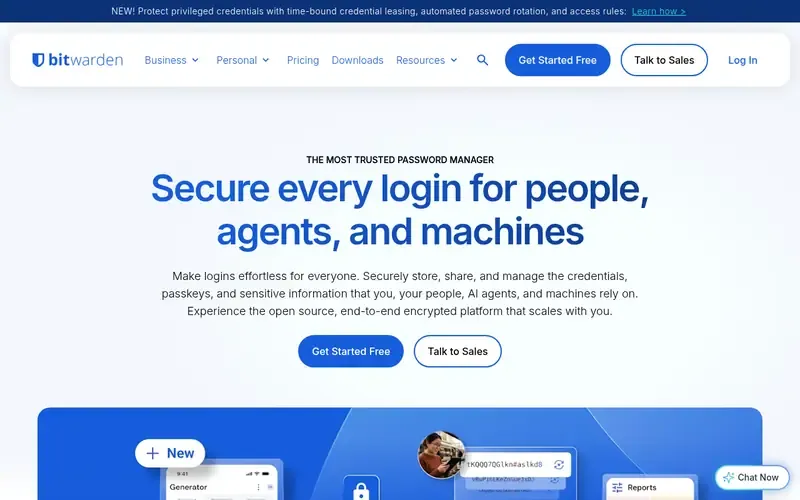
Bitwarden is an open source, end-to-end encrypted password manager for individuals, teams and enterprises. Data can be stored in the cloud or on a self-hosted instance.
Documented strengths
- Open source with a publicly available codebase
- Cloud storage or a self-hosted instance
- Policies, integrations and developer tools
- Time-bound credential leasing, automated password rotation and access rules for privileged credentials
- Bitwarden Send shares passwords with AES-256 end-to-end encryption, expiry from 1 hour to 30 days, and one-time viewing
Documented limits
The facts name self-hosting as an option but do not describe the self-hosted architecture or which features it includes; teams should check the vendor documentation for self-hosted scope.
- Who it is for
- Teams that want an open source manager with self-hosted and cloud options
- Platforms
- Autofill on any device; cloud or self-hosted instance
- Pricing
- See the vendor's own pricing page for current plans and costs. bitwarden.com
- Facts checked
- 21 November 2026
Why it is placed here: It sits third because self-hosting is one of several documented deployment options rather than the sole focus, but it adds policies, integrations and a separate secrets product for developers.
#4 · esaqa GmbH
Psono
Companies that want on-premises hosting with optional enterprise SSO
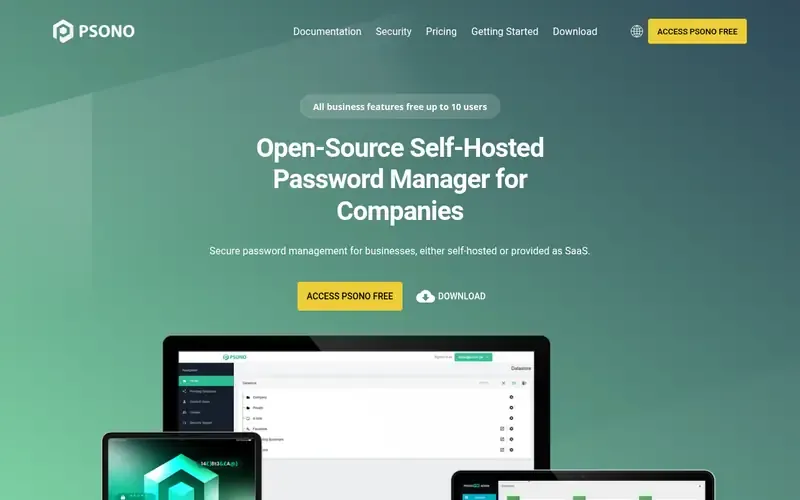
Psono is an open-source, self-hosted password manager for companies and teams, also offered as SaaS. Vault data is encrypted on the client before storage.
Documented strengths
- Docker images for on-premises hosting
- Core cryptography built on NaCl (Curve25519 and Salsa20), with scrypt for key derivation
- Multifactor authentication with YubiKey, Duo, TOTP apps and FIDO WebAuthn/passkeys
- Secrets and files can be shared via link with people who don't have an account
- Enterprise Edition adds LDAP, SAML and OIDC SSO, policies, and browser-based SSH, RDP and VNC sessions
Documented limits
Directory and SSO integration and enforced policies are documented for the Enterprise Edition; teams that need them should confirm edition coverage with the vendor.
- Who it is for
- Companies that want on-premises hosting with optional enterprise SSO
- Platforms
- macOS, Windows, Linux, iOS and Android; Chrome, Firefox, Edge and Safari; self-hosted or SaaS
- Pricing
- See the vendor's own pricing page for current plans and costs. psono.com
- Facts checked
- 21 November 2026
Why it is placed here: It sits fourth because it is documented for on-premises team use with Docker images and enterprise policies, but its LDAP, SAML and OIDC integrations are listed under the Enterprise Edition.
#5 · Padloc
Padloc
Teams that value open source and third-party audits and can use a cloud service
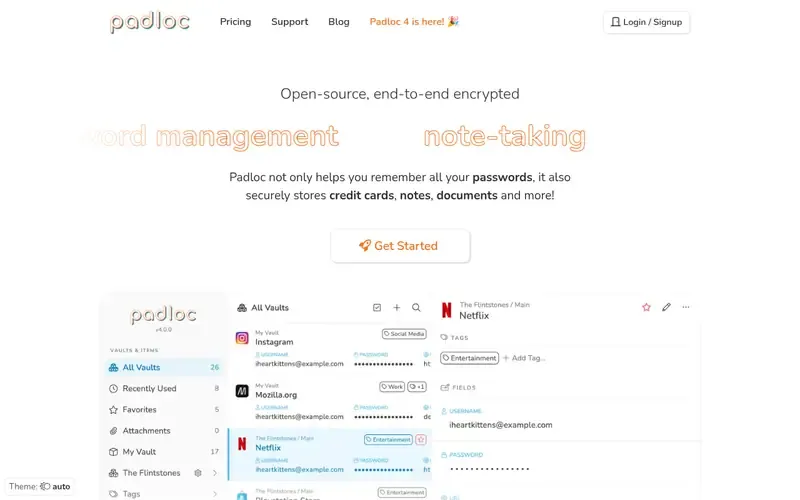
Padloc is an open-source, end-to-end encrypted password manager that also stores notes, documents and other sensitive data for individuals, families and organizations.
Documented strengths
- Shared vaults, multi-factor authentication and encrypted file storage
- Groups for permission management and directory sync with automatic provisioning on team-oriented tiers
- End-to-end encryption, so the vendor cannot read stored data
- Independently audited by three groups of security experts, most recently Radically Open Security
- Built-in authenticator for one-time passwords and a security report
Documented limits
The official facts say data is stored in the cloud and do not describe a self-hosted option; teams that must keep the vault on their own servers should check the vendor documentation first.
- Who it is for
- Teams that value open source and third-party audits and can use a cloud service
- Platforms
- Windows, macOS, iOS, Android and other major platforms and browsers
- Pricing
- See the vendor's own pricing page for current plans and costs. padloc.app
- Facts checked
- 22 November 2026
Why it is placed here: It comes last for this use case because the facts describe cloud storage and team features such as shared vaults and groups, but they do not document self-hosting.
Sources
- Passbolt: passbolt.com, passbolt.com/about (21 Nov 2026)
- Vaultwarden: github.com/dani-garcia/vaultwarden, github.com/about, github.com/features (21 Nov 2026)
- Bitwarden: bitwarden.com, bitwarden.com/about, bitwarden.com/products/send (21 Nov 2026)
- Psono: psono.com, psono.com/security, psono.com/features-for-users (21 Nov 2026)
- Padloc: padloc.app (22 Nov 2026)
Related guides
How we compiled this
We looked at three things: how well each tool fits sharing credentials across a team, which capabilities the vendor documents (permissions, groups, SSO, recovery, auditing), and what the official pages say about deployment, including whether you can host it yourself and in what environments. Tools were placed by editorial fit for self-managed team sharing, closest fit first. Where a tool's documentation points mainly at individuals or small groups, or does not describe self-hosting, we say so in the entry.
All facts come from official vendor pages and are recorded with check dates. The order reflects our editorial judgement of fit for this specific use case, explained in the "why here" line of each entry; it is not a statement that one tool is better overall. This list is built from documentation rather than product trials, so confirm details against the vendor documentation before you commit. Pricing is not covered; see each vendor's pricing page.
Order used: Ordered by how well each is built for team sharing on self-managed infrastructure, closest fit first.
Common questions
Which password managers can be self-hosted for a team?
Passbolt (behind your firewall, including air-gapped), Vaultwarden (container images or built from source), Bitwarden (self-hosted instance option) and Psono (on-premises with Docker images) are all documented for self-hosting. Padloc's facts describe cloud storage and do not mention self-hosting.
Is Vaultwarden the same as Bitwarden?
No. Vaultwarden is an unofficial server implementation of the Bitwarden Client API and is not associated with Bitwarden, Inc. It works with official Bitwarden clients, and bugs should be reported to Vaultwarden rather than Bitwarden support.
Can I run a team password vault in an air-gapped environment?
Passbolt's documentation says it can be hosted behind the customer's firewall, including in air-gapped environments. The other tools' facts do not state air-gapped support, so check their vendor documentation.
Do self-hosted password managers support SSO and user provisioning?
Passbolt lets admins provision users and groups and enforce SSO. Psono's Enterprise Edition adds LDAP, SAML and OIDC SSO integration. Vaultwarden lists directory connector support.
What should I do about backups with a self-hosted vault?
Vaultwarden's maintainers recommend regular backups and do not accept liability for data loss. Plan backups for any self-hosted vault, and check each vendor's documentation for recovery procedures.
The editorial order is unpaid. A vendor can buy one labelled featured slot per guide, but it gets the same fact check as everyone else and cannot alter or remove a competitor's entry. Guidehurst is independent. Product names and logos belong to their respective owners.