Vale and markdownlint come first on this shortlist for enforcing style, terminology and formatting in documentation repositories: Vale checks prose against a style guide, and markdownlint checks Markdown structure. Docusaurus, Prettier and dprint follow, covering the documentation site and automatic formatting. The list is for technical writers and docs-as-code teams, and we say plainly where a tool is not a linter.
The shortlist
Side-by-side comparison
| Tool | Who it is for | Platforms | Pricing |
|---|---|---|---|
 ValeVale | Teams with a style guide or house voice | macOS, Windows and Linux; single statically linked executable | Pricing on vale.sh |
 markdownlintDavid Anson | Teams that need consistent Markdown structure across a repository | Node.js via npm; editor integrations include VS Code, Sublime Text, Vim/Neovim and Emacs | Pricing on github.com |
 DocusaurusMeta Open Source | Teams that publish versioned, localized documentation sites | Not stated on official pages | Pricing on docusaurus.io |
 PrettierPrettier | Teams that want automatic, low-debate formatting | Not stated on official pages | Pricing on prettier.io |
 dprintdprint | Repositories that mix Markdown, JSON, TOML and code and want one formatter | Single static binary with no runtime dependencies; installs via shell script, PowerShell, npm, Homebrew or Cargo | Pricing on dprint.dev |
Quick verdict by need
- Vale if you need teams with a style guide or house voice.
- markdownlint if you need teams that need consistent Markdown structure across a repository.
- Docusaurus if you need teams that publish versioned, localized documentation sites.
- Prettier if you need teams that want automatic, low-debate formatting.
- dprint if you need repositories that mix Markdown, JSON, TOML and code and want one formatter.
Tool details
#1 · Vale
Vale
Teams with a style guide or house voice
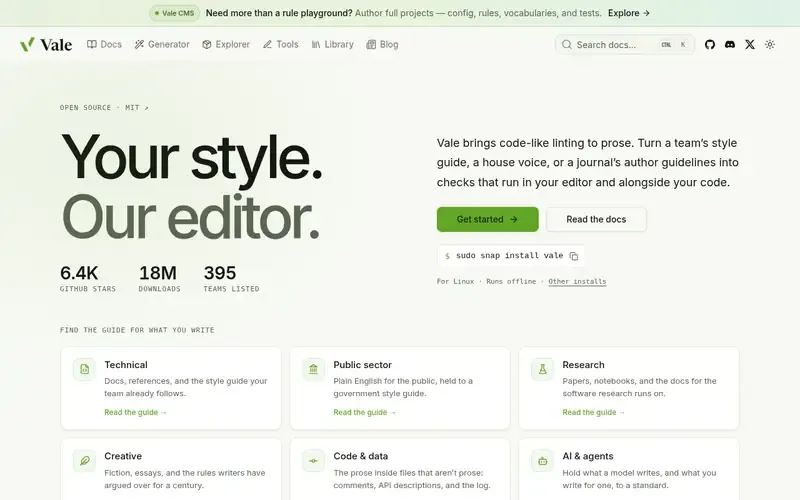
Vale is an open-source, cross-platform command-line tool written in Go that brings code-like linting to prose and to comments in source code. It runs offline.
Documented strengths
- Rules written as YAML files kept in the project repository
- Published styles such as Microsoft, Google or Red Hat as a starting point
- Real parsers for supported markup formats rather than patterns
- Runs in editors, notes apps and CI before changes merge
- Rules can be tested against sentences they should and should not flag
Documented limits
Documented for prose and comment linting; teams that need Markdown structure rules such as heading increments should pair it with a structure checker or check the vendor documentation.
- Who it is for
- Teams with a style guide or house voice
- Platforms
- macOS, Windows and Linux; single statically linked executable
- Pricing
- See the vendor's own pricing page for current plans and costs. vale.sh
- Facts checked
- 22 November 2026
Why it is placed here: It sits first because it is the only tool here built to encode a style guide and terminology rules as linting for prose.
#2 · David Anson
markdownlint
Teams that need consistent Markdown structure across a repository
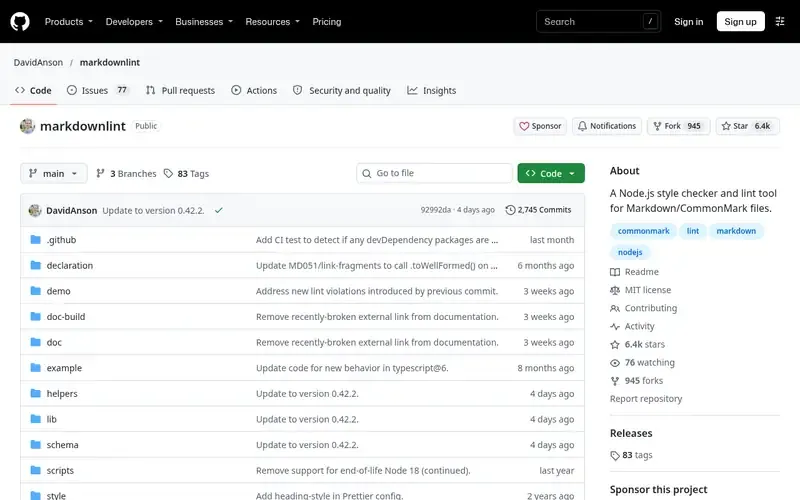
markdownlint is a Node.js style checker and lint tool for Markdown/CommonMark files that enforces standards and consistency through a library of rules. It is installed via npm as a development dependency.
Documented strengths
- Built-in rules for heading increments, line length, trailing spaces and inline HTML
- Custom rules for project-specific requirements
- Rules toggled inside a Markdown file using HTML comments
- CLIs (markdownlint-cli and markdownlint-cli2) that work with pre-commit, plus a GitHub Action
- Editor integrations for VS Code, Sublime Text, Vim/Neovim and Emacs
Documented limits
Documented for Markdown and CommonMark files; teams that need word-level style or terminology checks should check the vendor documentation. It requires a Node.js environment.
- Who it is for
- Teams that need consistent Markdown structure across a repository
- Platforms
- Node.js via npm; editor integrations include VS Code, Sublime Text, Vim/Neovim and Emacs
- Pricing
- See the vendor's own pricing page for current plans and costs. github.com
- Facts checked
- 21 November 2026
Why it is placed here: It sits second because it checks Markdown structure and consistency directly and supports custom rules, but it does not cover prose style or terminology in the facts we have.
#3 · Meta Open Source
Docusaurus
Teams that publish versioned, localized documentation sites

Docusaurus is an optimized site generator built in React for documentation websites, blogs and marketing pages. Docs and blog posts are written in MDX and built into static HTML files.
Documented strengths
- MDX content with embedded React components
- Pluggable architecture
- Built-in localization
- Document versioning that keeps docs in sync with project releases
- Algolia documentation search support
Documented limits
The facts we have do not describe style, terminology or Markdown linting features; teams should run it alongside a linter and check the vendor documentation for anything beyond site building.
- Who it is for
- Teams that publish versioned, localized documentation sites
- Platforms
- Not stated on official pages
- Pricing
- See the vendor's own pricing page for current plans and costs. docusaurus.io
- Facts checked
- 21 November 2026
Why it is placed here: It sits third because it is not a linter; it is relevant to docs teams as the site that builds the documentation the linters check.
#4 · Prettier
Prettier
Teams that want automatic, low-debate formatting
Prettier is an opinionated code formatter that integrates with most editors and automatically enforces a consistent code style. It acts as a fully automatic style guide.
Documented strengths
- Formats code on save with editor integration
- Runs as part of pre-commit scripts or githooks
- Cleans up an existing inconsistent codebase quickly
- Aims to use the least controversial coding styles
- Online try-it option
Documented limits
Documented as a code formatter; teams that need it for Markdown or documentation files should check the vendor documentation for supported languages. It does not check wording or terminology.
- Who it is for
- Teams that want automatic, low-debate formatting
- Platforms
- Not stated on official pages
- Pricing
- See the vendor's own pricing page for current plans and costs. prettier.io
- Facts checked
- 21 November 2026
Why it is placed here: It sits fourth because it enforces consistent formatting automatically, which helps docs repositories, but the facts describe code style rather than prose or terminology.
#5 · dprint
dprint
Repositories that mix Markdown, JSON, TOML and code and want one formatter
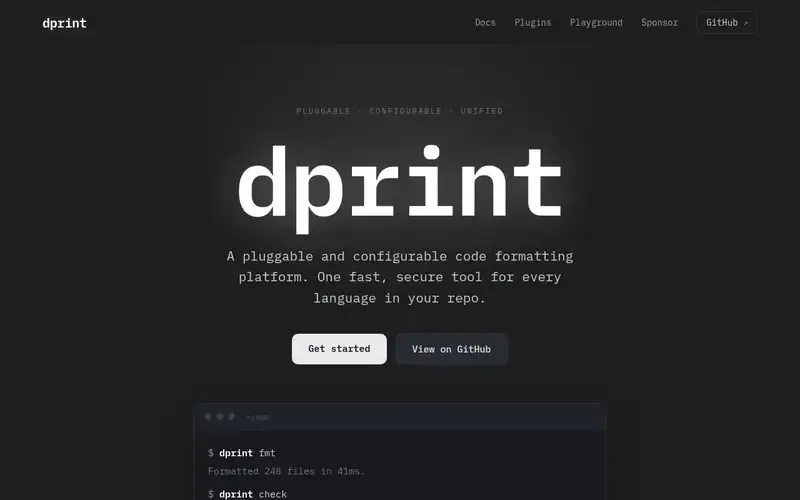
dprint is a pluggable, configurable code formatting platform written in Rust that formats many languages through one CLI. It aims to be a single formatting tool for every language in a repository.
Documented strengths
- Official plugins for TypeScript/JavaScript, JSON, Markdown, TOML, Dockerfile, SQL and Jupyter notebooks
- Wasm plugins run sandboxed, without network or file system access
- Plugins pinned and versioned in config
- dprint check verifies that code is already formatted
- Wrapper plugins for formatters such as Prettier, Biome and Oxc, and an Exec plugin for other CLI formatters
Documented limits
Documented for formatting; teams that need style or terminology enforcement should check the vendor documentation or pair it with a prose linter.
- Who it is for
- Repositories that mix Markdown, JSON, TOML and code and want one formatter
- Platforms
- Single static binary with no runtime dependencies; installs via shell script, PowerShell, npm, Homebrew or Cargo
- Pricing
- See the vendor's own pricing page for current plans and costs. dprint.dev
- Facts checked
- 21 November 2026
Why it is placed here: It sits last because its official plugins include Markdown and it can wrap other formatters, but it is a general formatter rather than a documentation-specific checker.
Sources
- Vale: vale.sh, vale.sh/features/code, vale.sh/features/speed (22 Nov 2026)
- markdownlint: github.com/DavidAnson/markdownlint (21 Nov 2026)
- Docusaurus: docusaurus.io (21 Nov 2026)
- Prettier: prettier.io, prettier.io/docs/why-prettier (21 Nov 2026)
- dprint: dprint.dev, dprint.dev/overview (21 Nov 2026)
Related guides
How we compiled this
We looked at three things: direct fit with documentation quality checks in a repository, the capabilities each vendor documents for rules, configuration and automation, and the platforms and integrations named on official pages. Prose linters come first because they address style and terminology directly. Markdown structure checkers come next, and general formatters come last. Docusaurus is a documentation site generator, not a linter, so its entry explains the role it plays next to the others.
Every fact comes from official vendor pages, recorded with check dates. The order reflects editorial fit for this specific use case, and we explain each position in words. It does not say one tool is better overall. This list is built from documentation, not from product trials, so where a vendor page does not state something, we say that teams should confirm it in the vendor documentation.
Order used: Ordered by direct fit for documentation quality checks, with prose linters first and general formatters last.
Common questions
What is the difference between a prose linter and a Markdown linter?
A prose linter such as Vale checks wording against rules like a style guide, while a Markdown linter such as markdownlint checks structure and consistency, for example heading increments, line length and trailing spaces.
Can I enforce a style guide in CI for documentation?
Vale is documented as working in editors, notes apps and CI before changes merge, and it can start from published styles such as Microsoft, Google or Red Hat. Rules are YAML files kept in the repository.
Does markdownlint work with pre-commit and GitHub Actions?
Yes. The markdownlint-cli and markdownlint-cli2 command-line tools work with pre-commit, and a GitHub Action exists for running markdownlint-cli2.
Is Docusaurus a linting tool?
No. Docusaurus is a site generator for documentation websites built in React, with MDX content, versioning and localization. Use it alongside a linter, not instead of one.
Can Prettier or dprint format Markdown?
dprint lists an official Markdown plugin. Prettier's official pages we checked describe a code formatter without naming Markdown, so check the vendor documentation for supported languages.
The editorial order is unpaid. A vendor can buy one labelled featured slot per guide, but it gets the same fact check as everyone else and cannot alter or remove a competitor's entry. Guidehurst is independent. Product names and logos belong to their respective owners.