Invoice Ninja, Wave and Zoho Invoice are the first three tools on this shortlist, followed by Invoicely, Paymo and Stripe Invoicing. It is written for micro-businesses and side-hustle owners who need to send professional invoices and collect payment without adopting heavy software. Each entry is based on what the vendor documents, and pricing is left to each vendor's own page.
The shortlist
Side-by-side comparison
| Tool | Who it is for | Platforms | Pricing |
|---|---|---|---|
 Invoice NinjaInvoice Ninja | Owners who want invoicing with the option to self-host or extend it | Managed cloud, or self-hosted via CLI, Docker or manual install | Pricing on invoiceninja.com |
 WaveWave Financial | Solopreneurs who want invoicing and basic accounting together | Web-based, no installation; iOS and Android apps | Pricing on waveapps.com |
 Zoho InvoiceZoho | Service businesses that quote first and then invoice | Online; iOS and Android apps | Pricing on zoho.com |
 InvoicelyInvoicely | Freelancers who bill time, miles and expenses | Web-based on any device with internet; iOS and Android apps | Pricing on invoicely.com |
 Paymo InvoicingPaymo | Independent professionals who invoice from tracked time | Desktop apps for Windows, Mac and Linux; iOS and Android apps | Pricing on paymoapp.com |
 Stripe InvoicingStripe | Micro-businesses that want hosted payment pages and an API | Stripe Dashboard and API | Pricing on stripe.com |
Quick verdict by need
- Invoice Ninja if you need owners who want invoicing with the option to self-host or extend it.
- Wave if you need solopreneurs who want invoicing and basic accounting together.
- Zoho Invoice if you need service businesses that quote first and then invoice.
- Invoicely if you need freelancers who bill time, miles and expenses.
- Paymo Invoicing if you need independent professionals who invoice from tracked time.
- Stripe Invoicing if you need micro-businesses that want hosted payment pages and an API.
Tool details
#1 · Invoice Ninja
Invoice Ninja
Owners who want invoicing with the option to self-host or extend it
invoiceninja.comInvoice Ninja is a source-available platform for invoicing, expenses and time tracking. It can run as a managed cloud service or be self-hosted.
Documented strengths
- Clients, invoices, payments, taxes and recurring flows
- Managed cloud platform with minimal setup
- Self-hosting via CLI, Docker or manual install
- OpenAPI documentation with token-based API authentication
- Community answers and setup notes
Documented limits
The documentation is organised around operations, development and self-hosting, so owners who want a fully hands-off tool should look at the managed cloud option. Teams that need a specific payment gateway should check the developer docs, since gateway integrations are described as something to implement or customise.
- Who it is for
- Owners who want invoicing with the option to self-host or extend it
- Platforms
- Managed cloud, or self-hosted via CLI, Docker or manual install
- Pricing
- See the vendor's own pricing page for current plans and costs. invoiceninja.com
- Facts checked
- 21 November 2026
Why it is placed here: It opens the list because its documented scope covers clients, invoices, payments, taxes and recurring flows, with a choice between a low-setup cloud service and self-hosting.
#2 · Wave Financial
Wave
Solopreneurs who want invoicing and basic accounting together
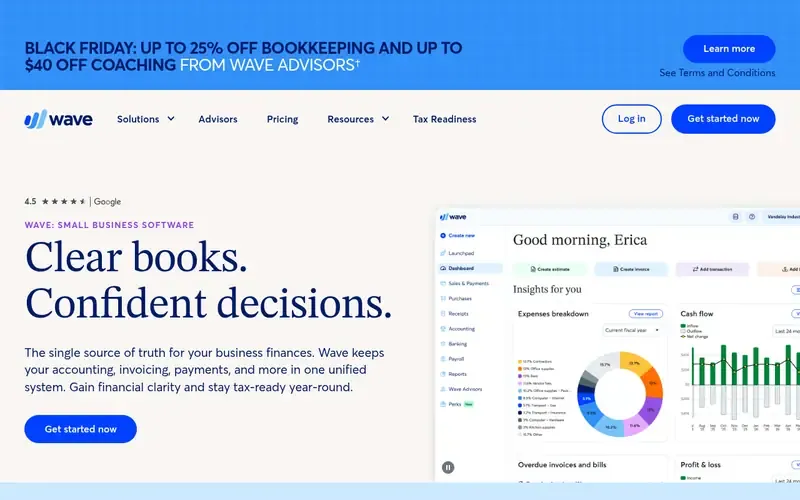
Wave is web-based small business software that combines invoicing, online payments, accounting and payroll in one system.
Documented strengths
- Professional invoices and estimates
- Customer payment by credit card, bank transfer or Apple Pay
- Recurring invoices and payments
- Income and expense tracking with reporting
- Payroll for employees and contractor management
Documented limits
Wave is documented as a general small business suite, so owners who only need a simple invoice generator may find more than they need. Teams that need project-level time tracking should check the vendor documentation.
- Who it is for
- Solopreneurs who want invoicing and basic accounting together
- Platforms
- Web-based, no installation; iOS and Android apps
- Pricing
- See the vendor's own pricing page for current plans and costs. waveapps.com
- Facts checked
- 21 November 2026
Why it is placed here: It sits here because invoices, payments and accounting live in one unified system and the vendor designs it for solopreneurs rather than accountants.
#3 · Zoho
Zoho Invoice
Service businesses that quote first and then invoice
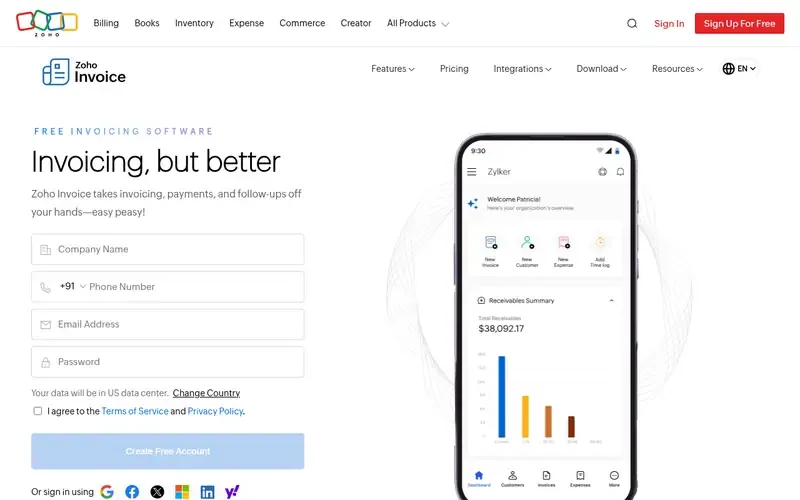
Zoho Invoice is an online tool for creating invoices and quotes, sending them to customers and collecting payment.
Documented strengths
- Tax invoices and quotes created from phone or laptop
- Approved quotes convert automatically into invoices
- Timesheets and billable expenses can be billed
- Automatic payment reminders
- Customer portal to approve quotes, pay invoices and download statements
Documented limits
It is documented as an invoicing tool, not a full accounting package. Owners who also need bookkeeping should check how it connects to Zoho's wider ecosystem and other apps.
- Who it is for
- Service businesses that quote first and then invoice
- Platforms
- Online; iOS and Android apps
- Pricing
- See the vendor's own pricing page for current plans and costs. zoho.com
- Facts checked
- 21 November 2026
Why it is placed here: It follows Wave because its invoicing workflow is documented in detail, from quote approval to payment reminders and a customer portal, though it is a narrower product than a full accounting suite.
#4 · Invoicely
Invoicely
Freelancers who bill time, miles and expenses
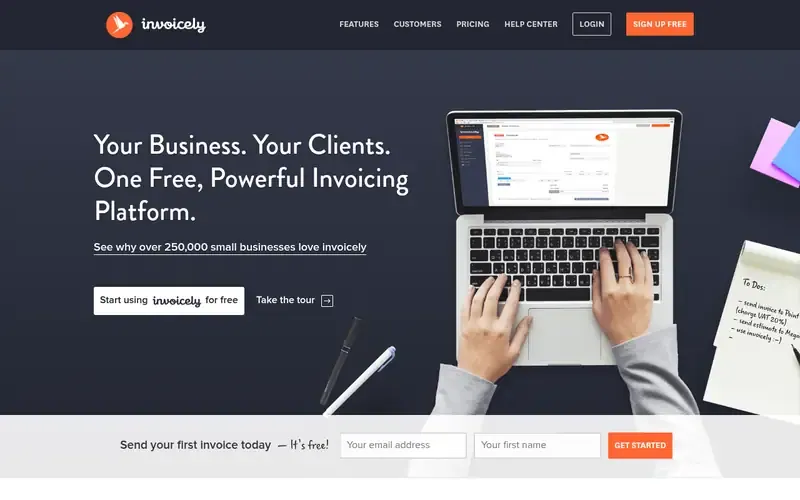
Invoicely is an online invoicing platform for creating invoices and estimates, tracking time and expenses, and accepting online payments.
Documented strengths
- Tracked tasks, expenses and trips convert into invoices or estimates
- Recurring invoices and automatic reminders
- Invoices in any language or currency
- Multiple businesses in one account
- Reports, statements and receivable/payable summaries
Documented limits
The official pages describe invoicing, time and expense tracking and reporting. Owners who need payroll or full bookkeeping should check the vendor documentation.
- Who it is for
- Freelancers who bill time, miles and expenses
- Platforms
- Web-based on any device with internet; iOS and Android apps
- Pricing
- See the vendor's own pricing page for current plans and costs. invoicely.com
- Facts checked
- 21 November 2026
Why it is placed here: It sits mid-list because it covers the core invoicing tasks and adds multi-language, multi-currency and multi-business support, but it is aimed at freelancers and small businesses with simple needs.
#5 · Paymo
Paymo Invoicing
Independent professionals who invoice from tracked time
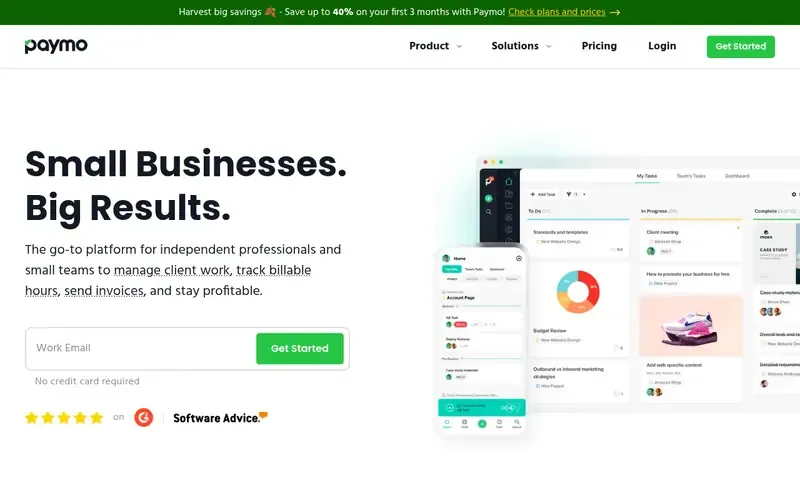
Paymo is a time tracking and project management tool that also issues invoices and estimates and collects online payments.
Documented strengths
- Unbilled time converts into invoices
- Estimates built from project plans
- Recurring and multi-language invoices
- Expense tracking with receipt scanning in the mobile app
- Integrations with online payment providers
Documented limits
Paymo is documented as a project and time tool first, so owners who only need standalone invoices may not use much of it. Check the vendor documentation for the payment providers it supports.
- Who it is for
- Independent professionals who invoice from tracked time
- Platforms
- Desktop apps for Windows, Mac and Linux; iOS and Android apps
- Pricing
- See the vendor's own pricing page for current plans and costs. paymoapp.com
- Facts checked
- 21 November 2026
Why it is placed here: It sits here because invoicing is one part of a client-work workflow that starts with time tracking and project plans, which suits side-hustle owners who sell their hours more than simple one-off invoices.
#6 · Stripe
Stripe Invoicing
Micro-businesses that want hosted payment pages and an API
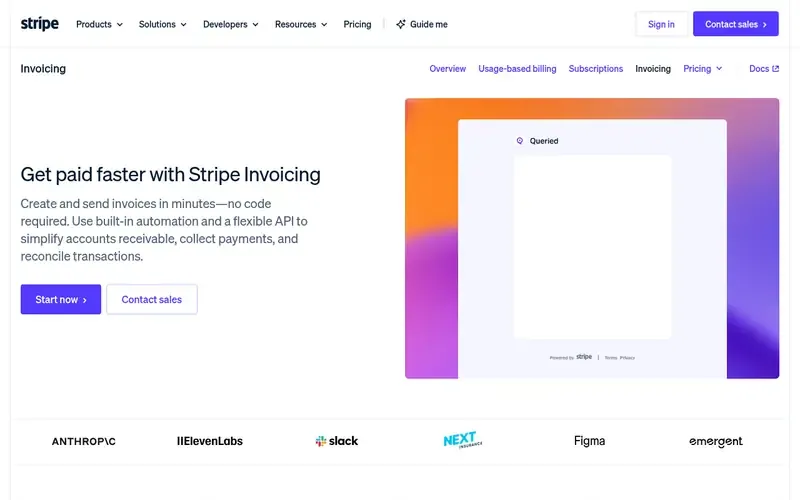
Stripe Invoicing lets businesses create and send invoices online, automate payment collection and reminders, and reconcile payments through the Dashboard or API.
Documented strengths
- No-code invoice creation with branded templates
- Stripe-hosted, mobile-friendly payment page
- Partial payments and installment payment plans
- Automatic matching of incoming bank transfers to invoices
- Many languages and currencies
Documented limits
The vendor documents the product for startups through enterprises, with features such as accounts receivable aging charts and ERP sync. Very small teams should check which of these they will use.
- Who it is for
- Micro-businesses that want hosted payment pages and an API
- Platforms
- Stripe Dashboard and API
- Pricing
- See the vendor's own pricing page for current plans and costs. stripe.com
- Facts checked
- 21 November 2026
Why it is placed here: It closes the list because it is documented for businesses of all sizes and centres on payment collection and reconciliation, which goes beyond what a very small business needs for basic invoicing.
Sources
- Invoice Ninja: invoiceninja.github.io (21 Nov 2026)
- Wave: waveapps.com, waveapps.com/about-us/about (21 Nov 2026)
- Zoho Invoice: zoho.com/invoice (21 Nov 2026)
- Invoicely: invoicely.com, invoicely.com/about, invoicely.com/features (21 Nov 2026)
- Paymo Invoicing: paymoapp.com, paymoapp.com/complete-feature-list (21 Nov 2026)
- Stripe Invoicing: stripe.com/invoicing, stripe.com/about, stripe.com/products (21 Nov 2026)
Related guides
How we compiled this
We looked at how well each tool fits the job of sending professional invoices as a very small business. That meant checking which invoicing functions are documented (invoices, quotes or estimates, recurring billing, reminders, online payment), how much else the tool bundles, and which platforms it supports. We also noted who each vendor says the product is for, so that a tool built for large finance teams is not presented as a side-hustle tool without saying so.
All facts come from official vendor pages, checked on the dates we recorded them. The order reflects editorial fit for this use case, with broad, self-contained invoicing coverage first and tools that lean on time tracking, project management or a payments platform later. It does not say one tool is better overall. The list is built from documentation, not from product trials, so check the vendor's site for current details and for pricing.
Order used: Ordered by how much invoicing functionality is available at the free or entry tier, most generous first.
Common questions
What should a micro-business look for in an invoicing tool?
Look for the basics the vendor documents: invoices or estimates, recurring billing, payment reminders and online payment. Then check the platform support (web, mobile or self-hosted) and whether the tool bundles extras such as time tracking, accounting or payroll that you may not need.
Which tools here can turn tracked time into invoices?
Invoicely converts tracked tasks, expenses and trips into invoices or estimates. Paymo converts unbilled time into invoices, and Zoho Invoice supports timesheets for billing project hours.
Can I self-host an invoicing tool?
Invoice Ninja documents self-hosting using CLI, Docker or a manual install, and it also offers a managed cloud platform. The other tools on this list are described as online or cloud services.
Which invoicing tools have mobile apps?
Wave, Zoho Invoice, Invoicely and Paymo document iOS and Android apps. Stripe Invoicing's official page describes a mobile-friendly payment page for customers, and Invoice Ninja's facts do not mention a mobile app.
Where can I find pricing for these tools?
Pricing is not covered on this page. Each vendor's own pricing page is the place to check current plans.
The editorial order is unpaid. A vendor can buy one labelled featured slot per guide, but it gets the same fact check as everyone else and cannot alter or remove a competitor's entry. Guidehurst is independent. Product names and logos belong to their respective owners.